Whiteboard
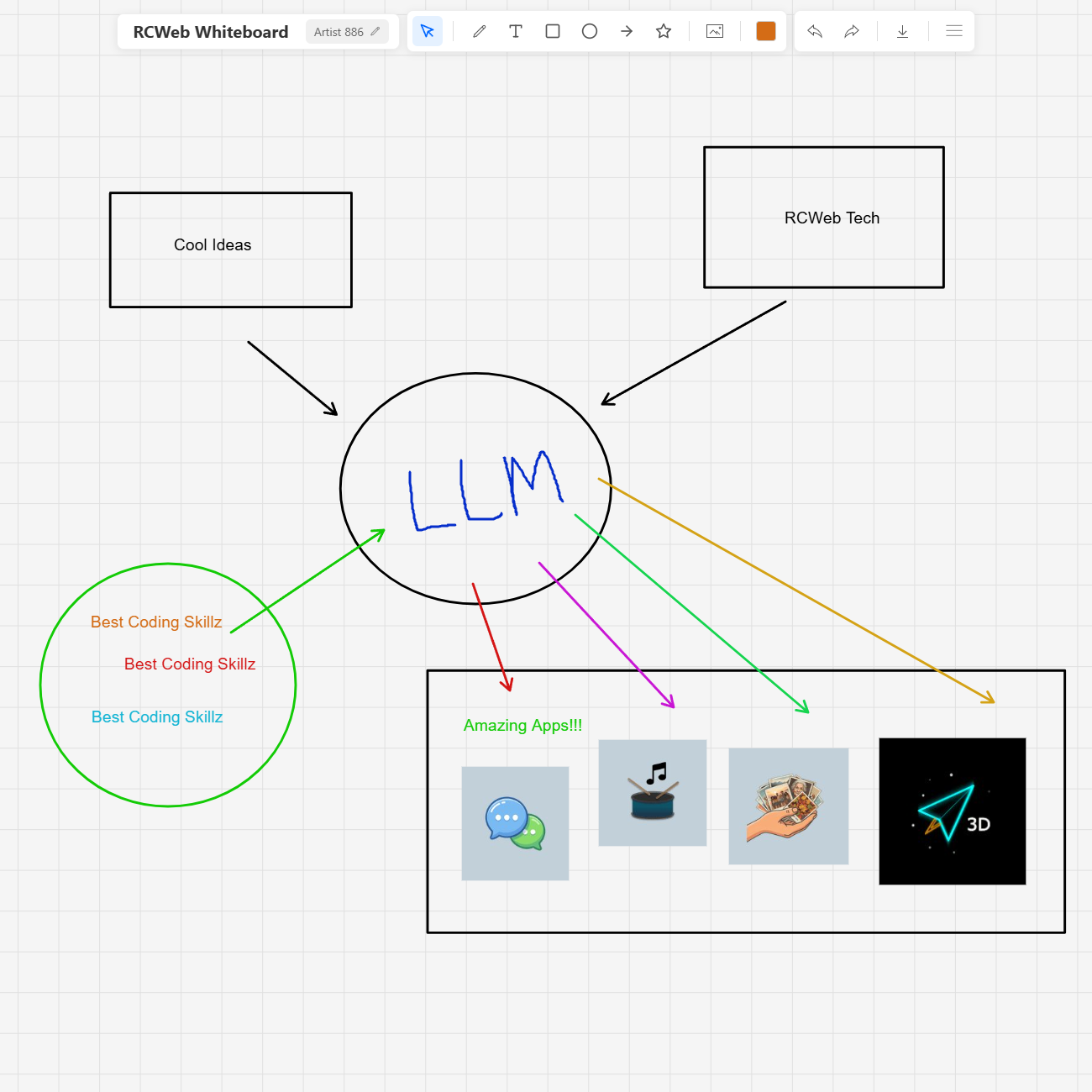
Draw and plan together on a shared whiteboard. Everyone in the room can add marks, text, shapes and images while seeing other people's changes.
Features
- Freehand drawing, arrows, shapes and text.
- Select existing items to move, resize, recolour, edit or delete them.
- Independent panning and zooming for each participant.
- Shared cursor positions and image drag-and-drop.
How to use
Open Whiteboard and invite others using the same room link. Choose a drawing tool and work on the canvas. Use selection to edit an existing item, or drag an image onto the board to add it.
Pan with a middle-mouse drag or use touch gestures on mobile; pinch to zoom. Other people can view another part of the board while you work. Keep the session open while collaborating.
Screenshots