Ectobounce

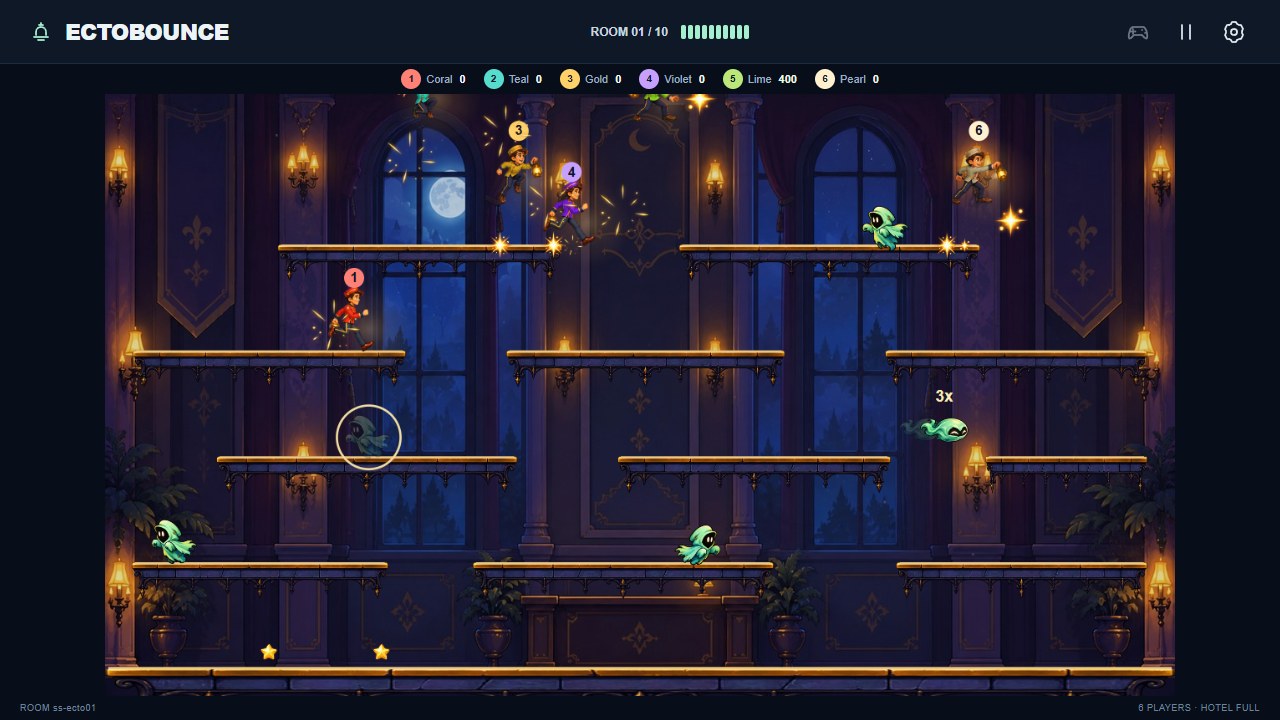
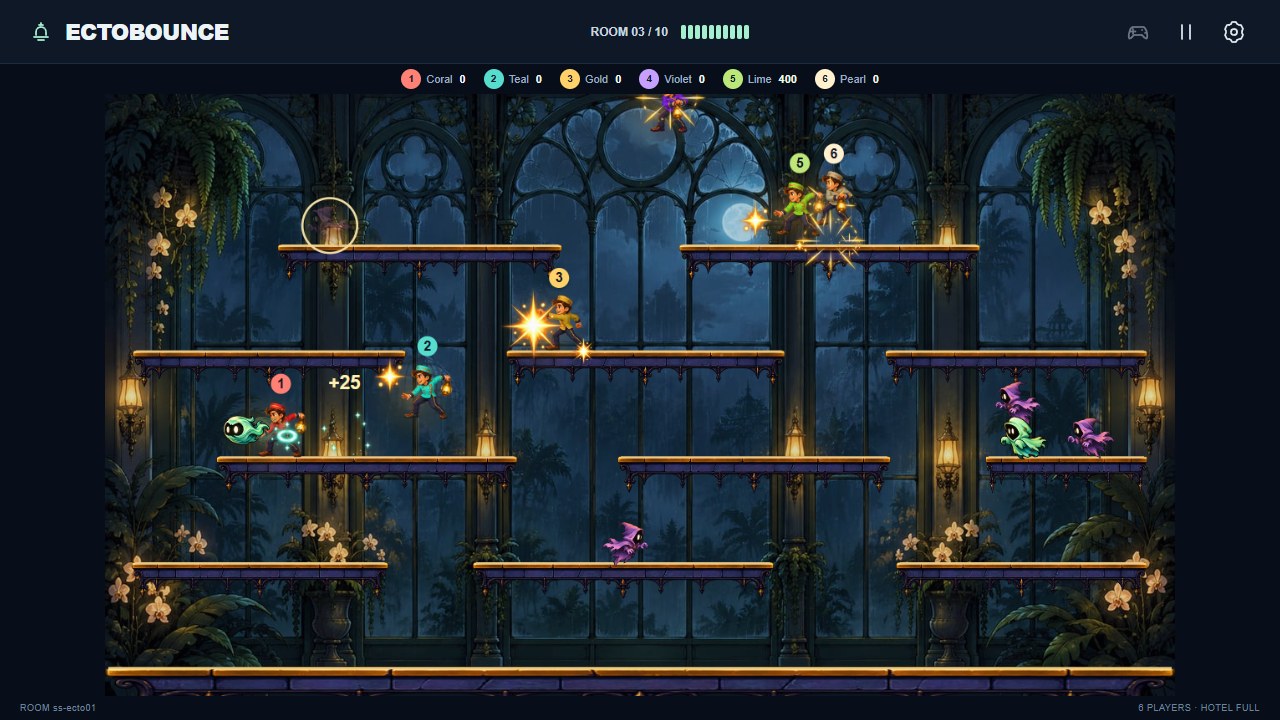
Catch ghosts, pass them to friends and bounce them through a haunted hotel. Ectobounce is a single-screen arcade platform game for one to six players, with local touch/keyboard play or separate phone controllers.
Features
- Ten haunted rooms with different platform layouts and ghost varieties.
- Stun, capture, launch, rebound and teammate passing.
- Shared team spirit, revivals and score chains up to 4×.
- Room-specific music, optional sound effects and lighter graphics for slower screens.
Start playing
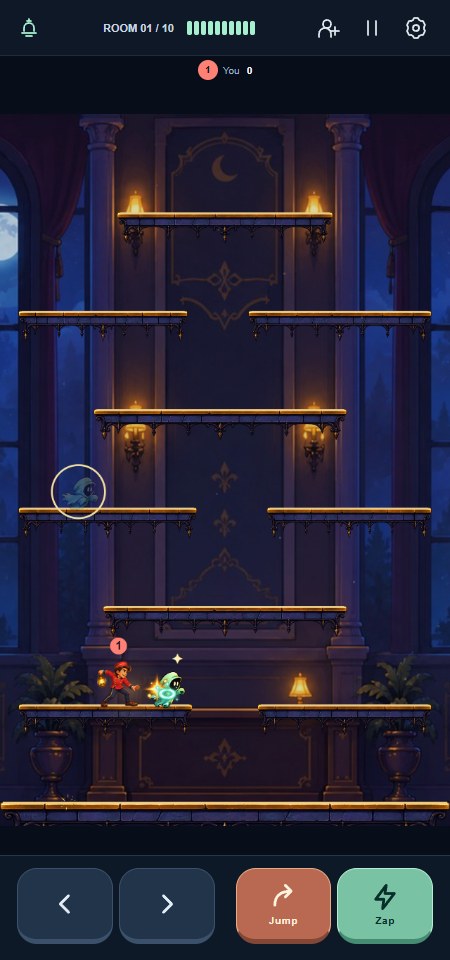
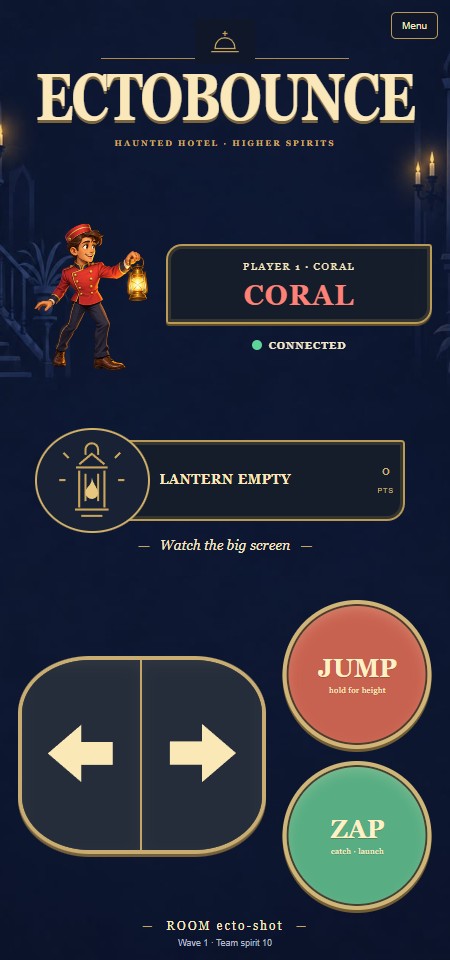
On a phone or touchscreen, open Ectobounce and choose Play here. On a shared display, scan the QR invitation with each phone. The first player is captain and can start from the controller's Menu. Up to six people can join, including one local player; extra phones wait for a space.
Enter Your name in the lobby, Settings or controller Menu. It can be changed without losing your place or score. The illustrated guide appears at first check-in and can be reopened later.
Catch and launch
- Move left or right to face a nearby ghost.
- Press Zap to stun it, then touch it with an empty lantern to capture it.
- The same button becomes Launch. Fire within five seconds to hit other ghosts or bounce off a wall.
- An empty-lantern teammate can catch your shot and pass it onward. Passes alone do not earn points; successful chains can reach 4×.
Hold Jump for more height and release for a shorter hop. Clear all ten waves before the team-spirit meter runs out. New players can enter during a wave with brief protection.
Spirits and rescue
When you become a spirit, Jump and Zap change to Up and Down. Fly toward a teammate, including through platforms, so they can touch you to revive you. Otherwise you return automatically within five seconds.
Keyboard and display controls
Press K on the main display to join at any time if a place is available. Arrows or A/D move, Space/Up/W jumps, and X/Z zaps or launches. In spirit form, Space flies up and X/Z flies down. Local keyboard and touch controls share one player place.
The toolbar offers invitations, pause and Settings. On narrower screens Invite players opens the QR panel. Rotate during a wave without losing the match; the arena adopts its new arrangement between waves.
Sound and another game
Open Settings → Enable sound on the display, or press Enter there. A phone controller cannot unlock the display's audio. Music and effects have separate switches; slower devices may show Preparing sound… before playback is ready.
After victory or defeat, any joined controller can select Play again. A quick controller reconnect retains its place for a short time. A full reload of the main viewer starts a new lobby.
Screenshots