RCWeb Maze
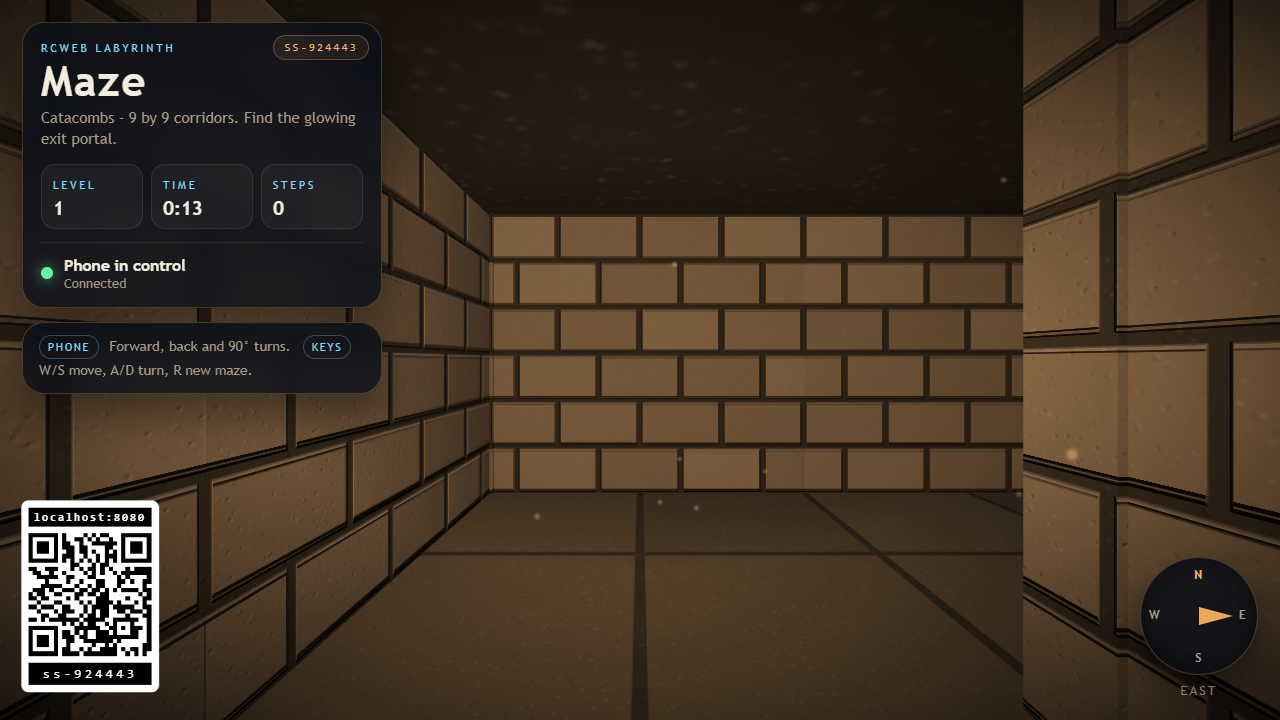
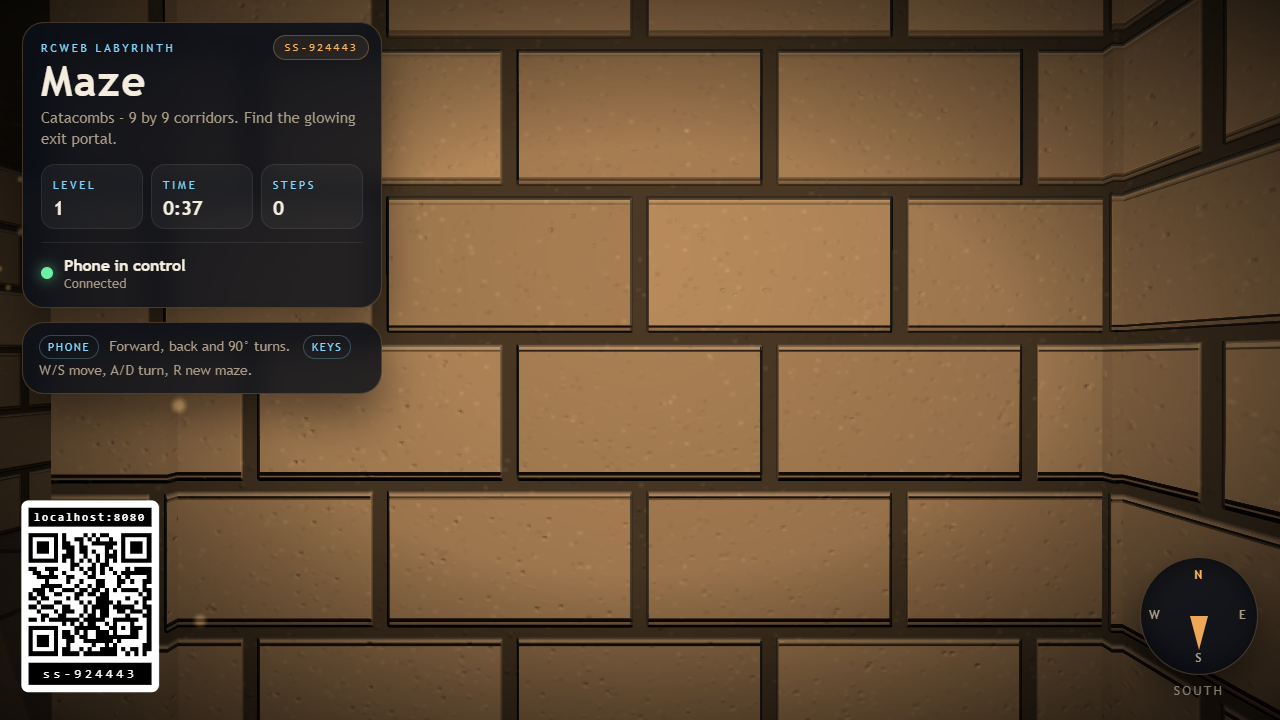
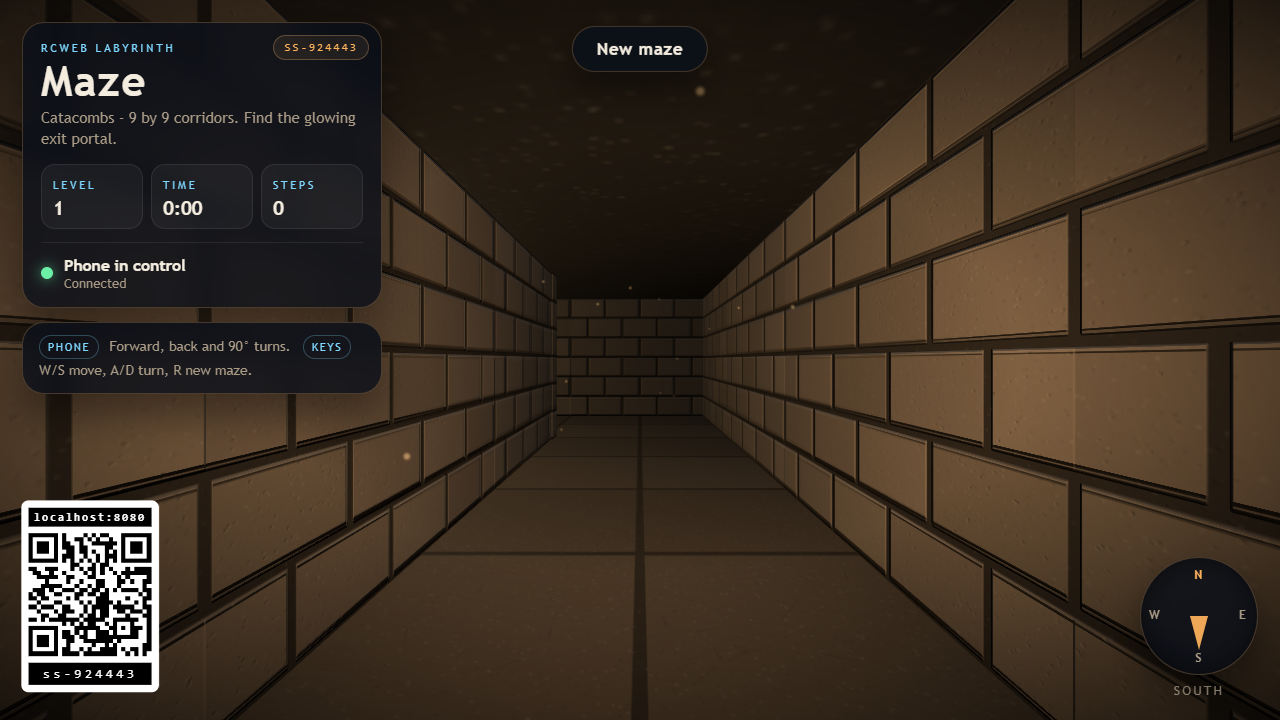
Maze is a first-person 3D labyrinth for an RCWeb display. The screen shows a torchlit stone maze with torchlight and stone corridors, and a phone running the companion maze-c controller walks the player through it while drawing a live 2D map of the route walked so far.
Open /maze/?r=<room> on the display and scan the on-screen QR code to join the same room from a phone.
Features
- Explore growing mazes across five visual themes.
- A phone map that reveals the route you have walked.
- Time and step counts for each level.
The game
Every level is a freshly generated labyrinth. The player starts in one corner and has to find the glowing exit portal set into the outer wall, which is always a long walk away through the corridors. Reaching it clears the level, shows the time and step count, and builds a bigger maze.
- Level 1 is a 9 x 9 grid of corridors. Each level adds a ring of corridors up to a 21 x 21 maze.
- Mazes contain loops and alternative paths, so there is more than one way around.
- Each level uses a different theme: Catacombs, Ice Vault, Ember Mine, Verdant Ruin, and Void Temple, then the cycle repeats with larger grids.
- Time and steps are tracked for each level and shown on the display and on the phone.
Movement
Movement is deliberately simple, because the player is steering a first-person camera from a phone.
- The player always walks along the centre line of a corridor, one square at a time.
- Forward and back move smoothly between squares with acceleration, head bob, and a soft stop at the next square centre, so holding forward produces continuous walking rather than a stutter step.
- Turns snap to 90 degrees and are animated over a quarter of a second. Holding a turn button keeps rotating in that direction.
- Turning while walking is allowed: the step in progress finishes along its original corridor while the view rotates, which reads as cutting the corner.
- Walking into a wall gives a short bump, a thud, and a
Wall aheadmessage on the phone.
Controls
- Phone:
Forward,Back,Turn left, andTurn rightare hold-to-act buttons onmaze-c. - Display keyboard:
W/Swalk,A/Dturn,Rbuilds a new maze.
Screenshots