Geometry Dash Control
Use one large button to guide the runner on the shared Geometry Dash display.
Features
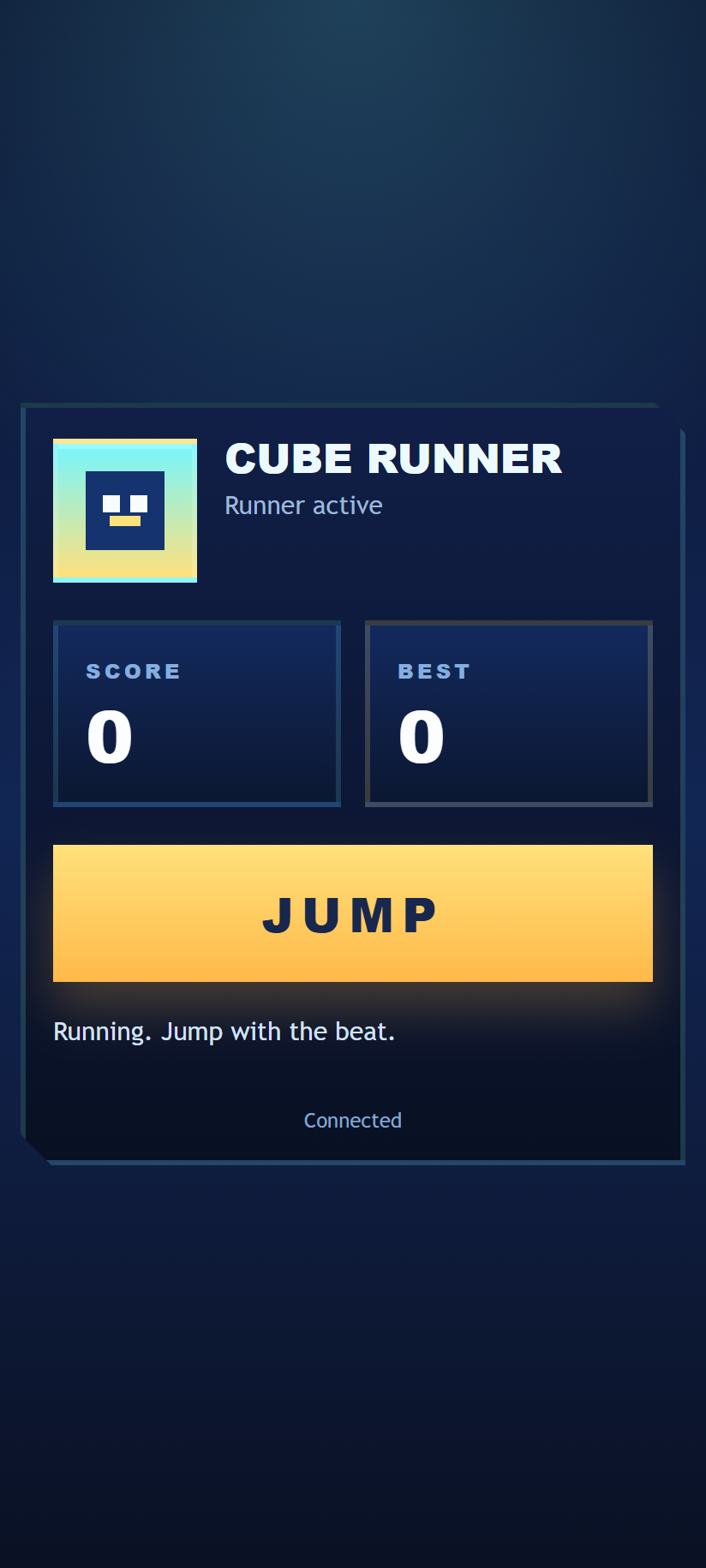
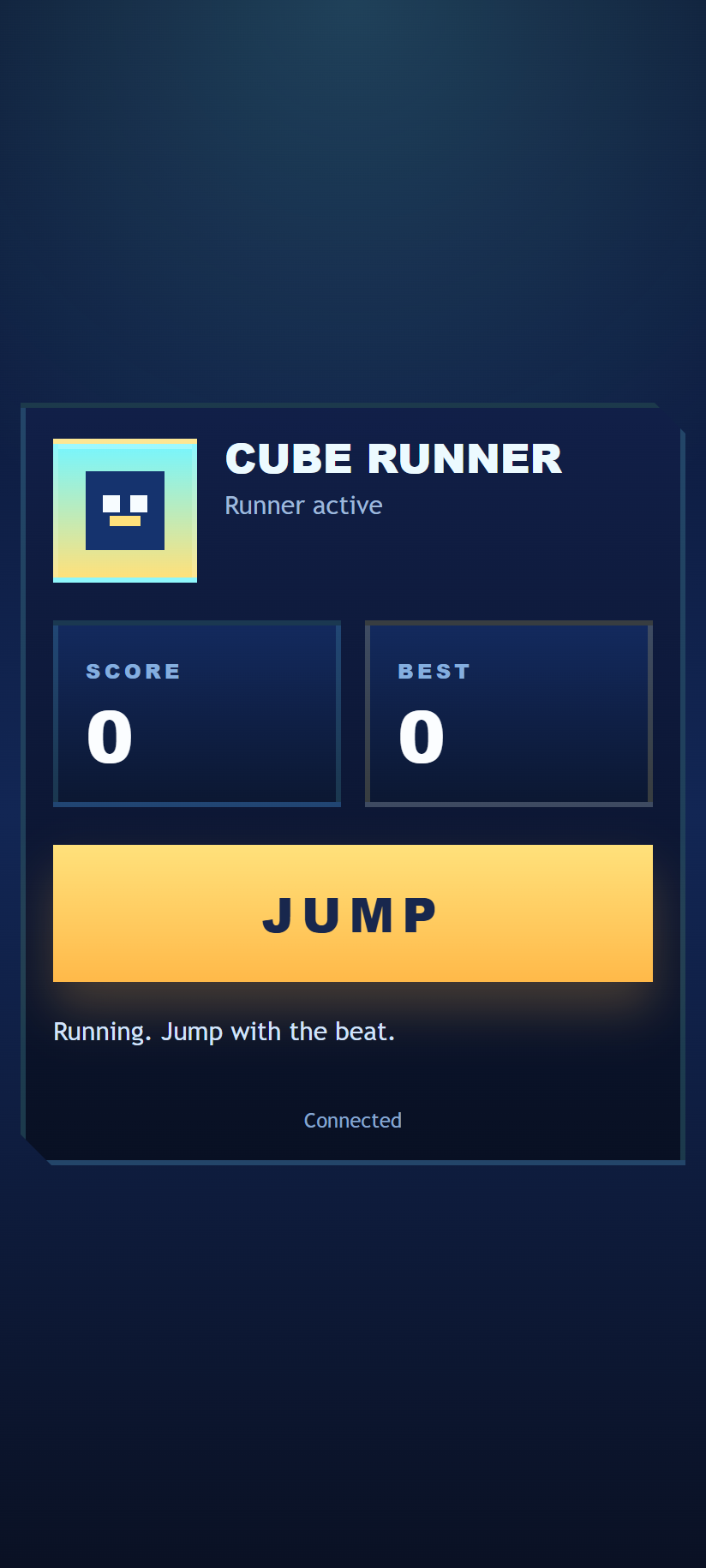
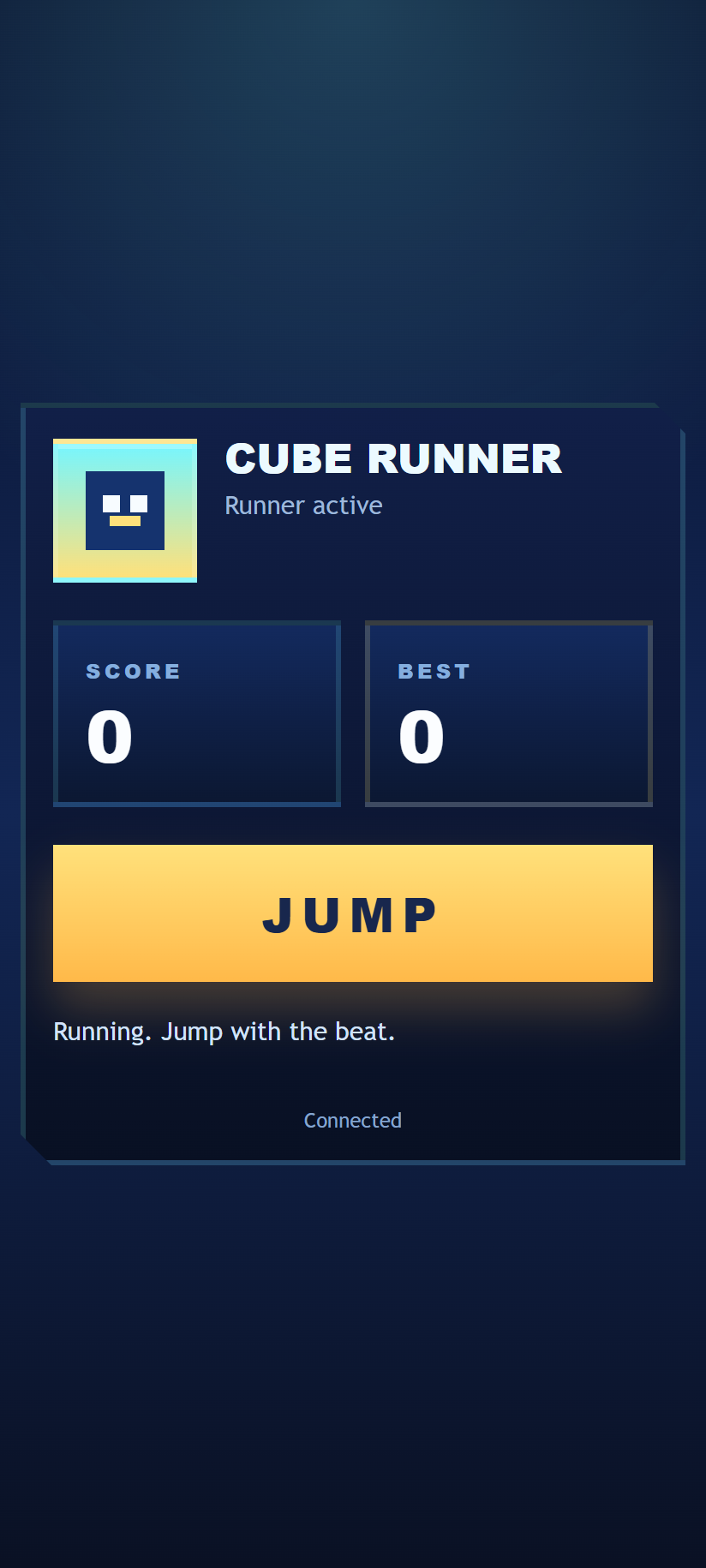
- Tap to take control and jump.
- Live score, best score and playing/crashed feedback.
- Easy turn-taking between phones.
- Vibration and short sounds on supported devices.
How to play
- Open Geometry Dash on the main display, then scan its QR code.
- Tap the large button to take control and make the opening jump.
- Tap again to jump over spikes and between platforms. Watch the main display for the course ahead.
- If you crash, wait for the game to restart before trying again.
One phone controls the runner at a time. If another player takes control, your phone returns to its join state. Tap again when it is your turn.
Screenshots