RCWeb News Control
News Control is the phone-friendly companion to the news viewer. It shows what is currently on the display, lets you cycle through the loaded screens, and reconfigures which categories the viewer will pull from thenewsapi.com.

Screenshot
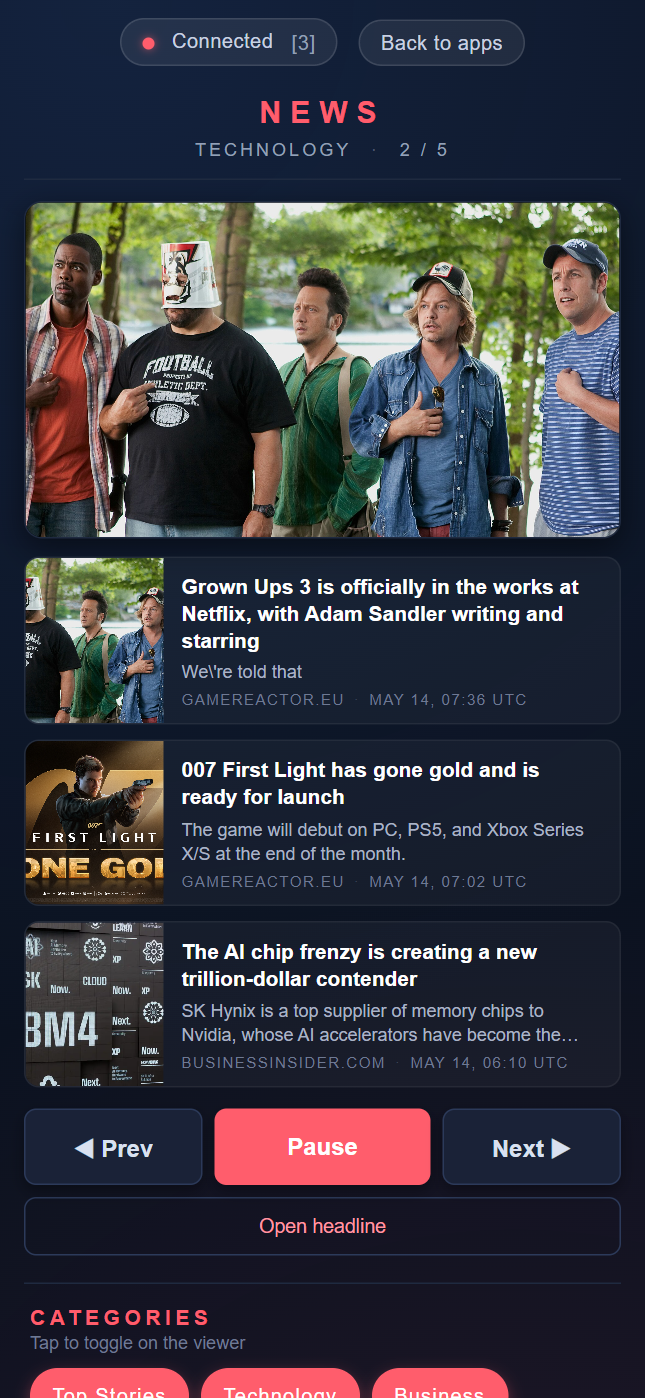
Features
- Shows a thumbnail of the current screen's hero article
- Lists every article on the current screen with title, snippet, source and timestamp
- Provides large touch buttons for Prev, Play / Pause, and Next
- Provides a tappable category grid; toggling a category instantly reconfigures the viewer
- Provides a Refresh headlines action that pulls a fresh batch on the viewer
- Includes a link to the current hero article
Join and use
Scan the QR code on the News display. Tap categories to change the stories, use Prev, Play/Pause and Next to browse, or Refresh headlines to update the selection. Follow an article link to read the story.