Bubblewrap Controller
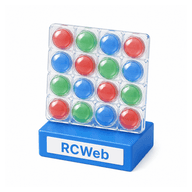
Pop bubbles on your phone to claim them on the shared Bubblewrap board. Fill the sheet with your colour before another player takes it back.
Features
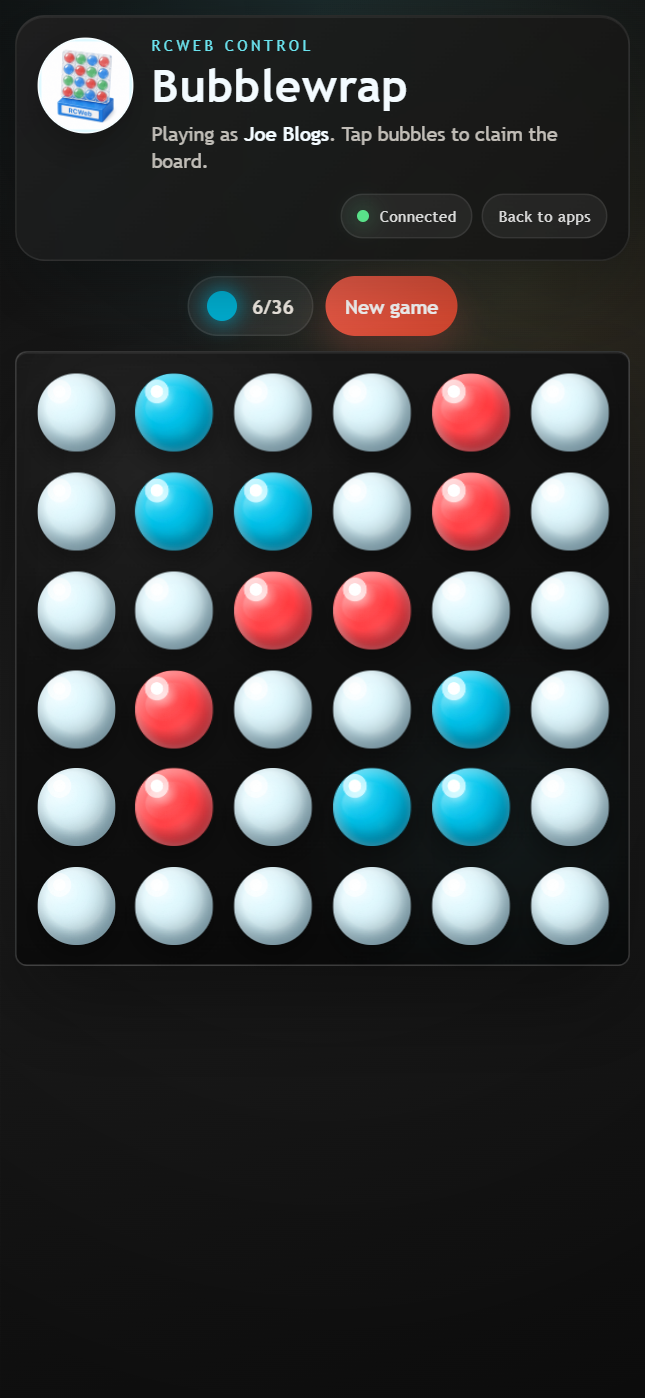
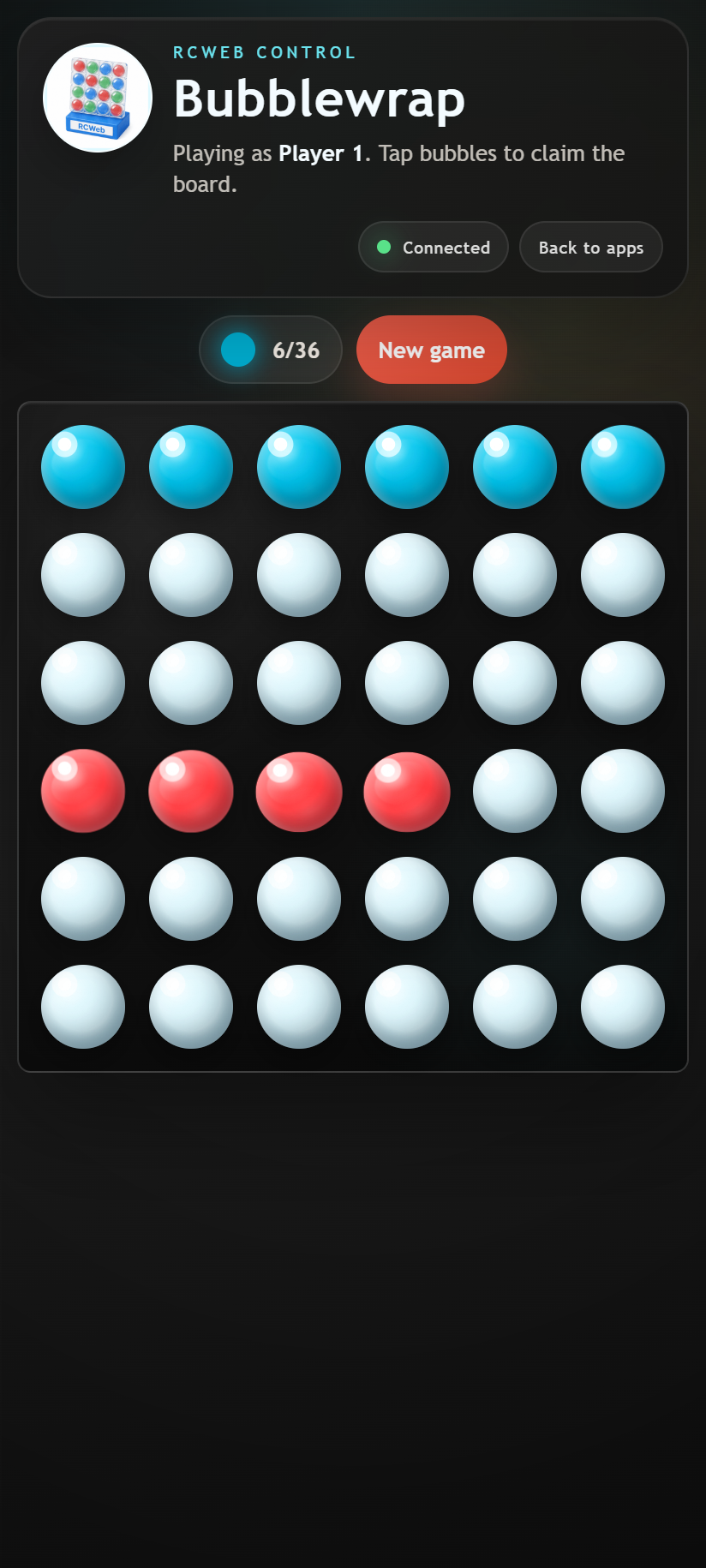
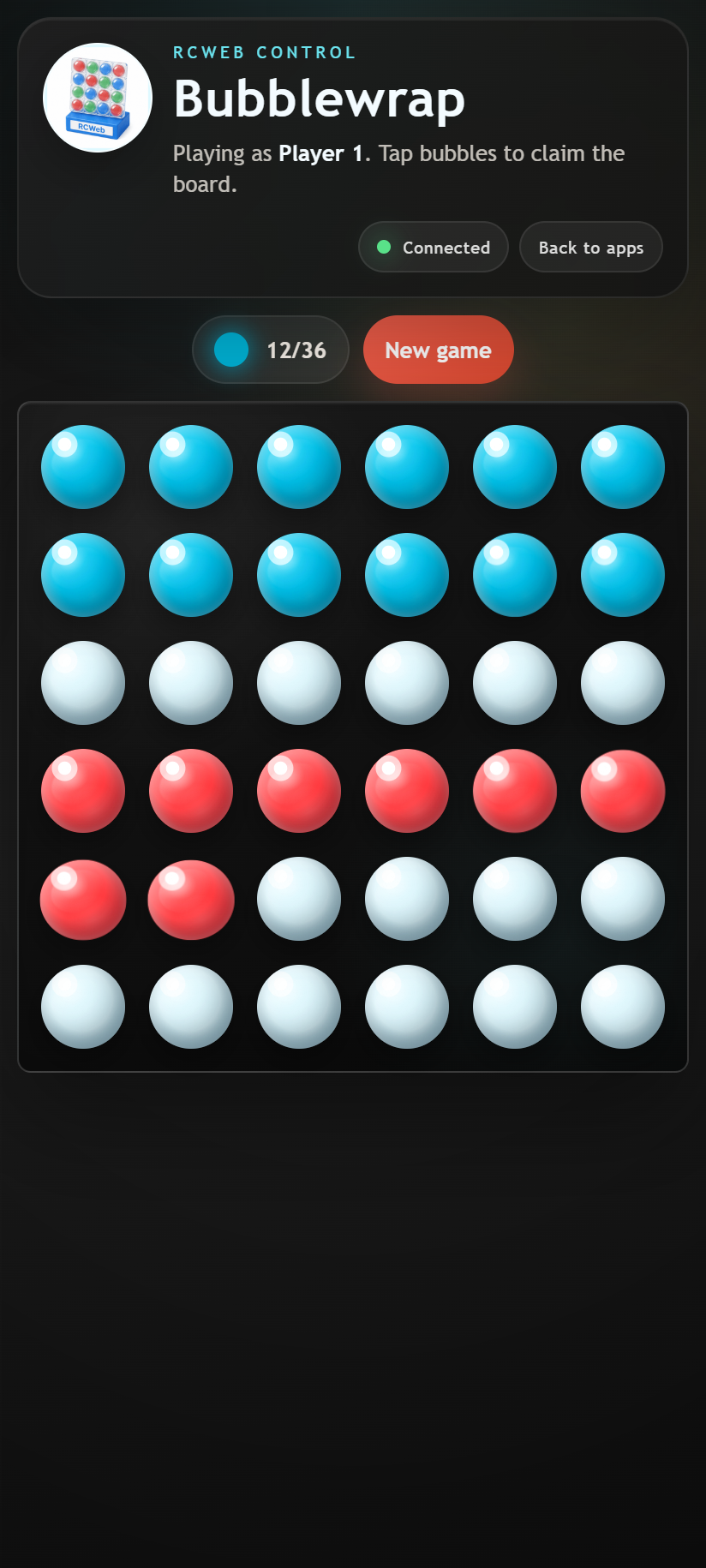
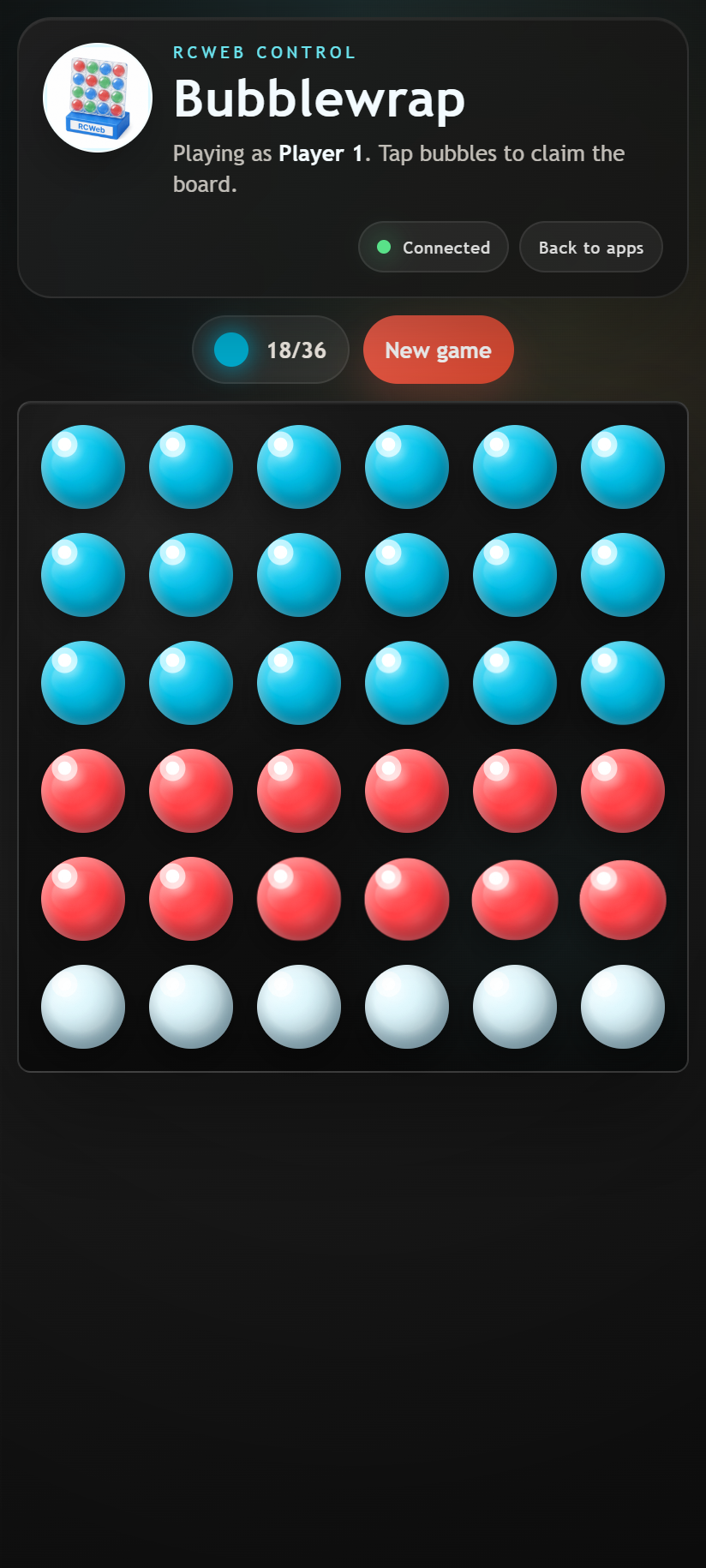
- The same 6 × 6 grid shown on the main display.
- Your assigned colour and current ownership score.
- Live changes as other players claim bubbles.
- New game and Back to apps controls.
Join and play
- Keep Bubblewrap open on the main screen.
- Scan its QR code to open this controller in the same room.
- Wait for your player colour, then tap bubbles to claim them.
- Tap another player's bubbles to change them to your colour.
Your score counts bubbles you currently own, not how many taps you have made. Own all 36 bubbles at once to win. The round stops when a winner is announced.
Another round
Tap New game to reset the shared board for everyone. Players stay joined, ready to start again. Back to apps returns this phone to the same room's app list.
If the phone says it is waiting for the display, check that the main Bubblewrap screen remains open and both devices are in the same room.
Screenshots