Angry Birds Control
Turn your phone into a slingshot for Angry Birds on the main screen. Aim with your finger, adjust the power and release to launch your bird.
Features
- A large touch area for aiming and firing.
- Live power, score and shot-status feedback.
- Your assigned player colour and saved RCWeb name.
- Reset to rebuild the shared level for everyone.
Join and launch
- Keep Angry Birds open on the main screen.
- Scan its QR code to open this controller in the same room.
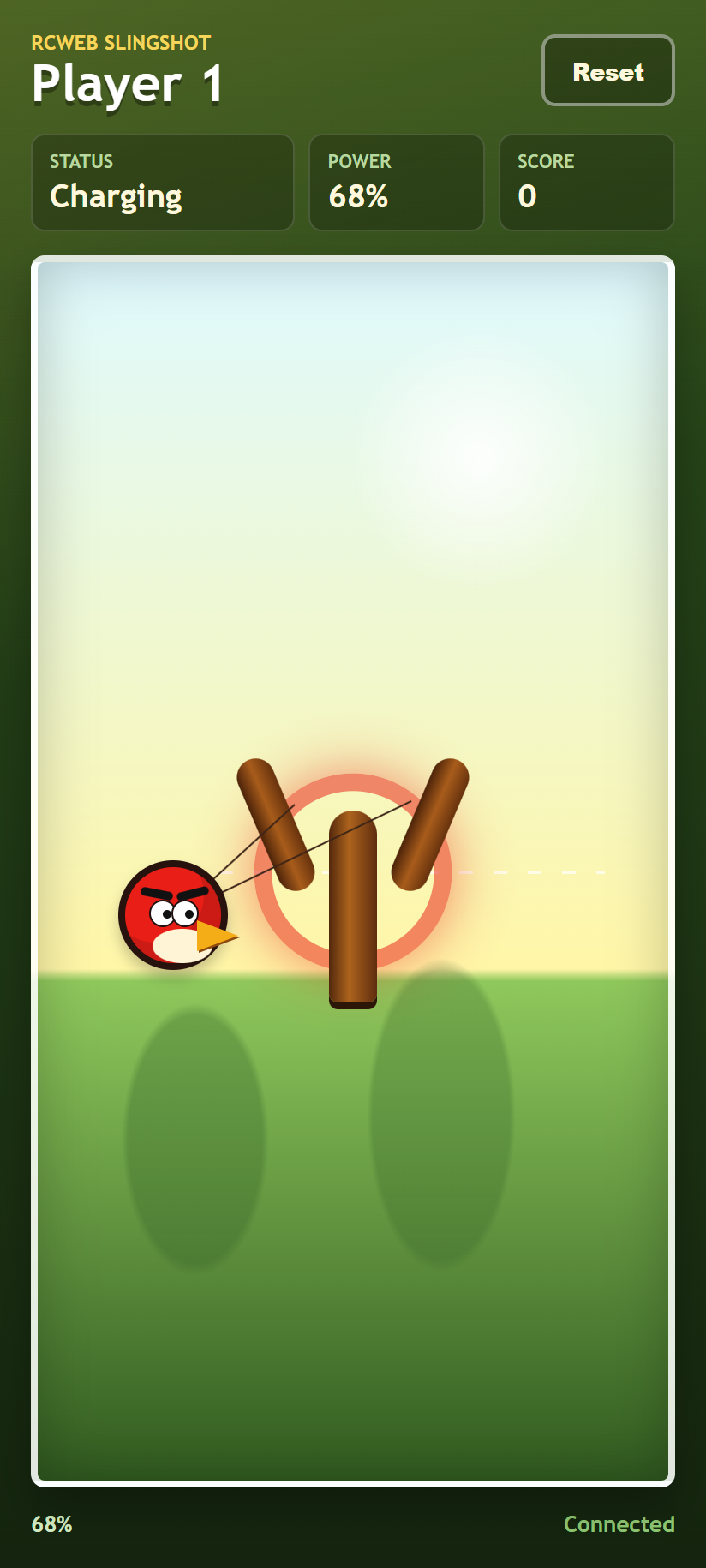
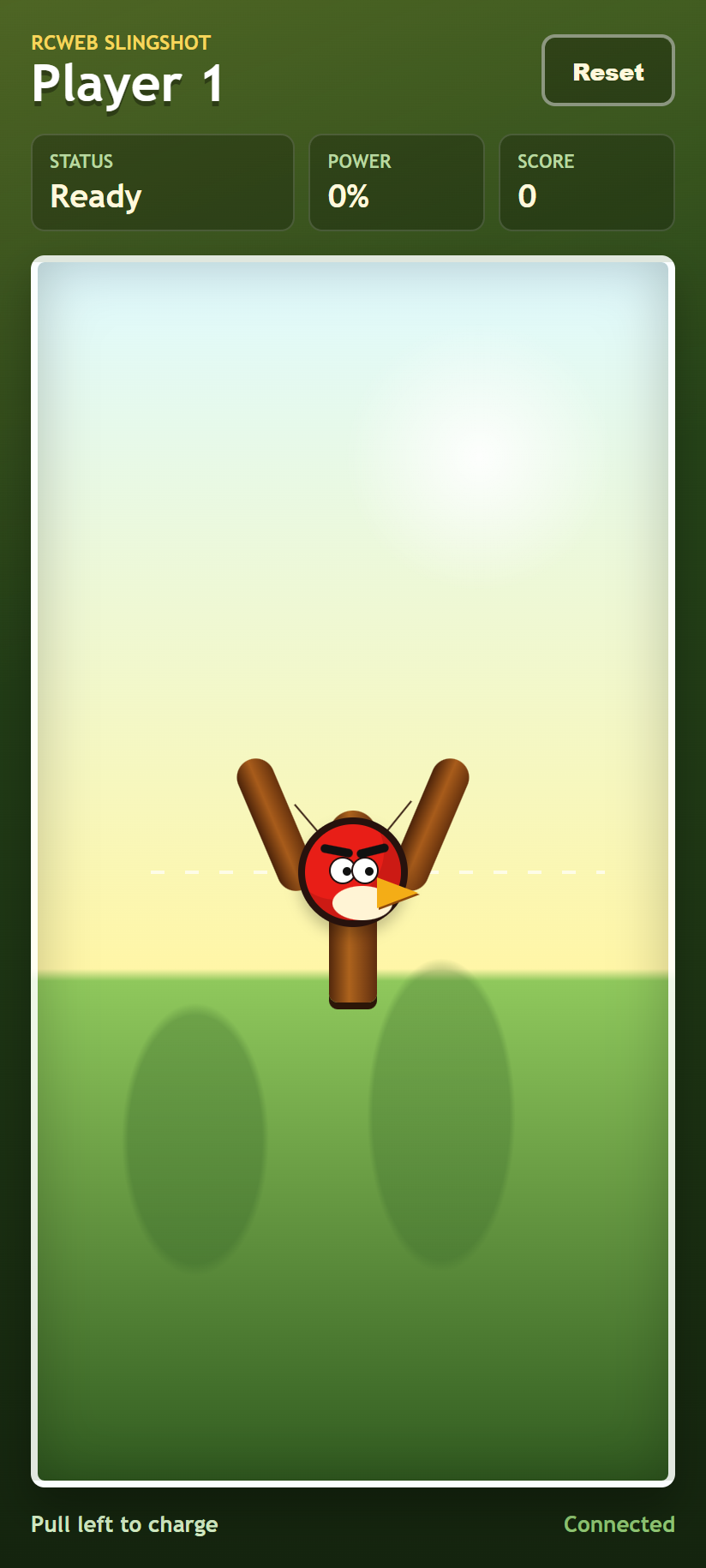
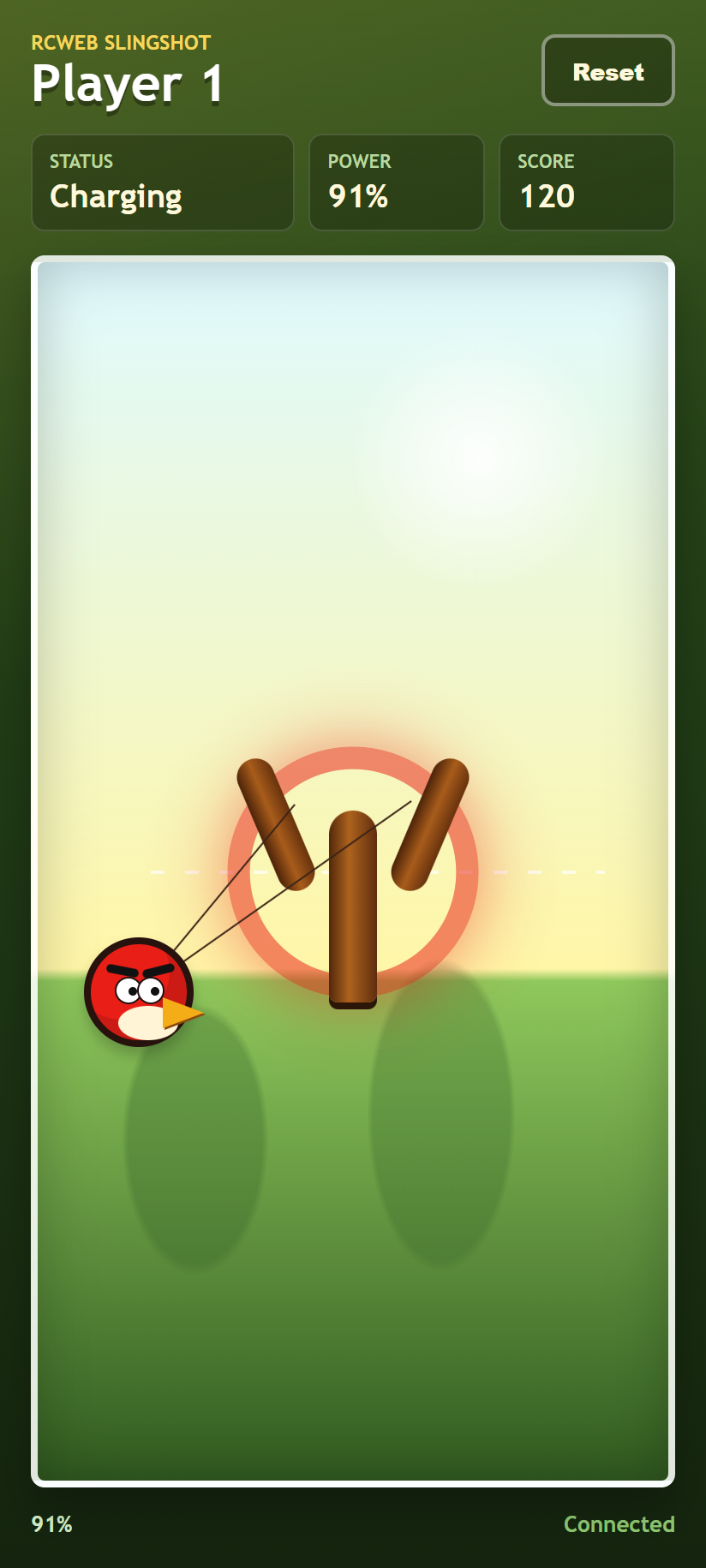
- Touch the slingshot area and pull left. The power reading rises as you pull farther.
- Pull down for a higher arc or up for a lower shot.
- Release to launch, then watch the tower on the main screen.
A brief reload prevents shots from firing too quickly. If you see Too soft, pull farther left before releasing. If you see Connecting, check that the main game is still open in the same room.
Playing from a computer
You can also use this controller in a desktop browser: Left arrow prepares a preset shot, Shift + Left arrow prepares a lower one, and Space or Enter fires it.
Reset the level
Reset affects the shared game, including all players' scores and shot counts. It is useful once the room wants to rebuild the tower and try again.
Screenshots