Tilt Maze Control
Tilt your phone to guide the marble on a shared Tilt Maze display.
Features
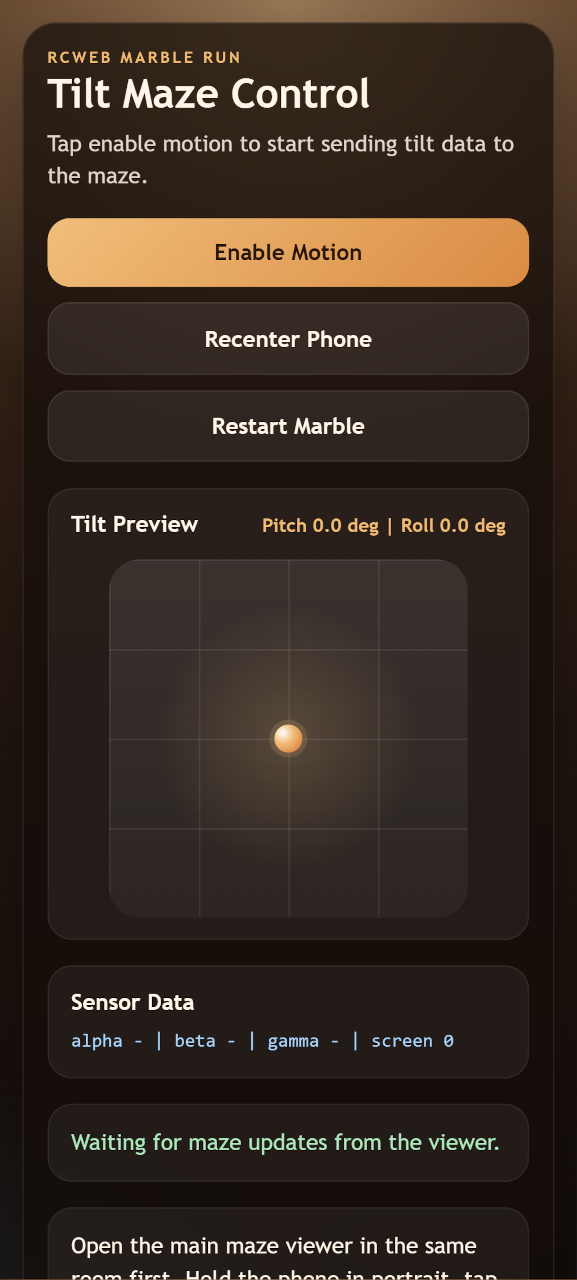
- Motion-based board control.
- A live tilt preview.
- Recentring, marble restart and manual tilt fallback.
How to use
Scan the display's QR code. Hold your phone in portrait and tap Enable Motion, allowing access if prompted. Hold it comfortably and tap Recenter Phone.
Tilt gently to roll the marble, then ease back towards neutral to slow it down. Restart Marble starts another attempt. If motion is unavailable, hold the on-screen directional buttons instead. If the phone screen rotates, return to portrait and recenter.
Screenshots