RCWeb Audience Q&A
qanda is the shared display for a live Audience Q&A session. It shows the five highest voted audience questions and updates as phone controls submit and upvote questions.
Open /qanda/ on the shared screen. Participants scan the displayed QR code, or open /qanda-c/?r=<room> directly, to join the same RCWeb room from their phones.
Features
- The five most-upvoted audience questions on a shared display.
- Up to 100 questions, with 220 characters per question.
- Phone submissions, changeable upvotes and live ranking.
What The Display Shows
The display is designed for a TV, projector, laptop, or signage screen. It shows:
- A QR code panel that opens
qanda-cin the same room. - The top five questions ranked by upvote count.
- The poster name captured when the question was submitted.
- The upvote count for each displayed question.
- The RCWeb connection state and room client count.
Question Ranking
Questions are ranked by upvote count. Ties are ordered by the time the question arrived at the display, so earlier questions stay ahead until another question receives more upvotes.
The display keeps up to 100 live questions and trims question text to 220 characters. If the limit is reached, controls receive a visible rejection status instead of silently dropping submissions.
Screenshots
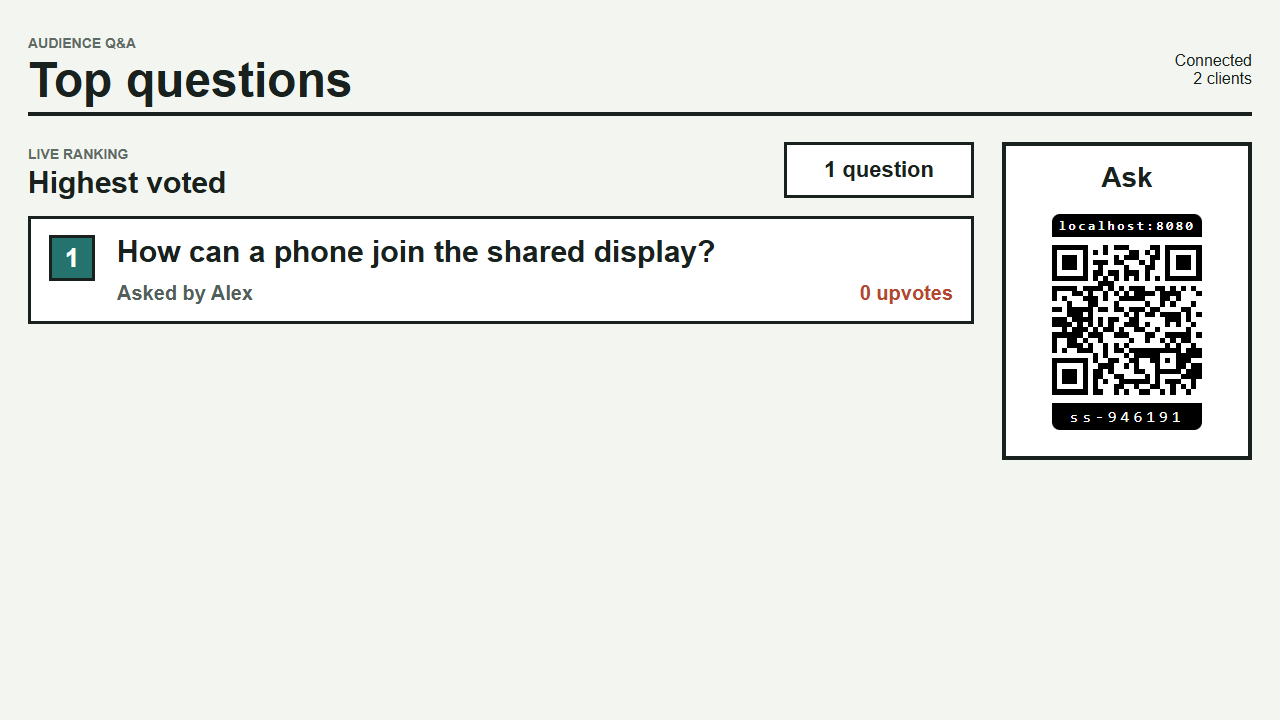
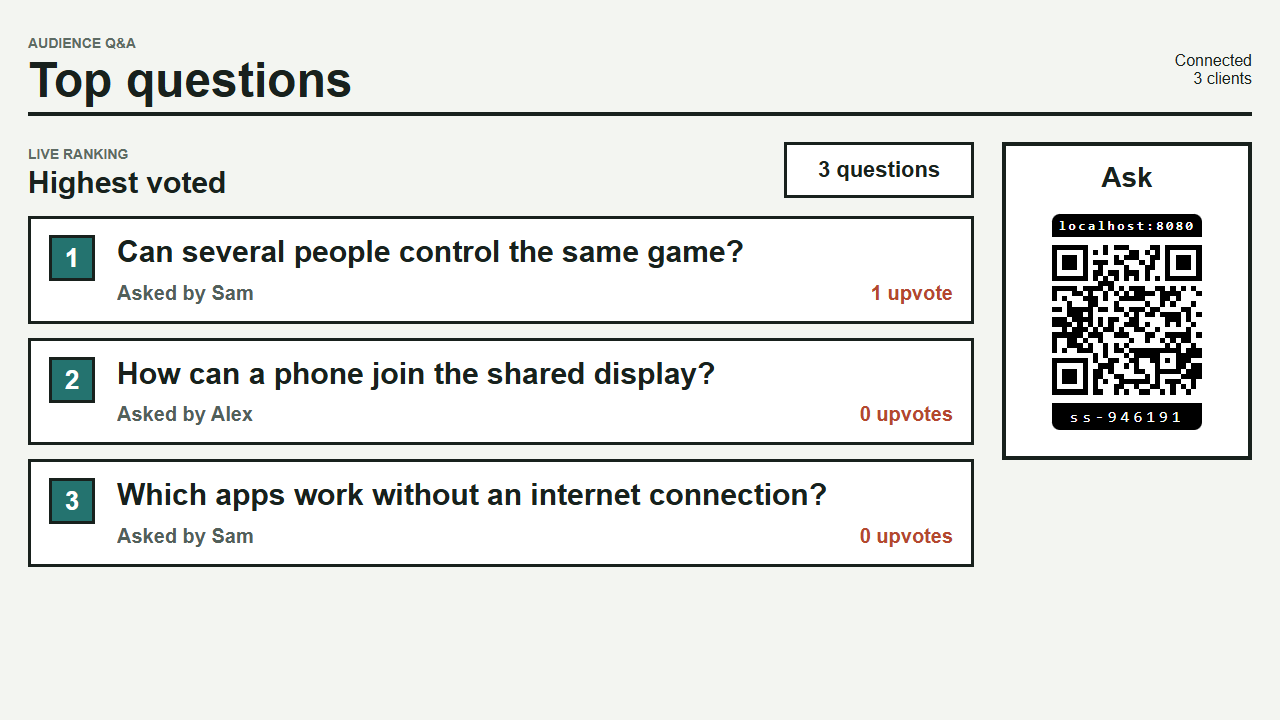
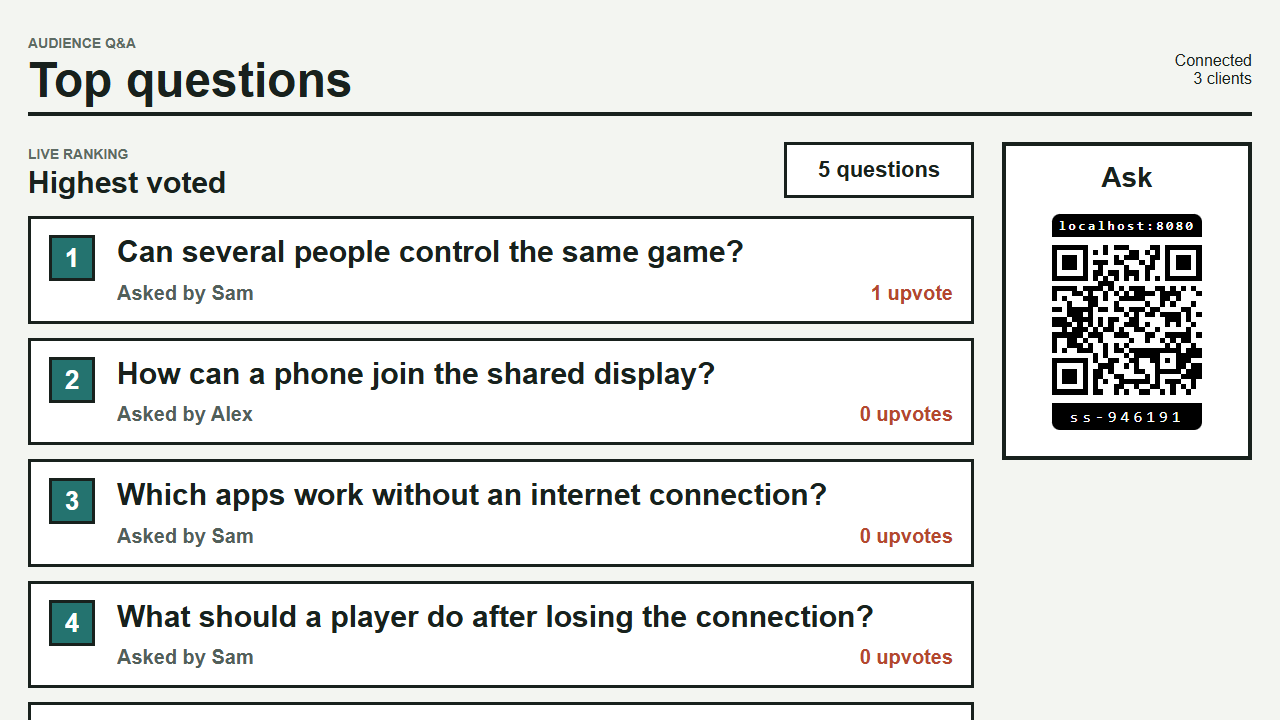
Names, votes and reconnecting
Participants can upvote other people's questions and tap again to remove their upvote. You cannot upvote your own question. Each browser keeps one upvote per question, even when the participant changes their name.
Edit your name on the phone to update it on your existing questions. Reconnecting phones recover the current list while the display remains open. Refreshing the display starts a new Q&A session.