RCWeb Fluid Simulation Controller
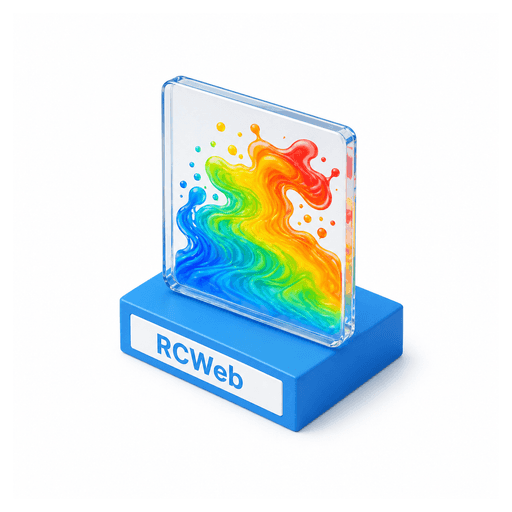
Use your phone to add colourful swirls to a shared Fluid Simulation display.
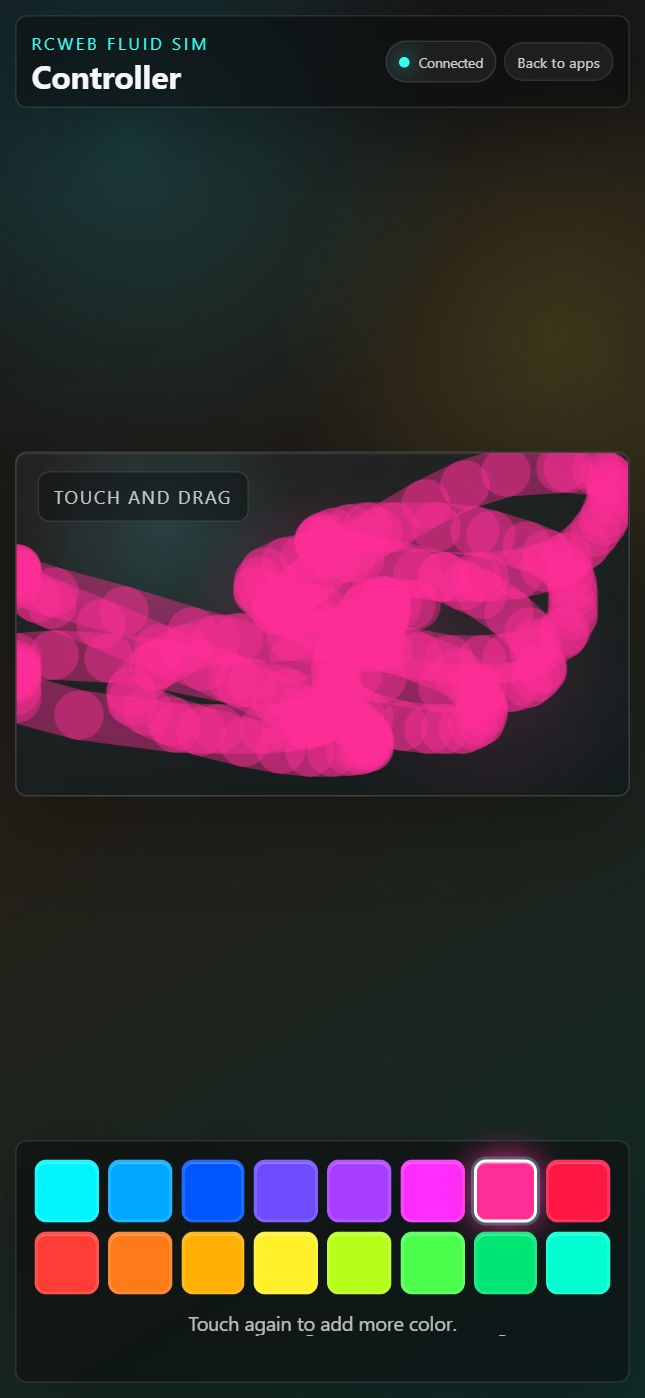
Screenshot
Features
- Touch Swirls: Drag on the controller to send fluid strokes to the shared display.
- Single-Color Swatches: Pick one color from an expanded vibrant palette.
- Momentum Control: Faster finger movement injects more velocity into the display, while slower movement creates soft, relaxing blooms.
- Multi-Touch Friendly: Several fingers on one controller, and many controllers in the room, can add color at the same time.
How to use it
- Open
/fluid-sim-c/from the QR code shown by/fluid-sim/. - Select one of the color swatches.
- Drag inside the touch pad to add color and motion to the main display.
- Use slow strokes for gentle movement, or quicker strokes to push the fluid harder.
The controller automatically follows the aspect ratio of the display so the touch pad maps cleanly onto the main screen. The pad is resized to fit narrow phone screens without horizontal overflow.
Controls
- Color Swatches: Sixteen vivid colors are available. The selected swatch is highlighted.
- Touch Pad: Drag to add colour and motion to the display.
- Status Text: Shows simple connection and interaction feedback.
Choose a colour, then concentrate on drawing: the speed and direction of your fingers shape the flow.