Graffiti
Turn a shared screen into a spray-paint wall. Several people can paint together from their phones, building soft clouds of colour and speckled trails.
Features
- A shared wall for simultaneous painting from multiple phones.
- Paint colour and spray-width controls.
- Touch drawing, plus motion aiming where the phone offers it.
- Coloured aiming crosshairs for motion controls.
- A QR invitation to bring more painters into the room.
How to paint
- Open Graffiti on the shared display.
- Scan its QR code to open Graffiti Control in the same room.
- Choose Paint and adjust Width on your phone.
- Drag on the Draw Pad and watch the spray appear on the wall.
If Enable Motion is available, allow motion access and aim using your phone. Use Re-center to reset the aiming position, then press the draw pad to spray. The crosshair shows where you are aiming.
Clear Canvas clears the shared wall for everyone, so use it when the group is ready to start a new picture. Keep the display open to preserve the current painting.
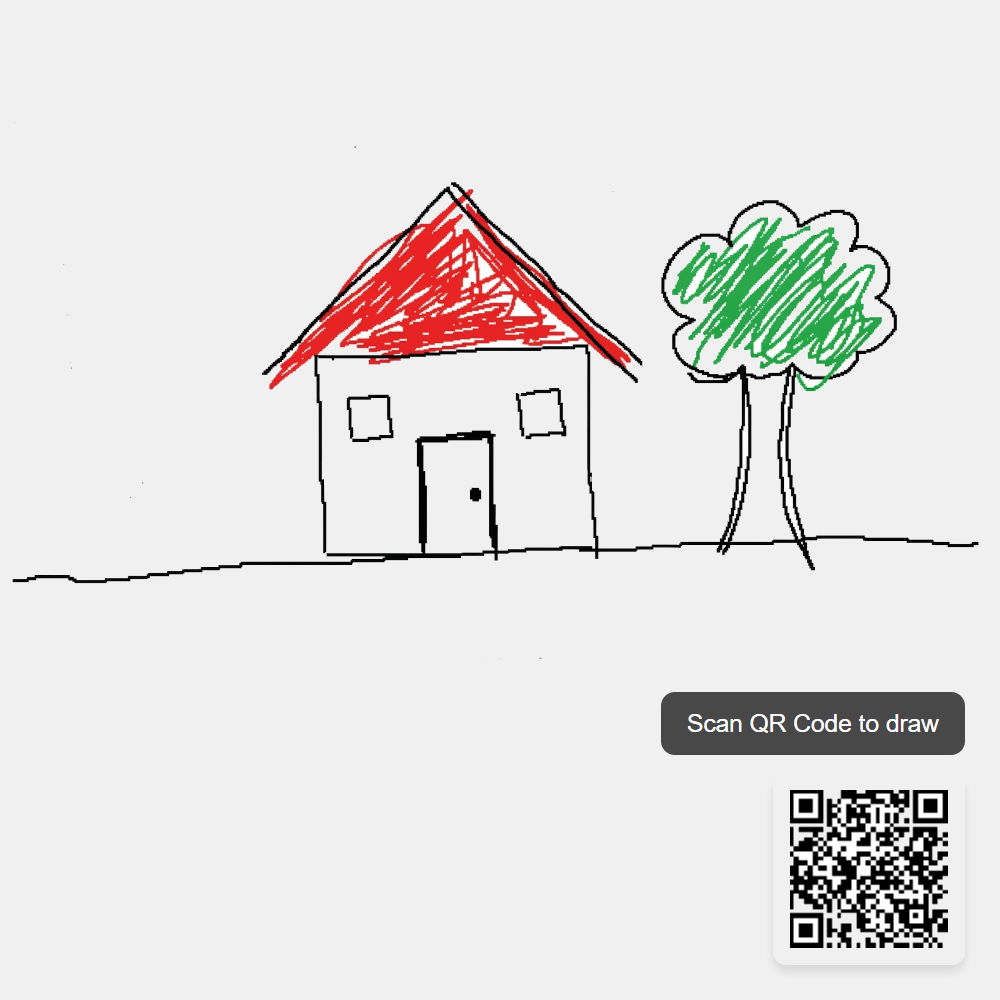
Screenshots