Pixel Art
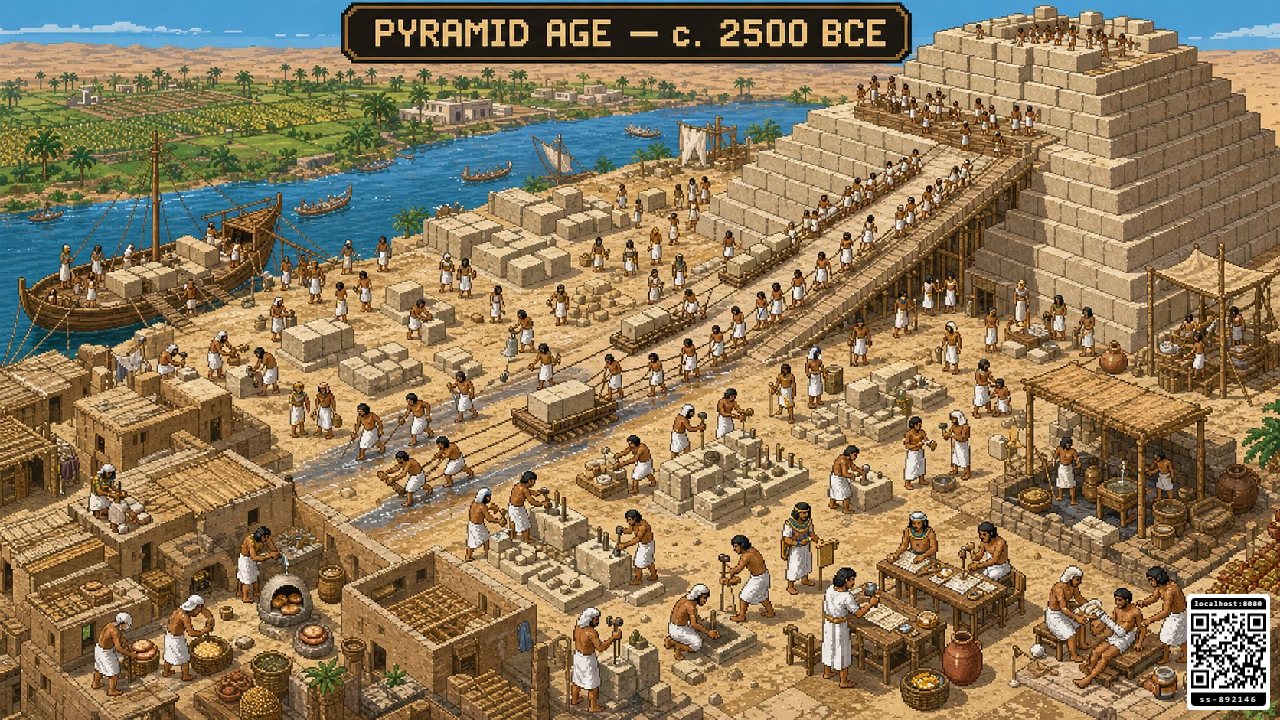
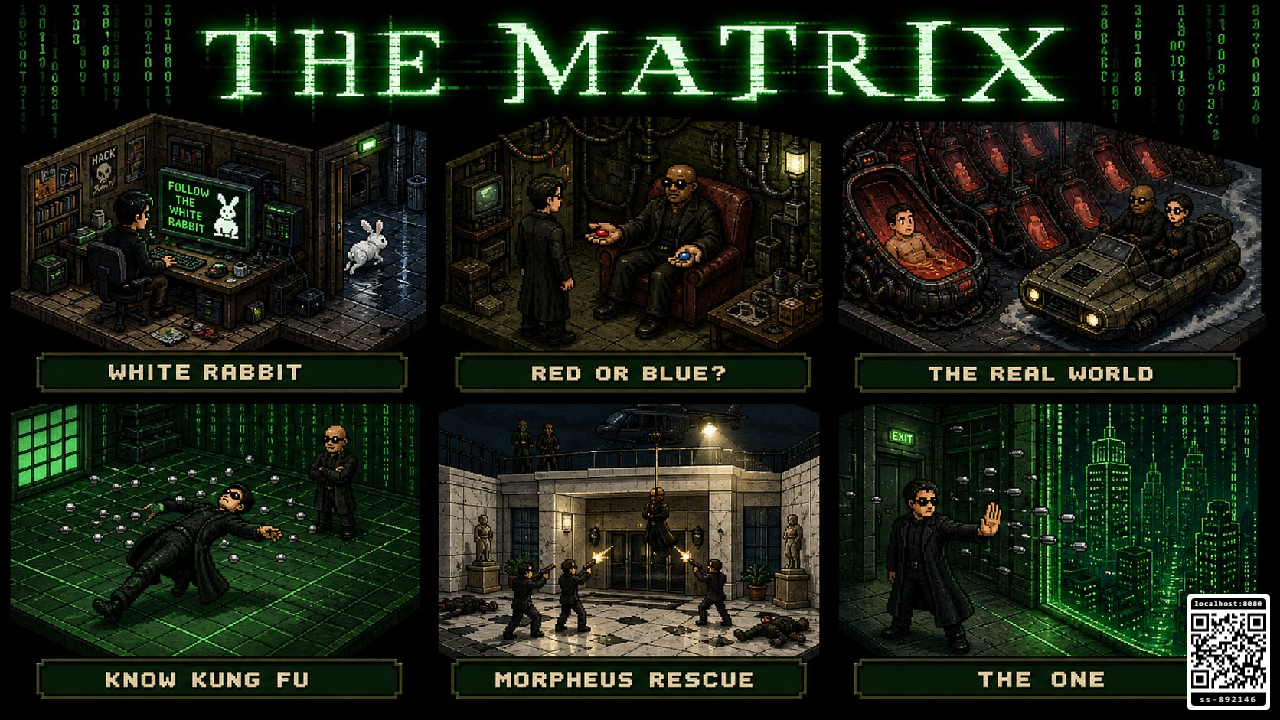
Pixel Art turns a TV, monitor, projector, or browser into a fullscreen gallery of colourful pixel-art scenes.
Getting started
- Open
/pixelart/on the screen where you want to show the artwork. - Scan the QR code with a phone, or open
/pixelart-c/in the same RCWeb room. - Choose a gallery from the phone controller.
- Let the slideshow play automatically, or use the controls to pause and browse at your own pace.
Features
- Fullscreen, distraction-free pixel-art presentation.
- Themed collections including travel, science fiction, and other curated scenes.
- Automatic playback, with a new image shown every 12 seconds.
- History selected as the first-run gallery.
- The current gallery, image, playback state, and QR preference restored after refresh.
- Previous, next, pause, play, gallery, and individual image controls from a phone.
- Compact previous, play/pause, next, and fullscreen controls on the display itself.
- Left/right arrow-key navigation and a space-bar play/pause shortcut.
- Viewer QR visibility controlled from the phone app.
- Automatic state sharing, so a newly opened controller shows the current gallery, image, and playback status.
- Layouts designed to remain clear on landscape and portrait screens.
Controlling the display directly
Touch anywhere on the screen or move the mouse to reveal the compact control bar at the bottom centre. Use it to go back, pause or play, go forward, or toggle fullscreen. The controls disappear completely after two seconds without interaction. You can also use the left and right arrow keys to change image, and the space bar to pause or play.
Using more than one controller
Multiple phones can open Pixel Art Controls in the same RCWeb room. Each controller follows the state owned by the display, so everyone sees which gallery and image are currently selected.
Companion app
Use this display with Pixel Art Controls (/pixelart-c/).
Screenshots