Chat
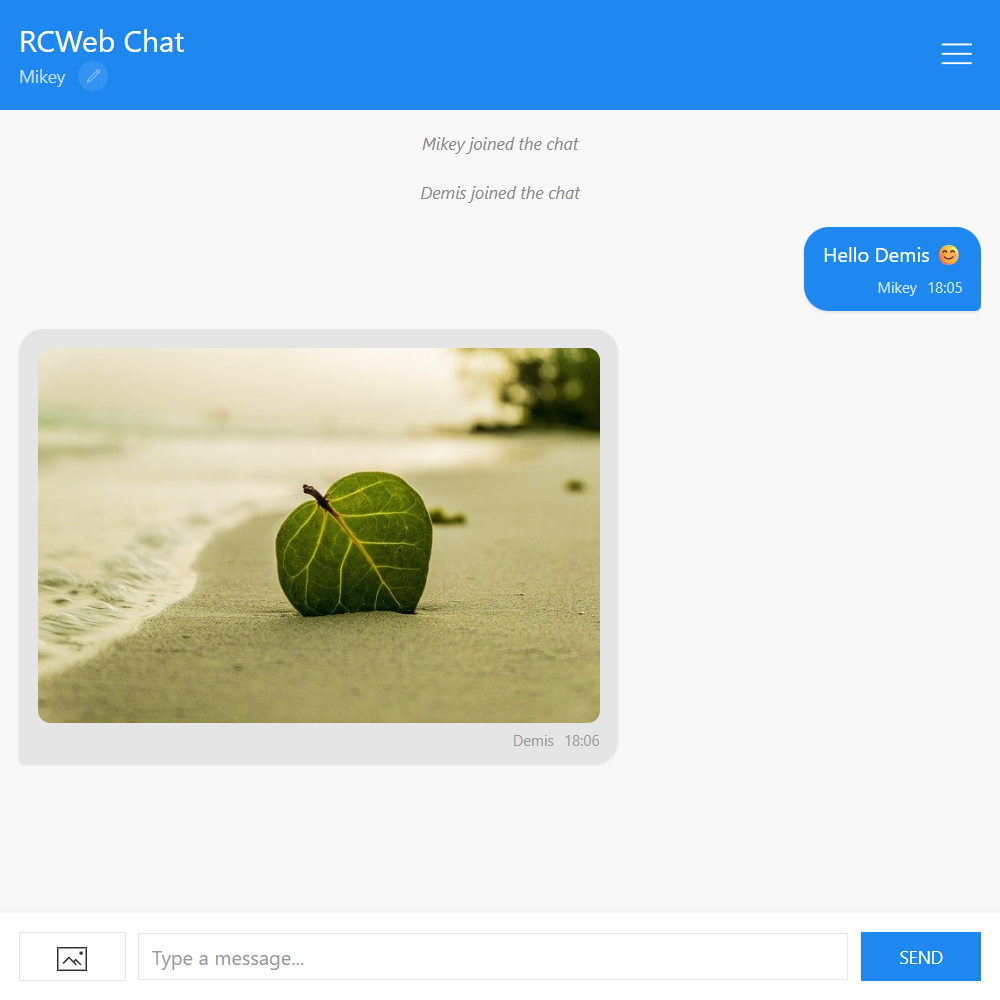
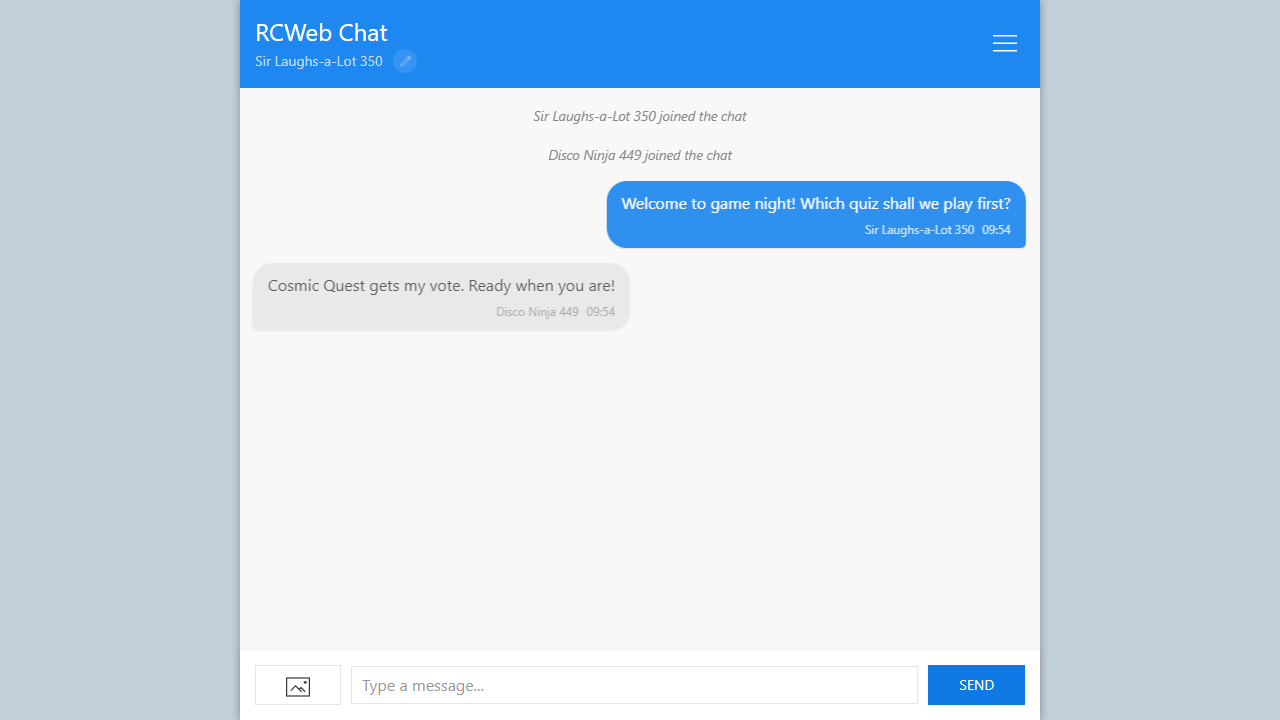
Talk with everyone in your RCWeb room and share images alongside the conversation. Each person uses the same Chat app on their own phone or computer.
Features
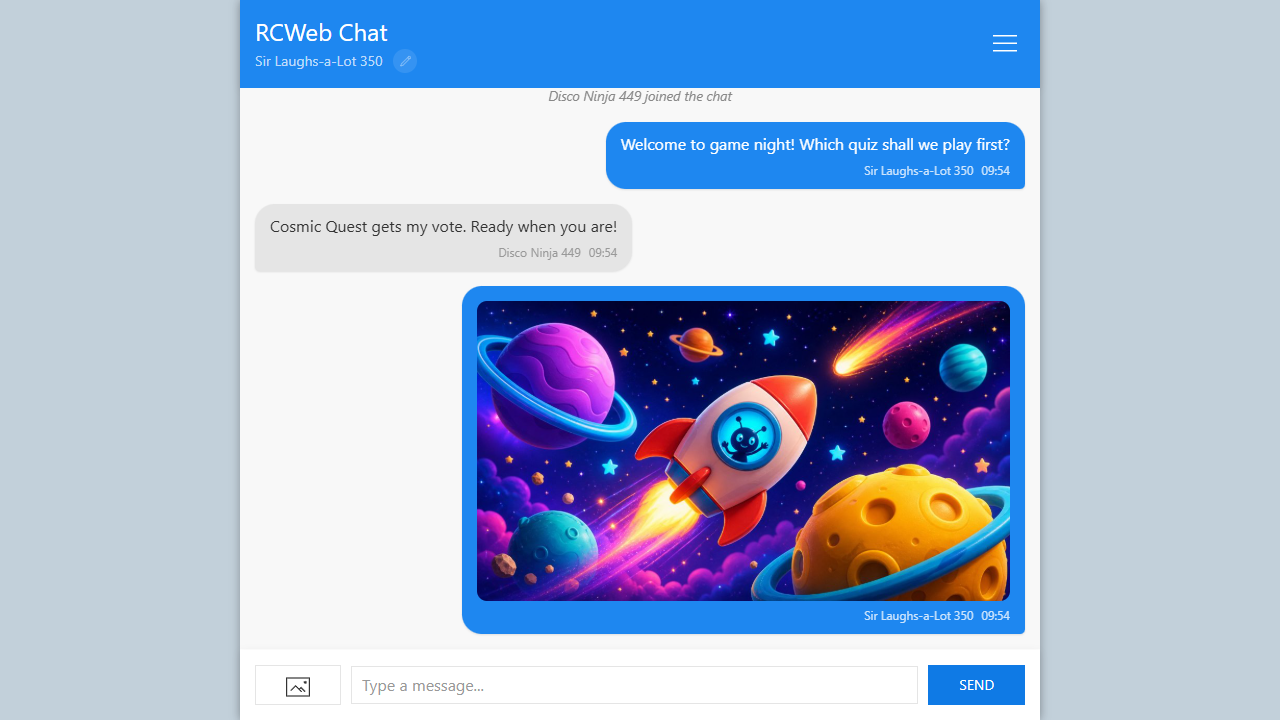
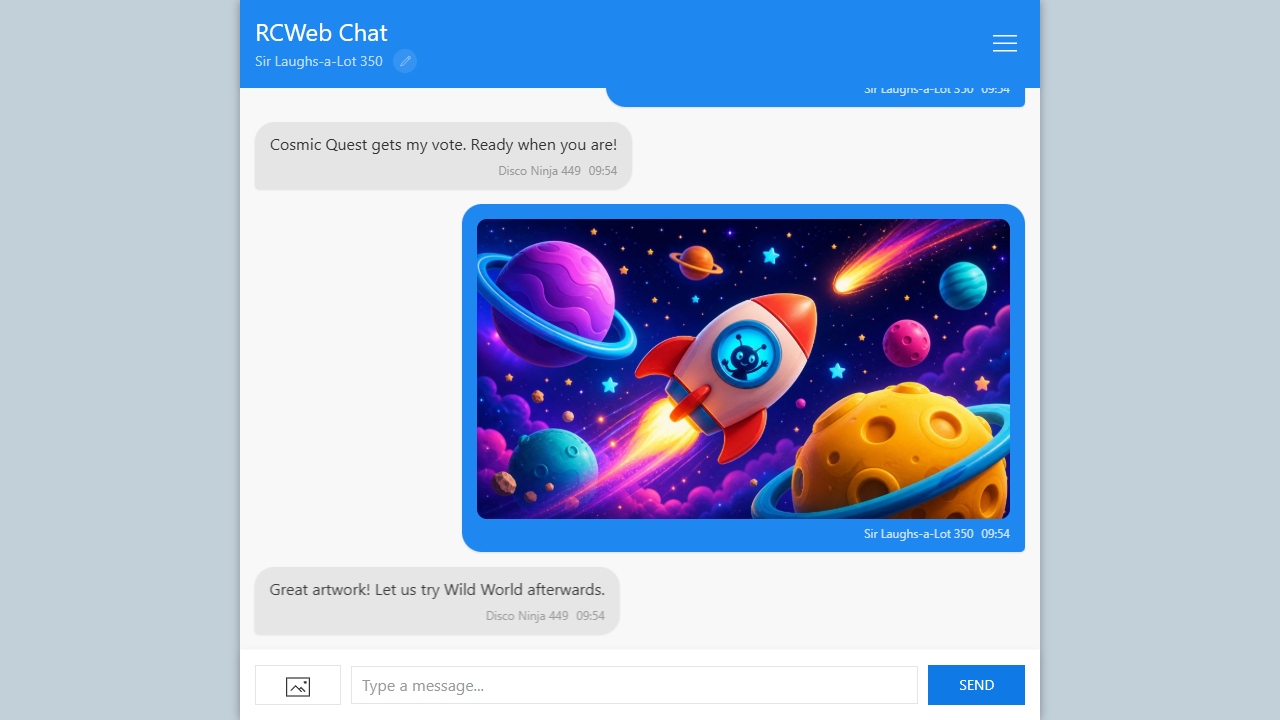
- Live text messages and image sharing.
- Editable display names and typing indicators.
- Join and leave notices, with notification sounds where playback is allowed.
- Recent conversation history from people who are still in the room.
- A share link and QR invitation for friends.
Start a conversation
- Open Chat and invite others through Menu → Share. Everyone needs the same room link.
- Select the pencil beside your name if you want to change it.
- Type a message and select Send, or press Enter. Use Shift + Enter for a new line.
- Watch the typing indicator to see when someone is replying.
Share an image
Select the image button beside the message box, choose an image and wait for it to appear. Tap a shared image to view it larger. Images are resized for sharing, so this is not a way to transfer an unchanged original.
A shared image also appears on any normal RCWeb viewer screen open in the same room. Keep the sending tab open while others load it; images may become unavailable after their sender leaves or refreshes.
History and returning
A newcomer can receive earlier messages from people already in the chat. This is a temporary room conversation, not a saved inbox. If everyone leaves, there is no chat archive to return to. Refreshing can recover history only while another participant still has it.
Your display name is saved on this browser. Use Menu to check the room, connection and participant count, or to share another invitation.
Screenshots