Doom Controller
doom-c is the smartphone touch controller for the RCWeb doom viewer. Open it by scanning the viewer's QR code or visit /doom-c/?r=<room> with the same room as the display.
Features
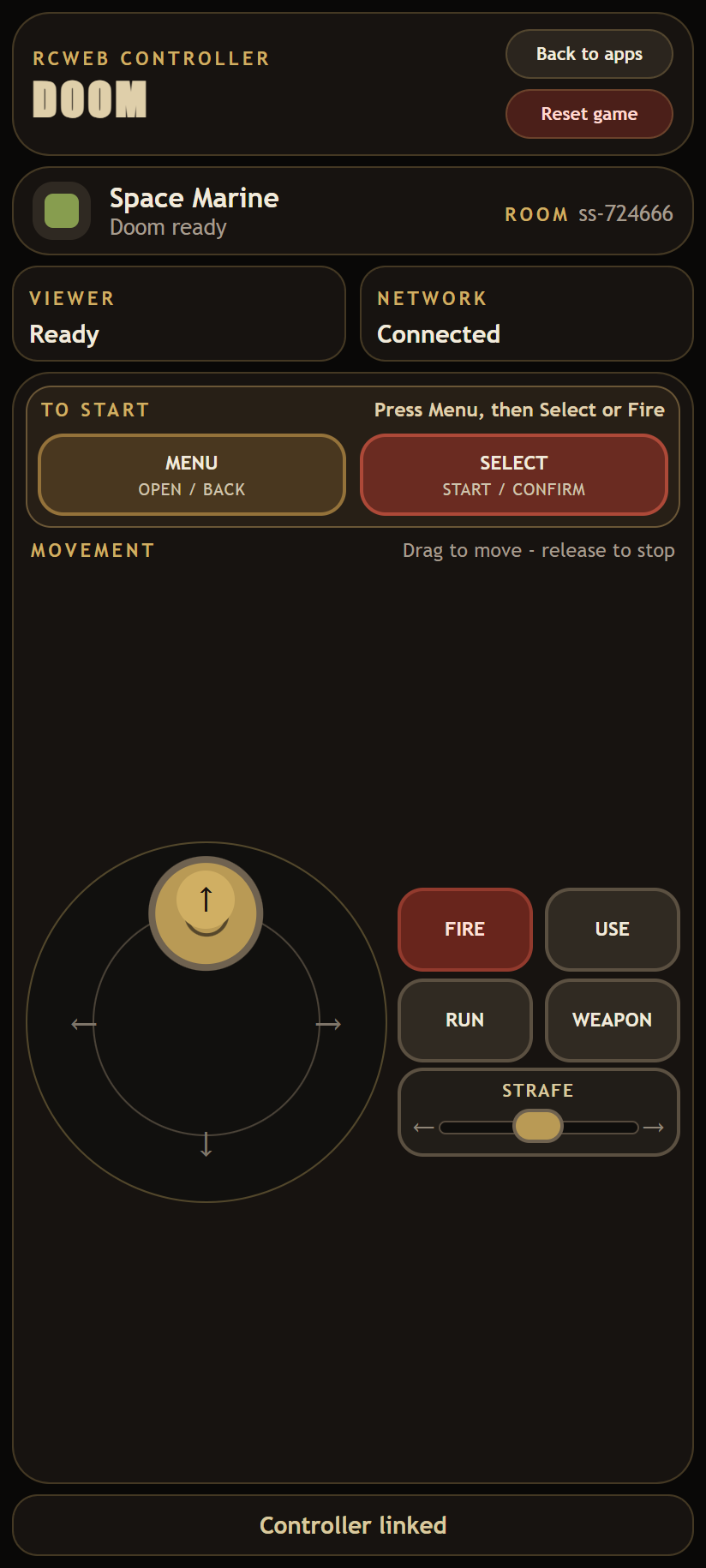
- Movement stick, separate strafe slider and multi-touch actions.
- Menu selection and weapon cycling.
- Ownership/loading status, reset and return-to-app controls.
About the game
The paired viewer runs Doom's original 1993 shareware campaign, Episode 1: Knee-Deep in the Dead. It is a nine-level single-player journey through the UAC facilities on Phobos, where the player explores interconnected maps, finds keys and supplies, fights demons, and reaches each level exit. The action and sound stay on the shared display while you control them from your phone.
Connection and ownership
- The first connected phone owns Doom's single-player controls. A later controller waits until the owner leaves the RCWeb room or its presence has been missing for seven seconds.
- A refresh normally reconnects you to your existing controls while the viewer is still running.
- Viewer and network status are shown at the top of the controller.
Back to appsreturns to the controller catalog when that route is available.
Controls
- Drag the movement stick up/down to move and left/right to turn. Diagonal drags send both directions together, allowing movement and turning at the same time.
- Drag the Strafe slider left or right for sideways movement. Release the slider to stop and recenter it.
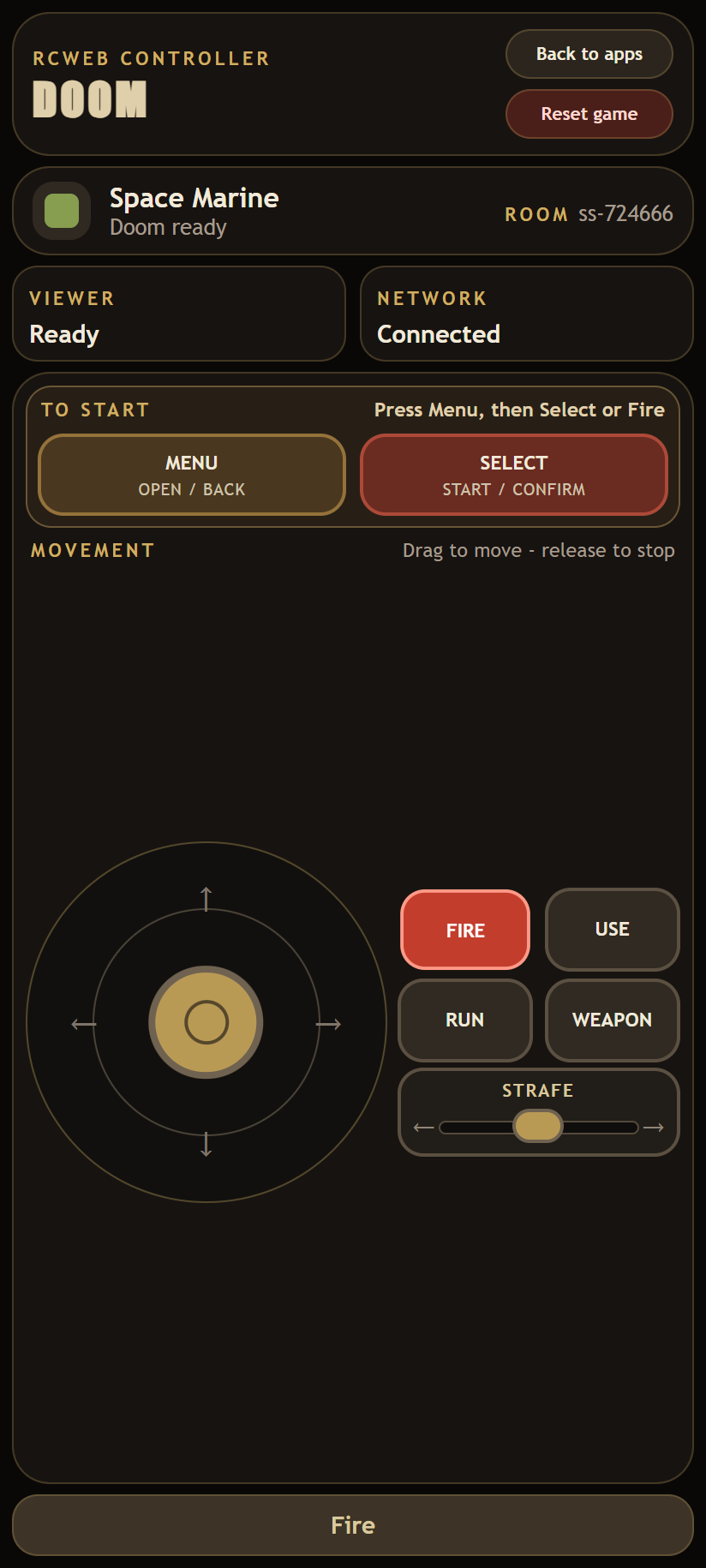
- Multi-touch controls let you hold
Fire,Use, orRunwhile steering or strafing.Firealso acts as Select in menus. - Tap
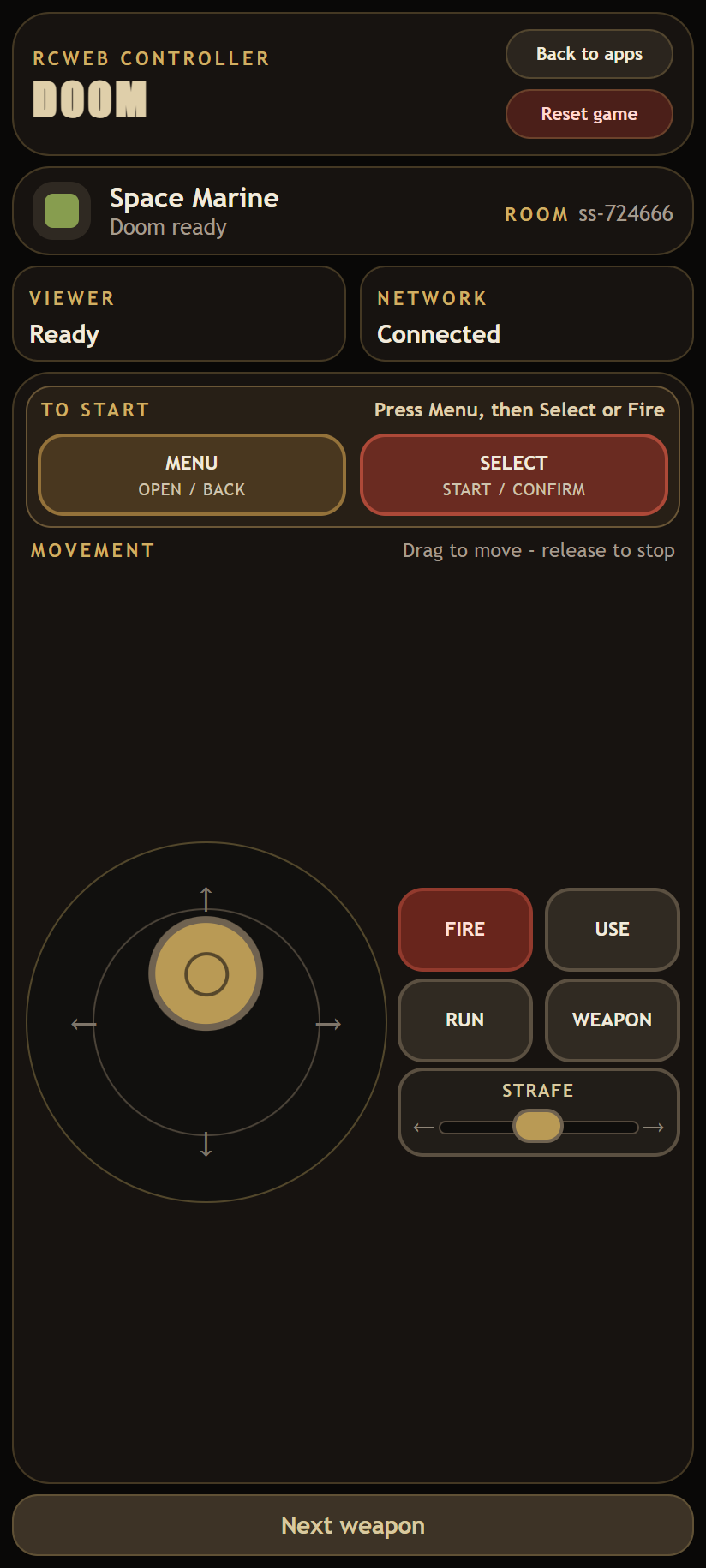
Weaponto cycle weapon slots 1-7. - Use the prominent top
Menubutton to open or close Doom's menu, then use the stick for one-item navigation andSelectorFireto confirm. Reset gameasks the connected Doom viewer to reload.
Screenshots