Tilt Maze
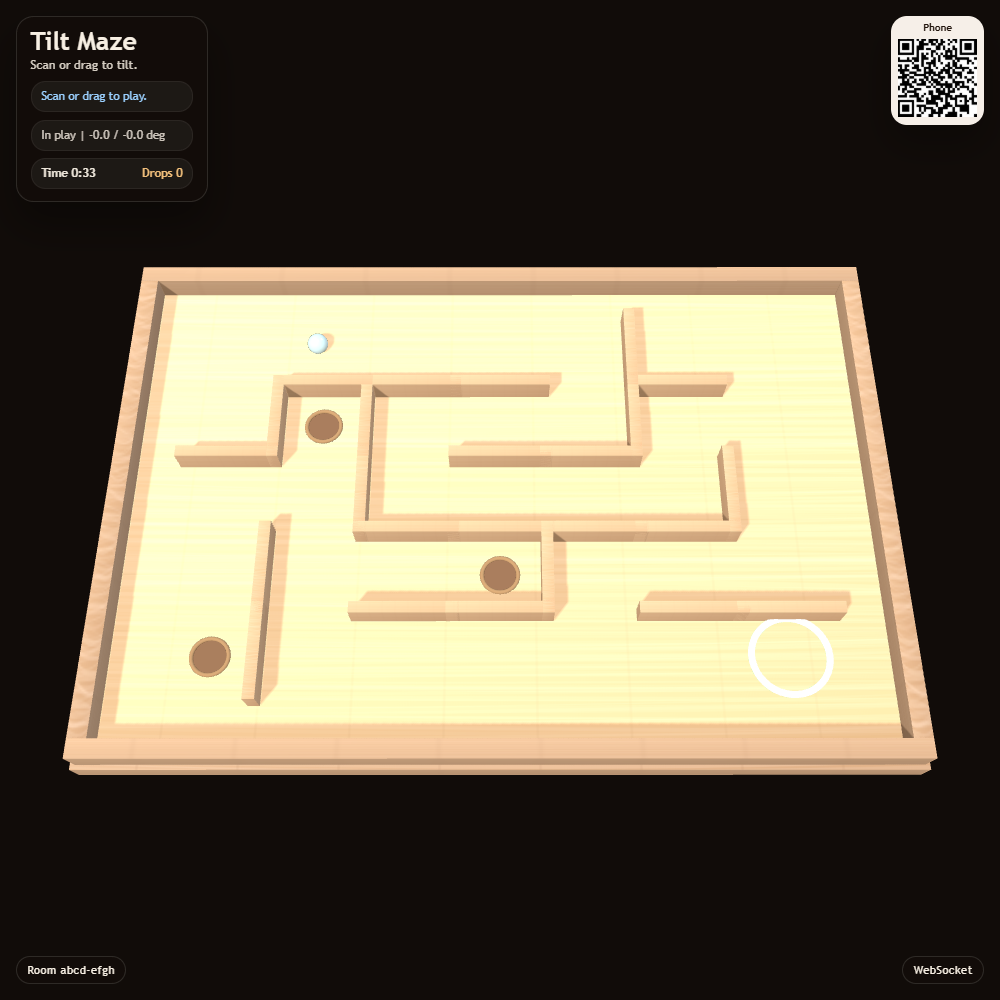
Tilt a wooden maze to roll a marble towards the finish. Your phone controls the board's angle while the shared screen shows the marble, walls and holes.
Features
- A freshly generated maze when the game resets.
- Phone motion controls and manual tilt buttons where needed.
- A 3D board with holes to avoid.
How to play
Open Tilt Maze on the display and scan its QR code for Tilt Maze Control. Hold your phone in portrait, enable motion and recenter it in a comfortable position.
Tilt gently to roll the marble along the corridors. Ease the phone back towards neutral before corners so the marble slows down. Avoid holes and work towards the finish. Use Restart Marble on the phone to try again.
Screenshots