RCWeb Breakout
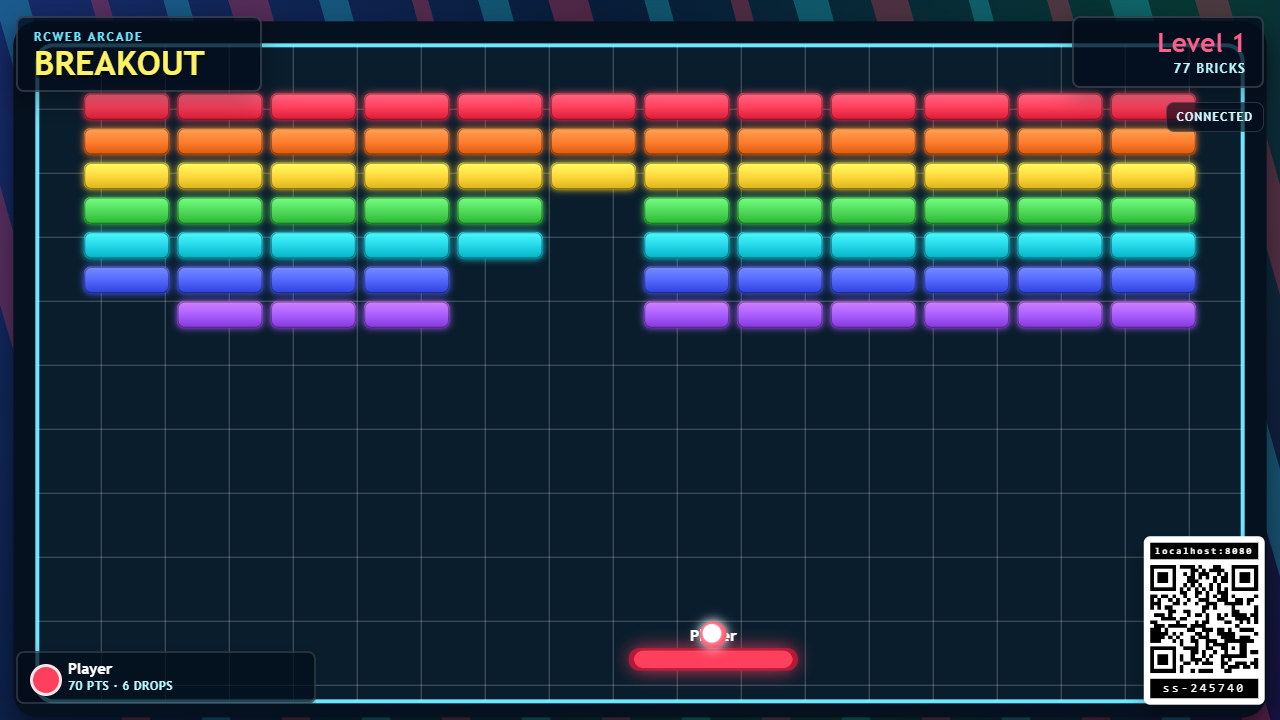
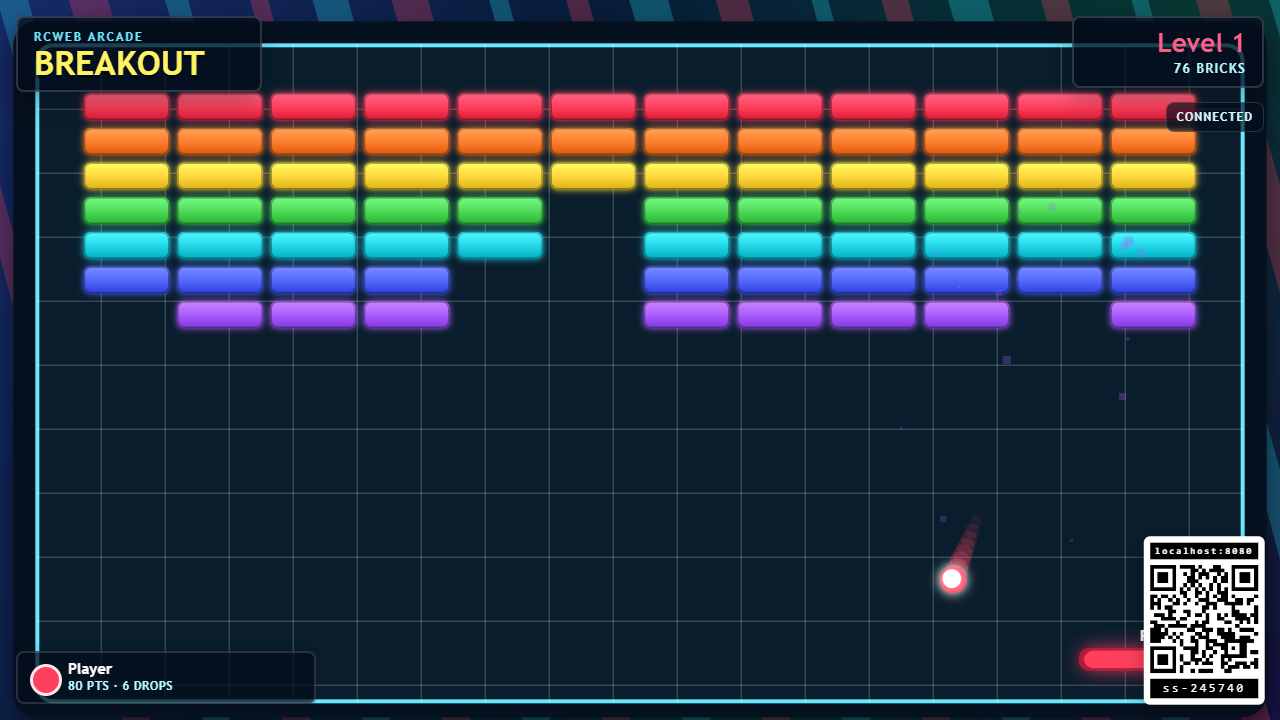
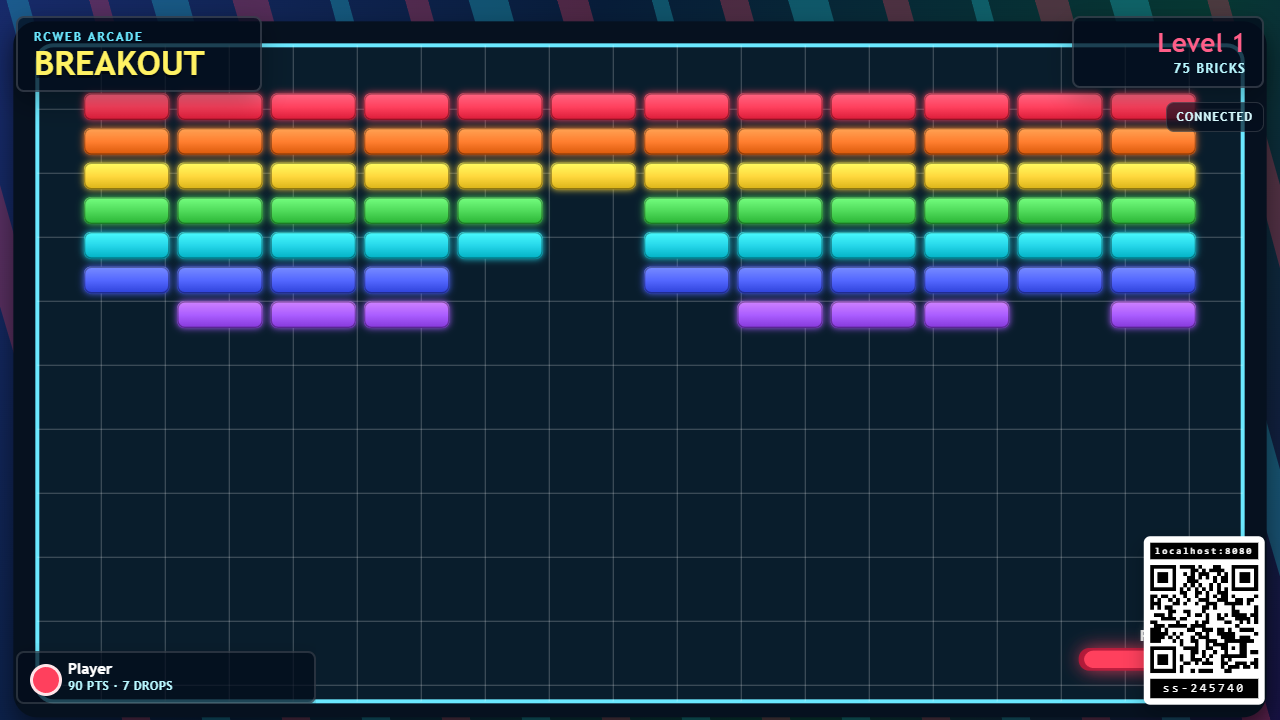
Breakout is a bright shared-screen arcade game for RCWeb. The main display shows the brick wall, balls, paddles, level, QR code, and scoreboard. Phones connect as controllers, so several players can play at the same time on the same screen.
Features
- Several players can break the same wall together, each with a coloured paddle and ball.
- Separate scores, drop counts and streak bonuses.
- Five repeating levels with tougher bricks as you progress.
- Phone slider controls, plus a local practice option.
How to start
- Open
/breakout/on the TV, projector, monitor, or shared display. - Scan the QR code with a phone, or open
/breakout-c/?r=<room>in the same room. - Move the phone slider to control your colored bottom paddle.
- Tap Launch to serve your ball.
- Break bricks, keep your ball in play, and climb the scoreboard.
The controller uses your saved RCWeb player name automatically.
How to play
Each player gets a colored paddle and ball. Everyone attacks the same brick wall, but scores are tracked separately. When your ball hits your paddle it bounces back upward. Hitting closer to the edge of the paddle changes the bounce angle, which helps you aim at awkward bricks.
If your ball drops below the paddle, it returns after a short pause. You stay in the game, but your drop count increases and your combo streak resets.
Scoring and levels
Breaking bricks earns points for the player whose ball hit the brick. Harder bricks take more hits and are worth more. Consecutive brick breaks add small streak bonuses.
There are five levels to clear:
- Rainbow Wall
- Split Steps
- Neon Tunnel
- Double Trouble
- Final Prism
When the room clears level 5, Breakout starts a new five-level run while player scores continue. New players can join at any time by scanning the QR code.
Play on the main screen
Before any phone player joins, you can click or tap the playfield to create a local player and serve. Use the Left/Right arrows to move and Space to launch, or tap different positions on the field. On a touchscreen, dragging also moves the paddle. If phone players have already joined, start with a phone controller instead.
Tips
Keep the slider steady for controlled shots, then move late to change the rebound angle. In multiplayer, spread out across the bottom of the screen so the room can clear bricks faster.
Screenshots