RCWeb Random Video Control
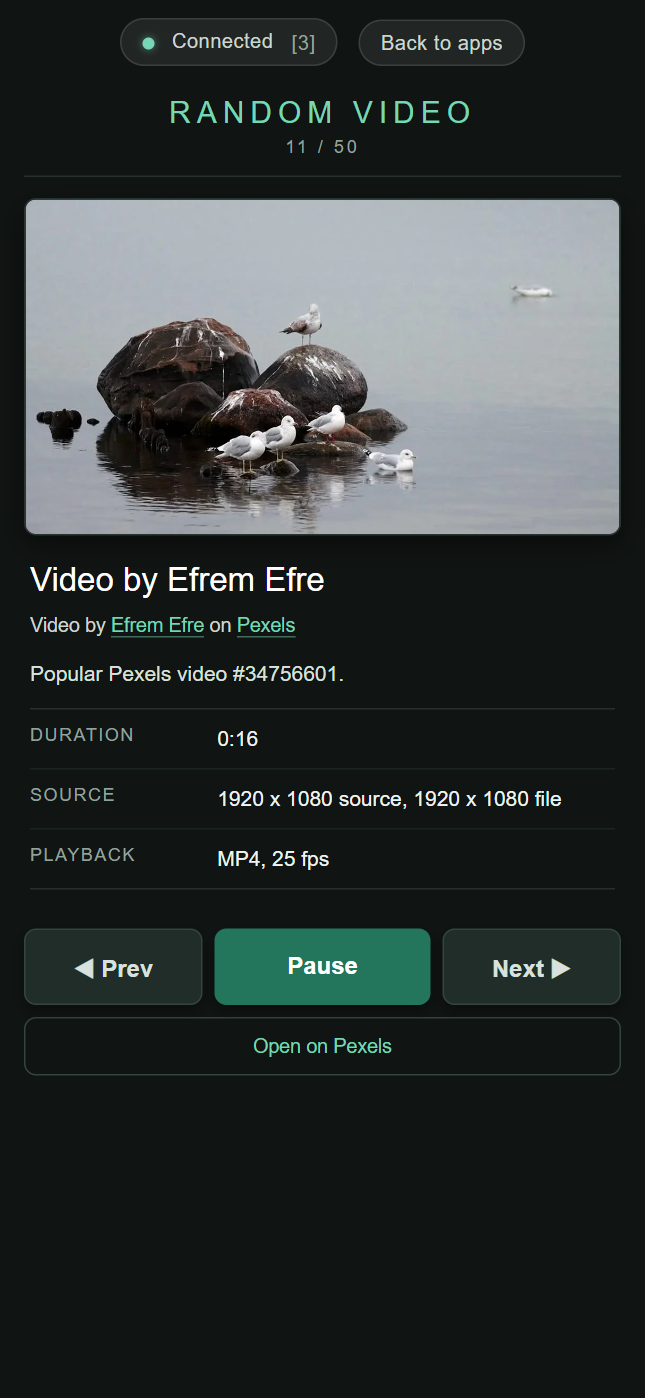
Random Video Control is the phone-friendly companion to the random-video viewer. It lets one or more phones cycle through the current Pexels video sequence, pause and resume playback, and see richer details for the video currently on the display.

Screenshot
Features
- Shows a poster preview of the active video
- Shows linked photographer and Pexels attribution
- Shows duration, source dimensions, selected playback file, and sequence position
- Provides large touch buttons for Prev, Play / Pause, and Next
- Includes a link to the current video on Pexels
Join and browse
Scan the QR code on the Random Video display. Use Prev, Play/Pause and Next to control the sequence, or follow the original video link to see its source.