V-Drums Control
Use your phone as a virtual drumstick for V-Drums.
Features
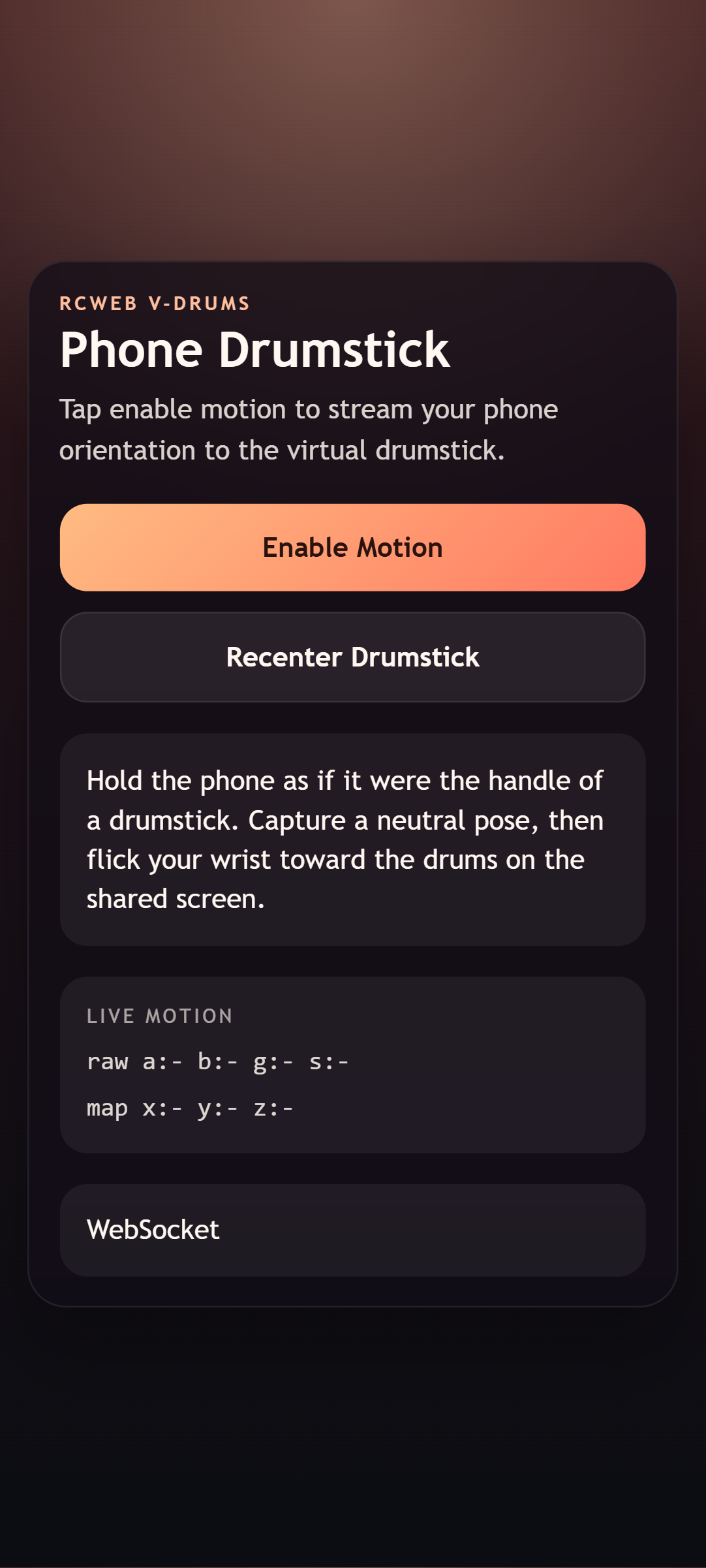
- Motion input for aiming and striking the kit.
- A recenter button for a comfortable starting pose.
- Hit vibration where supported.
How to use
Scan the QR code on the V-Drums display. Tap Enable Motion and allow access if prompted. Hold your phone comfortably and tap Recenter Drumstick.
Watch the stick on the display as you aim and make gentle downward strikes. Recenter when you need to reset the neutral pose. Motion availability and feedback depend on your phone and browser.
Screenshots