Robot Crossing
Explore a little robot village, help your neighbours and make a cottage your own. Brightharbour and its surrounding islands offer repairs, gardens, fishing, discoveries and quiet places to visit with friends.
Features
- Six repair adventures with furniture gifts and Bolts to earn.
- Four cottages to buy and decorate, with seven decoration types.
- Planting, grass trimming, fishing and wildlife spotting.
- Shared village progress, nearby chat, a map and journals.
- Touch or keyboard movement, regional music and adjustable graphics.
Start your village visit
Open Robot Crossing, choose a name and shell colour, and enter the village. Returning players in the same browser can continue with their saved robot. Options → Change name and colour lets you update your appearance later.
On a phone, drag the movement pad and tap the action button beside it. Its label tells you what you will interact with. On a keyboard, use WASD or arrow keys to move, E or Space to interact, and Escape to close panels.
Use Discoveries & Repairs for your current task and journal. Options → Island map shows destinations; track one for a direction and distance. Tracking points the way but does not walk a route for you. Bridges connect the islands.
Your first home
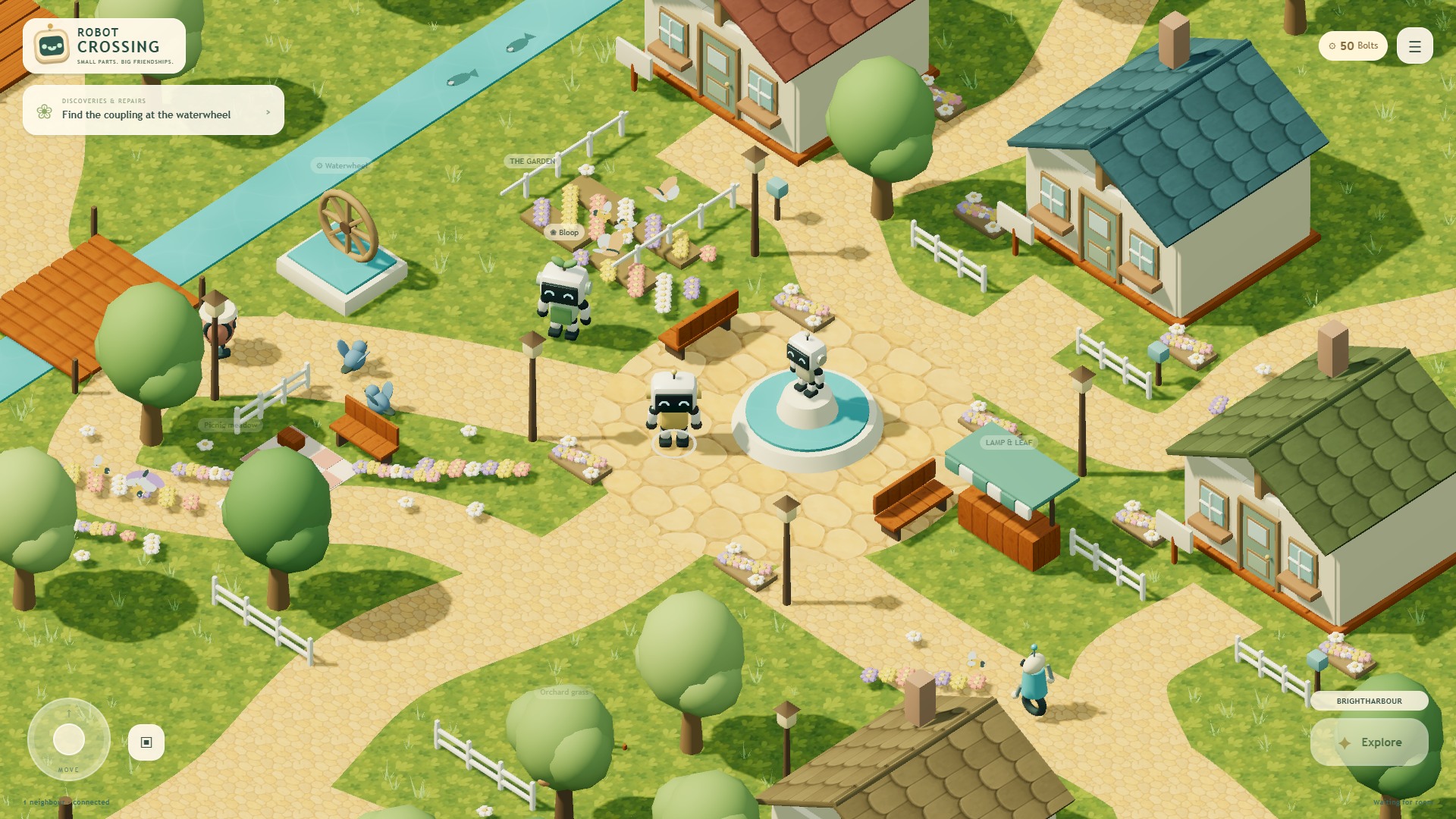
- Meet Bloop by the flowerbeds and accept his repair job.
- Inspect the waterwheel and turn the pipe tiles to connect inlet to outlet. Hints help without reducing the reward.
- Return the part to Bloop for a cosy lamp and 300 Bolts. Each robot can earn the reward once, including by calibrating a spare after a neighbour has repaired the shared wheel.
- Buy an available cottage for 300 Bolts. Each player can own one.
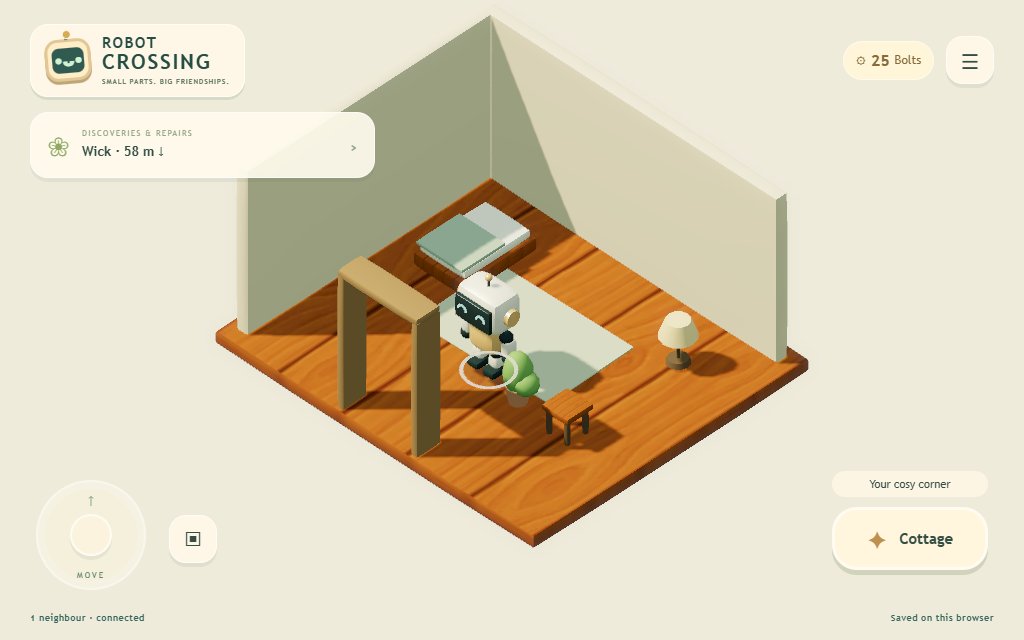
- Inside, open Bag, choose Place beside a gift, select an empty square and confirm Place decoration. Tap a placed item to store it again. Keep the bed and doorway clear.
You begin with 50 Bolts and a potted plant. Lamp & Leaf sells more decorations, including a 40-Bolt lamp. Visitors can enter your cottage; only you can rearrange it.
Explore and help
- Repair Quarter: help Nix match scanner components for 180 Bolts and a stool.
- Forest Grove: replay Luma's four chimes for 180 Bolts and a music box. Written symbols let you solve it without sound.
- Sunny Beach: follow Pebble's shell and postcard clues for 160 Bolts and a shell sculpture.
- Beacon Coast: turn Wick's lighthouse lenses for 220 Bolts and a lantern.
- Tinker's Scrap Yard: balance Rivet's crane for 220 Bolts and a gear sculpture.
- Sunpatch Woods: walk the scenic loop, visit the picnic clearing and look for Grandfather oak.
Repairs show their furniture reward before you begin. Make room in your bag before claiming a gift. Discoveries and collections bring extra Bolts; repaired machinery becomes visible to everyone. Friendly wandering robots offer conversations without requiring a repair.
Garden, fish and watch wildlife
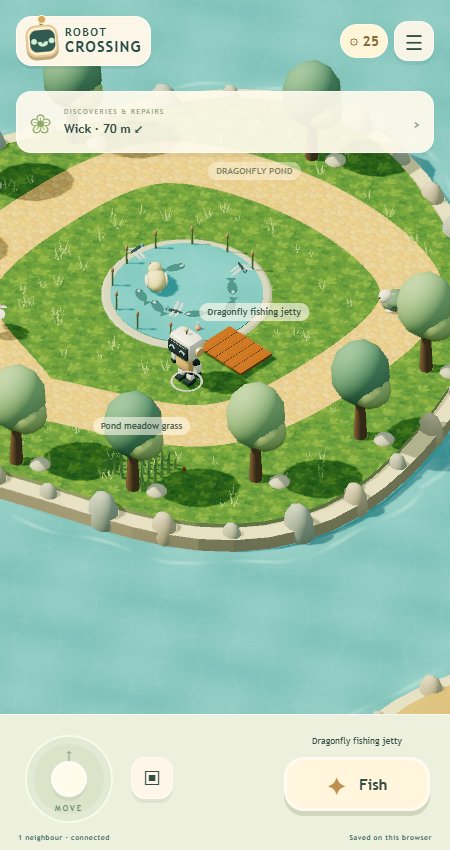
Visit Sprout Allotments and Dragonfly Pond, or open Nature journal. Seeds and tools are free.
Plant copper carrots, sunberries or glowflowers, then water once to start growth. They take 60, 90 or 120 seconds and pay 20, 30 or 40 Bolts. Anyone may water or harvest a community bed; the first completed harvest takes the reward.
Trim every tuft in a marked grass patch for 18 Bolts. Patches regrow after two minutes. At a fishing spot, cast and watch for the bite cue, then reel in within 90 seconds. Catching pays 12–26 Bolts, with bonuses for new species and collections. Wait 12 seconds between successful catches; missed fish cost nothing.
Approach wildlife to record sightings in the nature journal. Decorative birds, fish and insects also bring the village to life.
Play with neighbours
Choose Invite a neighbour and share its link or QR code. Phones need an address reachable from their network. Everyone sees robots, repairs, cottage ownership and decorations in the same room.
Chat with nearby players through Options or by interacting with them. Enter sends; Shift+Enter adds a line. Nearby chat is limited to the same indoor or outdoor space. Messages heard in this tab survive a refresh but are not given to newcomers.
If the connection drops, you can still move, but purchases and rewards wait for the village to reconnect. Keep using the same browser profile to return as the same robot. Two tabs using one robot can leave one unable to make shared changes.
Saves, installation and display options
The village is saved in participating browsers. A room link alone cannot recover a village when no browser holding its save is present. Watch the connection and save status. Options → Save & troubleshooting → Export village save downloads a backup; importing saves is not yet available. Conflicting saves pause spending and are preserved. Long sessions have a 4,096 accepted-action limit, which the app reports when reached.
Choose Graphics quality in Options if the scene runs slowly. Light reduces effects; Automatic adjusts when needed. Music begins after interaction, and Options can mute it.
Use the browser's Install app or Add to Home Screen command on a supported secure connection. The installed app remembers the room but still needs RCWeb online to launch and play.
Screenshots