Shared Files
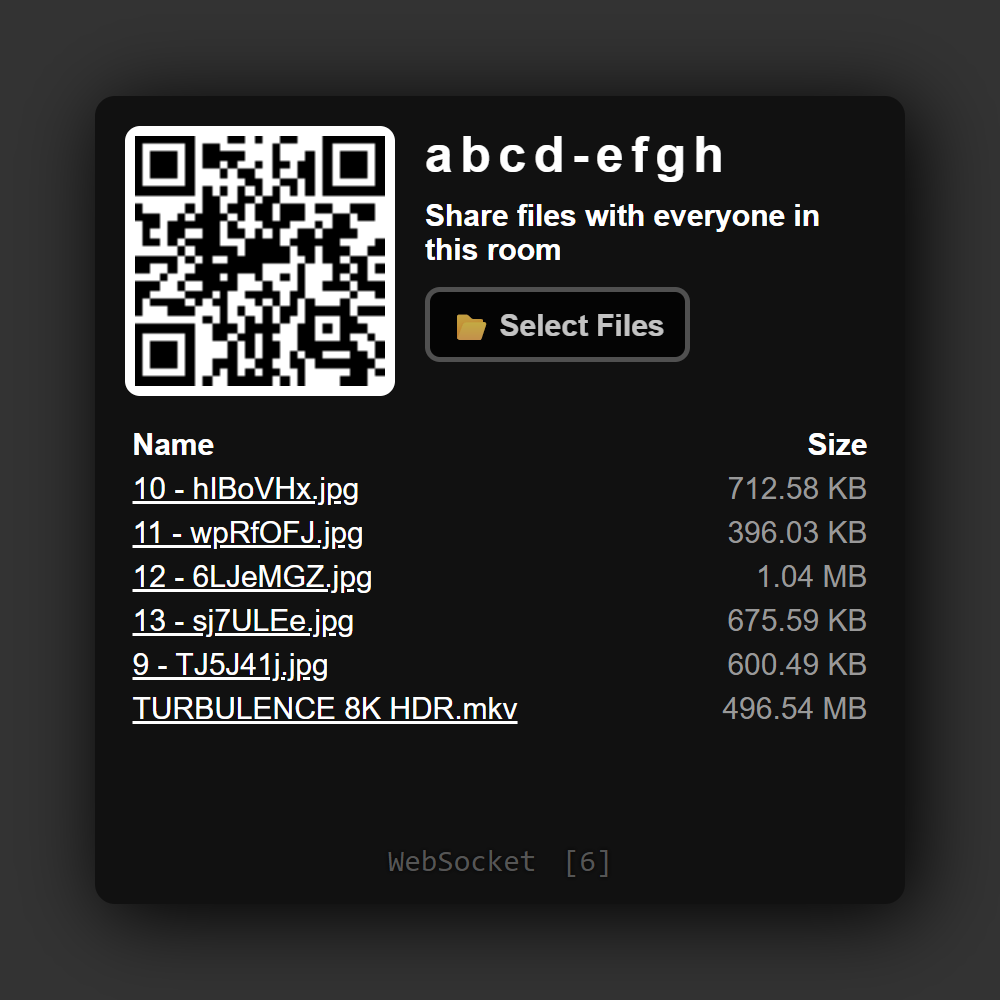
Share files with other people in the same room. Add files from your device, then let others choose what to download while you keep the sharing page open.
Features
- Share several files at once with the file picker or by dragging them onto the page.
- See files offered by everyone in the room.
- Invite another device using the room QR code.
- Download files when you need them, without first uploading your entire collection.
How to share
- Open Shared Files and invite people using its QR code or room link.
- Choose Select Files, or drag files onto the page.
- Other people can select a file in the shared list to download it.
- Keep the original sharing tab open and connected until downloads finish.
Files are available to everyone who joins that room. Closing or refreshing the sharing page ends access to its selected files; select them again to share them in a new session.
Screenshots