Gallery
Build a shared photo gallery with people in the same room. Add photos from your device, browse everyone's contributions and open larger views or downloads while the source browsers stay connected.
Features
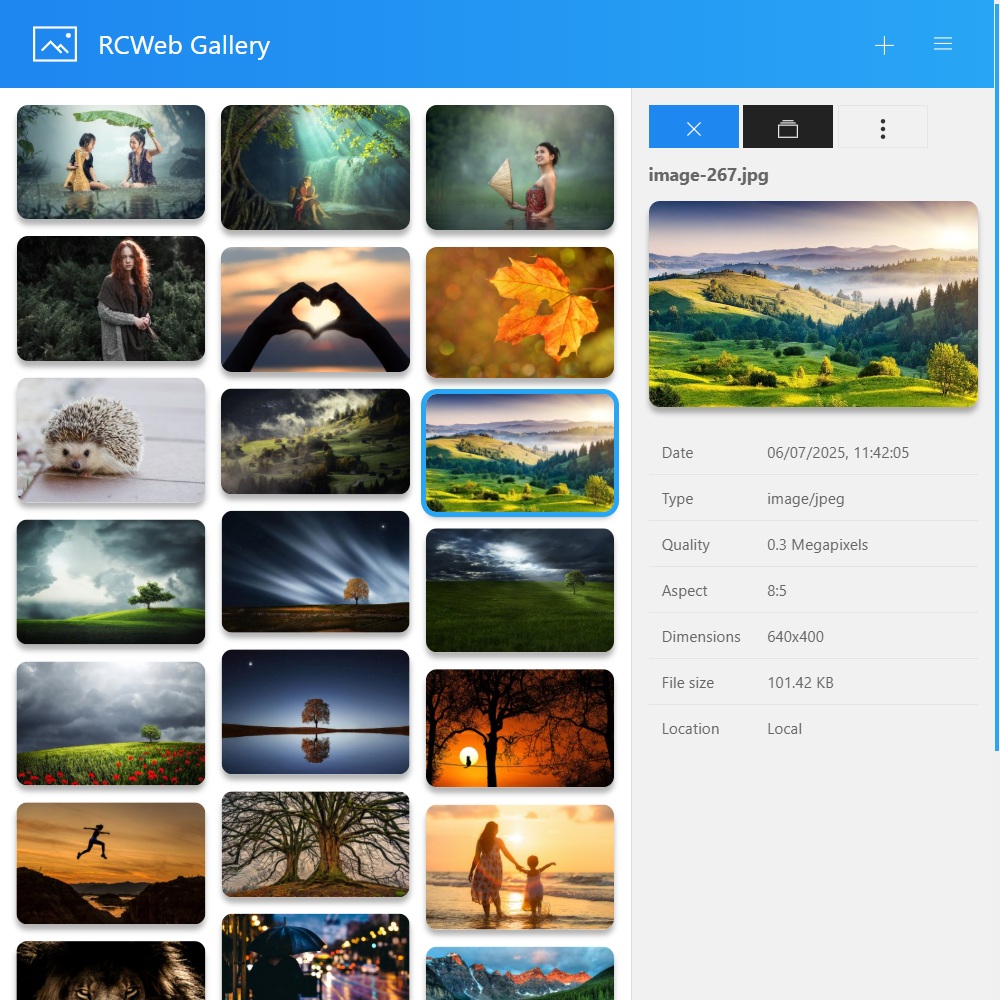
- Add photos with the file picker or drag and drop.
- Browse thumbnails and open a larger lightbox view.
- View or download small, large and original versions.
- Invite other devices from the Share menu.
- See when a photo's source has disconnected.
How to use
- Open Gallery, then choose Share in the menu to invite people to the same room.
- Select Add photos or drag photos onto the page.
- Choose a thumbnail to open its preview and details. Use the lightbox control for a larger browsing view.
- Open the photo's selection menu to choose a viewing or download size.
Keep the original sharing tabs open and connected. Photos are shared temporarily, rather than saved as a permanent online album. If their source disappears, photos can be marked unavailable and later removed from the gallery.
Everyone with the room link can join and view the photos shared there. Choose New gallery in the menu when you want a separate room.
Screenshots