Angry Birds
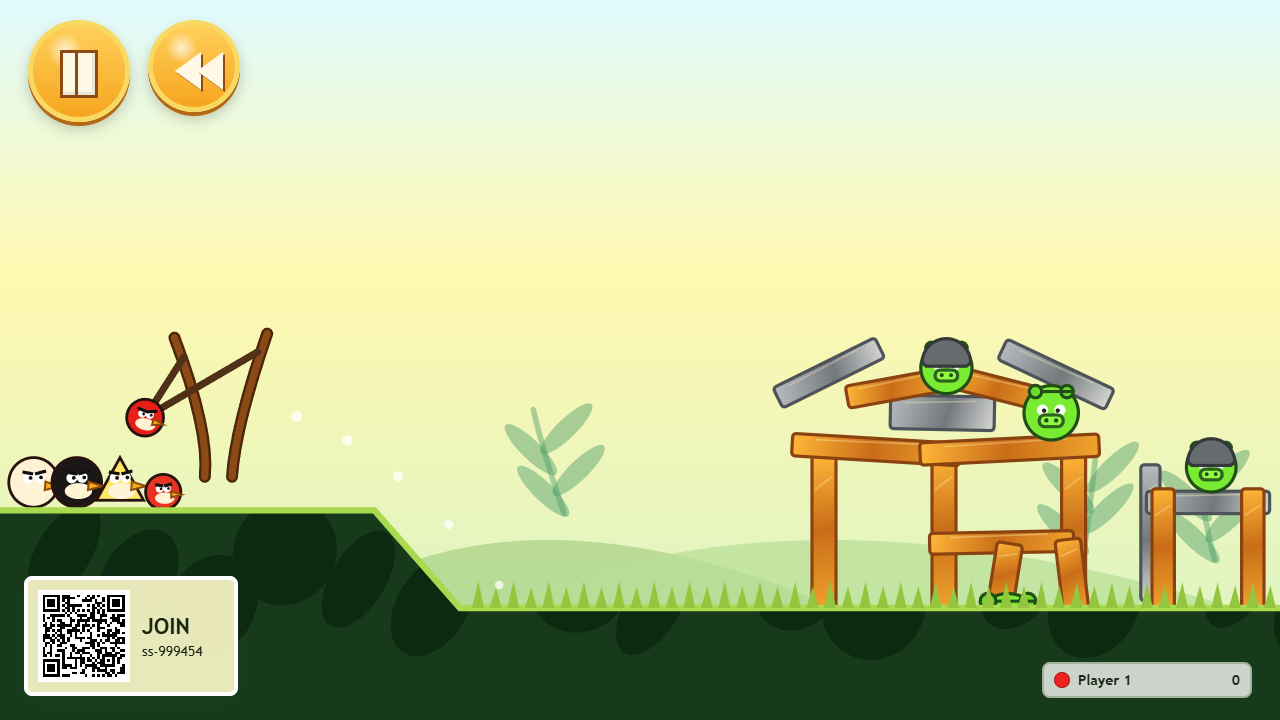
Pull back a slingshot and send birds flying into a tower of blocks and pigs. Play on a shared screen while each player aims and launches from their own phone, with individual colours and scores.
Features
- A collapsing tower with birds, blocks and pigs that react to impacts.
- Phone slingshot controls with adjustable angle and power.
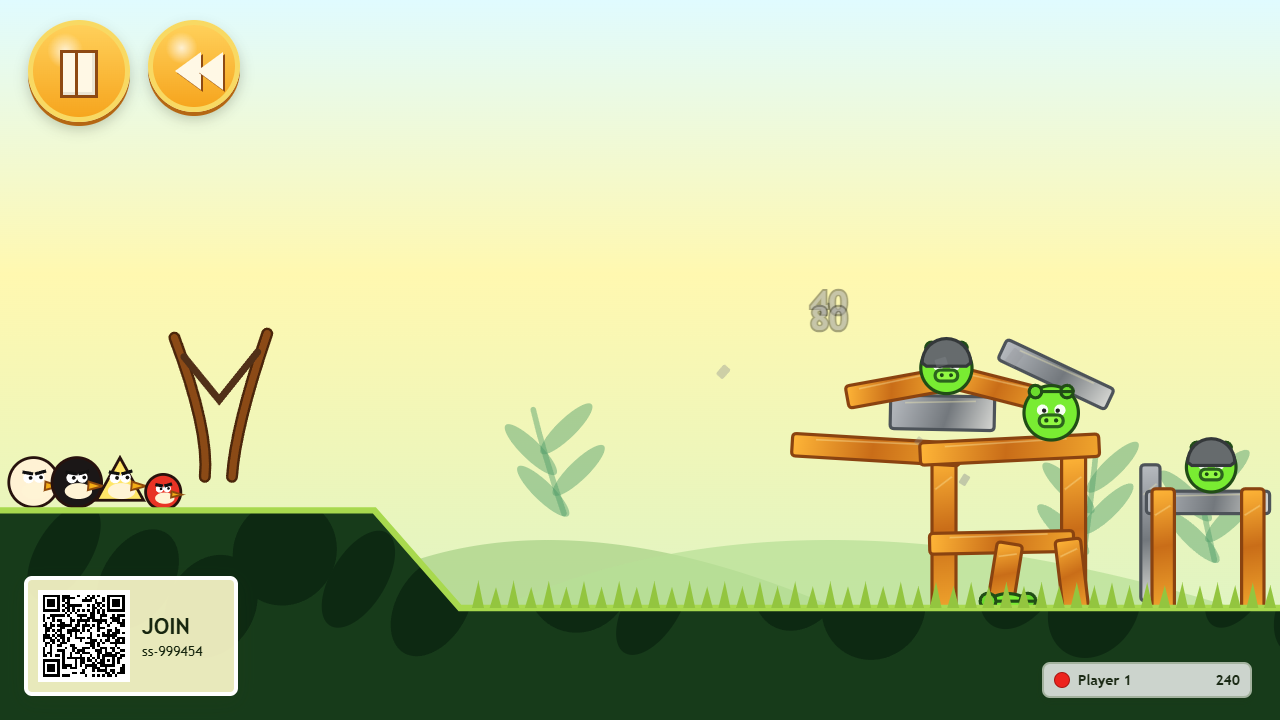
- A shared scoreboard for everyone in the room.
- Quick repeat shots and a reset for another attempt.
How to play
- Open Angry Birds on the main display and leave it running.
- Scan its QR code with each phone to open Angry Birds Control in the same room.
- Touch the slingshot area on your phone and pull left. Pull farther for more power, and move up or down to change the angle.
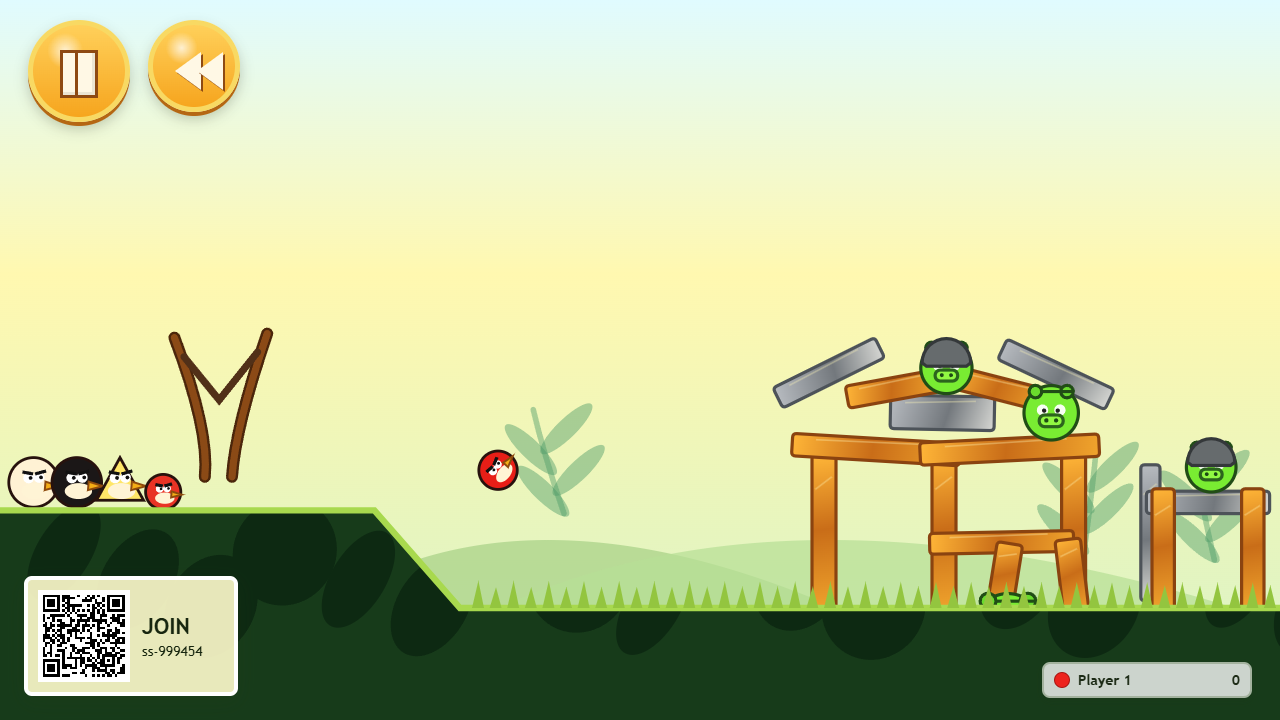
- Release to fire. Watch the main screen to see where the bird lands and what falls.
- Wait for the short reload, then try another shot.
Pulling down makes the bird fly upward; pulling up sends it lower. If the controller says Too soft, pull farther left before releasing. Your saved RCWeb player name is used when available.
Aim for a collapse
Try hitting the lower supports to bring blocks down onto pigs. Compare your score on the phone with the room's scoreboard. Multiple players can launch into the same scene; there is no turn order to wait for.
Start again
Tap Reset on any controller to rebuild the shared level. This resets everyone's scores and shot counts, so use it when the room is ready for a fresh attempt.
Screenshots