RCWeb Weather
Weather turns any RCWeb-capable display into a cinematic, signage-ready dashboard of the current weather for a configurable (or random) location, using weather data from Open-Meteo. It cycles between several full-screen pages so the same display can show now, the hourly trend, the 7-day forecast, atmospheric details and sun & sky — all without anyone having to touch it.
Screenshot
Features
The dashboard loops through five pages, each filling the screen:
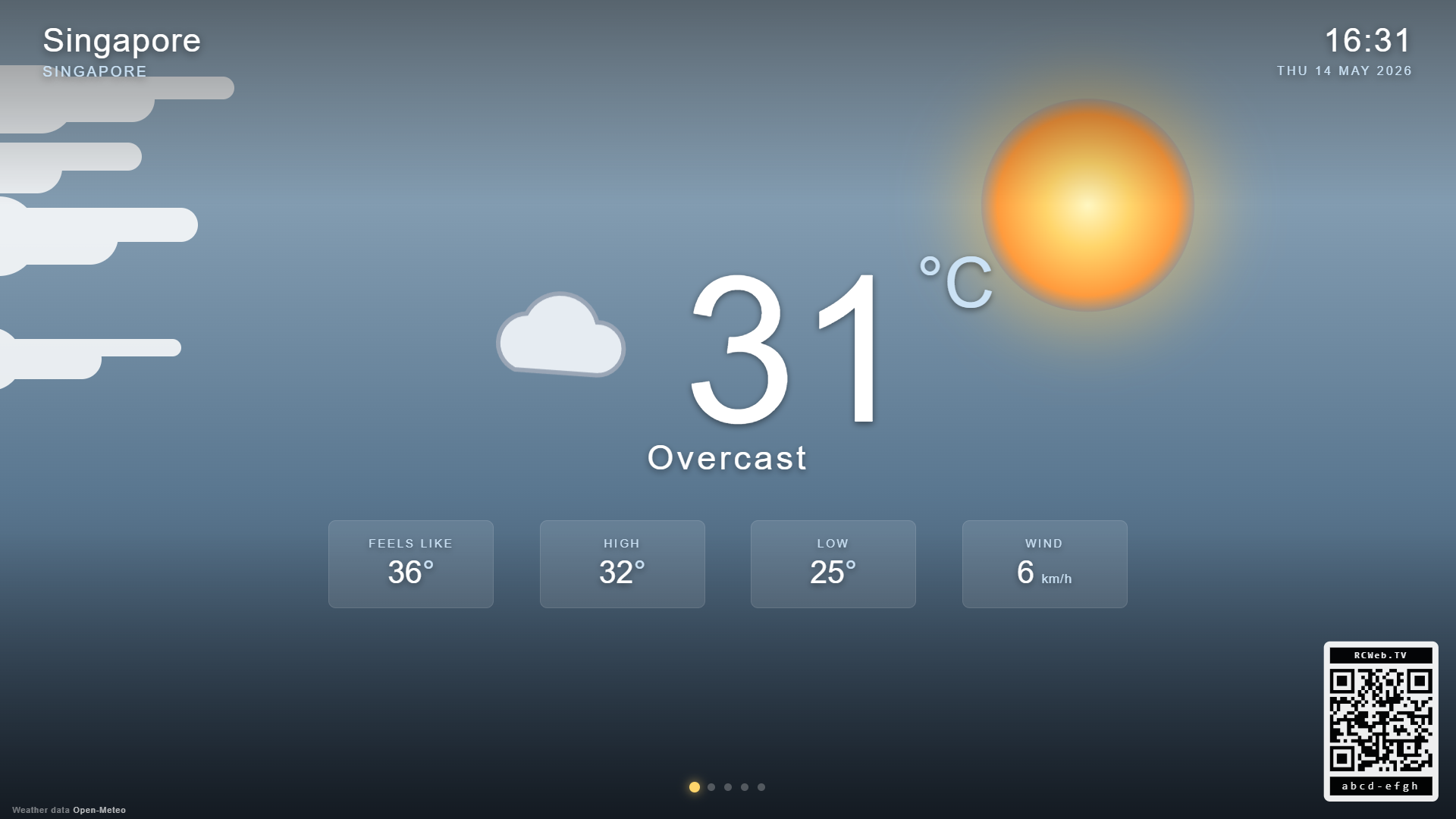
- Now — large weather icon, current temperature, condition, feels like, today's high & low, and current wind.
- Next 24 hours — a strip of 12 forecast cards (every two hours) with icon, temperature and precipitation probability.
- 7-day forecast — daily high / low temperature bars, weather icon, condition label and precipitation probability.
- Conditions — humidity, UV index, pressure, visibility, cloud cover, precipitation, wind speed + direction, dew point.
- Sun & sky — sunrise, sunset, day length, daylight remaining, UV at noon, and a live arc that tracks the sun's position across the sky.
The atmospheric backdrop adapts to the actual conditions: clear day with a sunny sky, clear night with a starfield, drifting clouds, animated rain or snow, fog haze, or stormy darkness for thunderstorms. A small QR code in the corner links to the weather-c companion app.
Random location
If no location has been configured, the viewer picks one of about twenty geographically diverse cities at random on first load (Tokyo, Reykjavik, Sydney, Cape Town, Cairo, Honolulu, Marrakesh, Helsinki, ...). The controller's Surprise me button can request a fresh random pick at any time.
Choose a location
Open Weather on the display and scan its QR code for Weather Control. Search for a place, select units and choose the pages to cycle. Use the phone to step through pages or refresh the forecast. Internet access is needed to load weather data.