3D Viewer Controls

Use your phone to turn, tilt and roll the vase on a separate 3D Viewer screen. Move the phone to explore the model, or use manual rotation buttons when motion control is unavailable.
Features
- Phone motion control for rotating the vase.
- Recenter Phone to reset your comfortable holding position.
- Manual tilt, turn and roll buttons when motion is unavailable.
- A visible message when another phone takes over.
- Back to apps to return to the app list in the same room.
Connect your phone
- Open 3D Viewer on the main screen first.
- Scan the QR code on that screen to open these controls in the same room.
- Tap Enable Motion and approve the motion permission prompt if one appears.
- Hold the phone upright in a comfortable position and move it gently. The vase follows your movements.
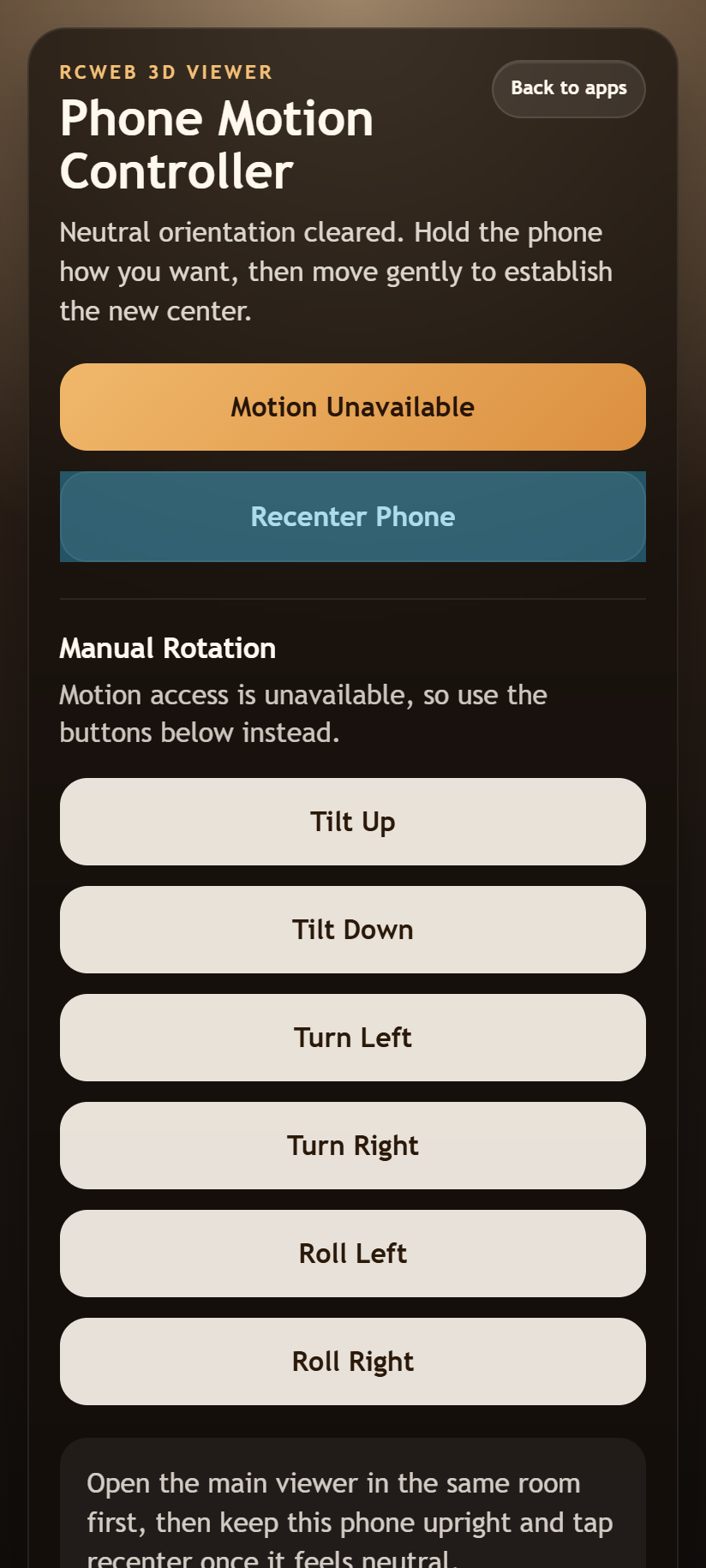
- Tap Recenter Phone whenever you want to reset the neutral pose, then move gently to establish the new centre.
Screen rotation is compensated automatically. If the vase feels misaligned after turning your phone, tap Recenter Phone again.
Manual rotation
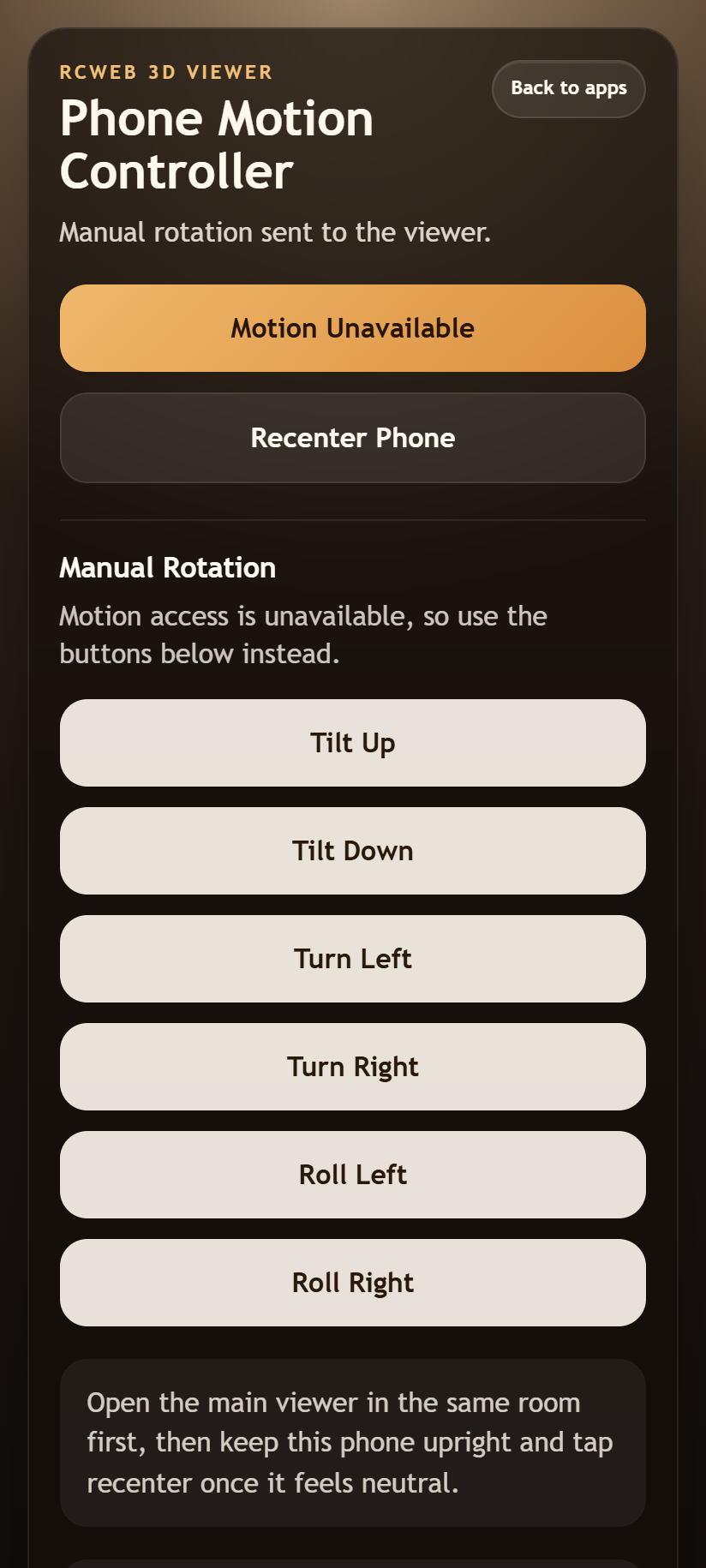
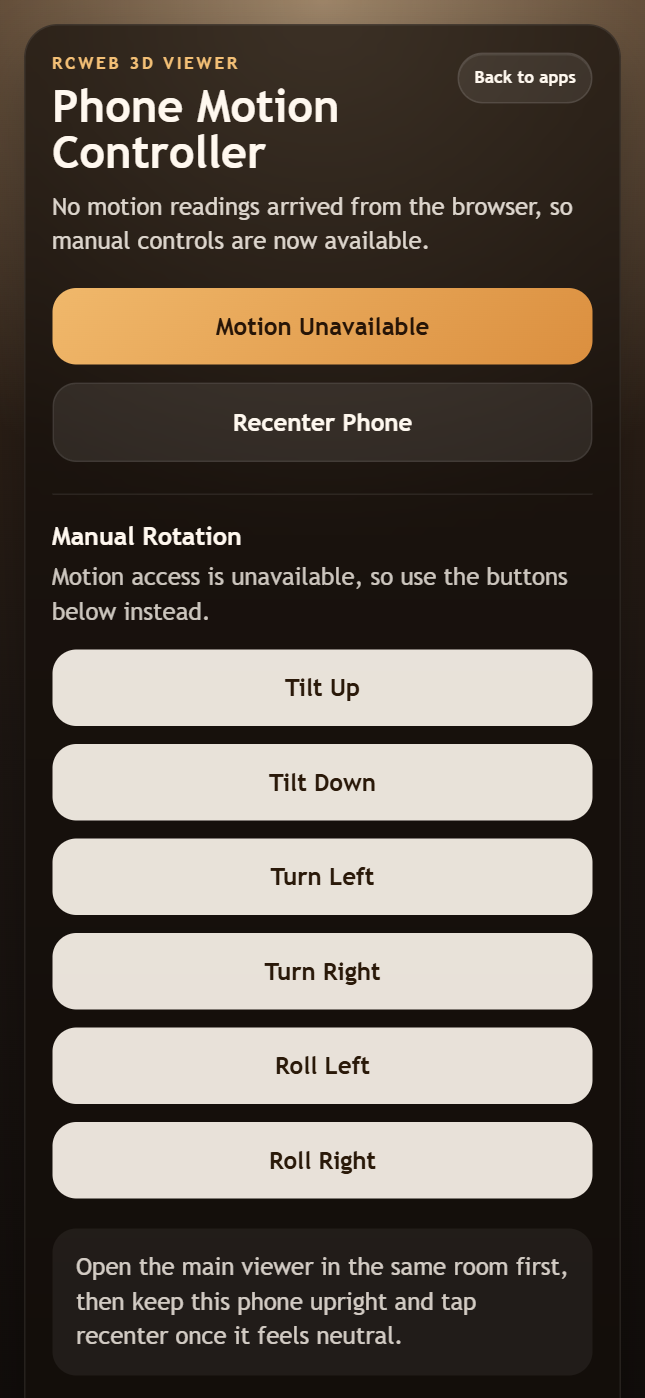
If motion permission is denied, the phone lacks motion support, or no readings arrive, Manual Rotation buttons appear automatically.
- Tilt Up / Tilt Down: tip the vase forwards or backwards.
- Turn Left / Turn Right: rotate the vase sideways.
- Roll Left / Roll Right: lean the vase to either side.
Tap for a small adjustment or hold a button to keep rotating. Release it to stop sending adjustments.
Sharing control
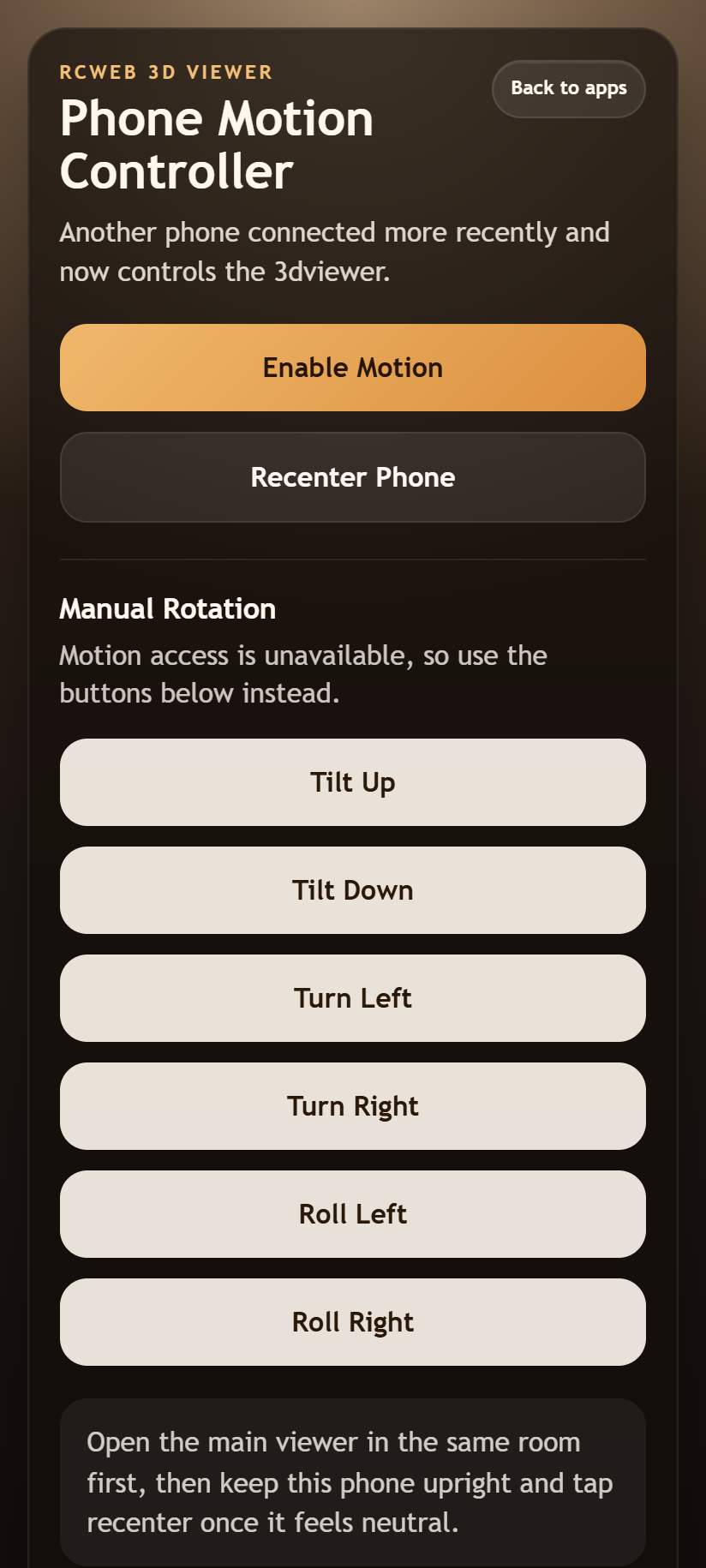
One phone controls the viewer at a time. Enabling motion or pressing a manual rotation button on a second phone takes over. The previous controller shows Another controller took over this viewer.
These controls rotate the vase on the main screen; they do not display a separate 3D model. Keep the viewer open and use its mouse wheel or pinch gesture if you want to zoom.
Screenshots