RCWeb Fluid Simulation
Create relaxing colour swirls together on a shared display. Open Fluid Simulation Control on your phone, choose a colour and drag to add flowing trails.
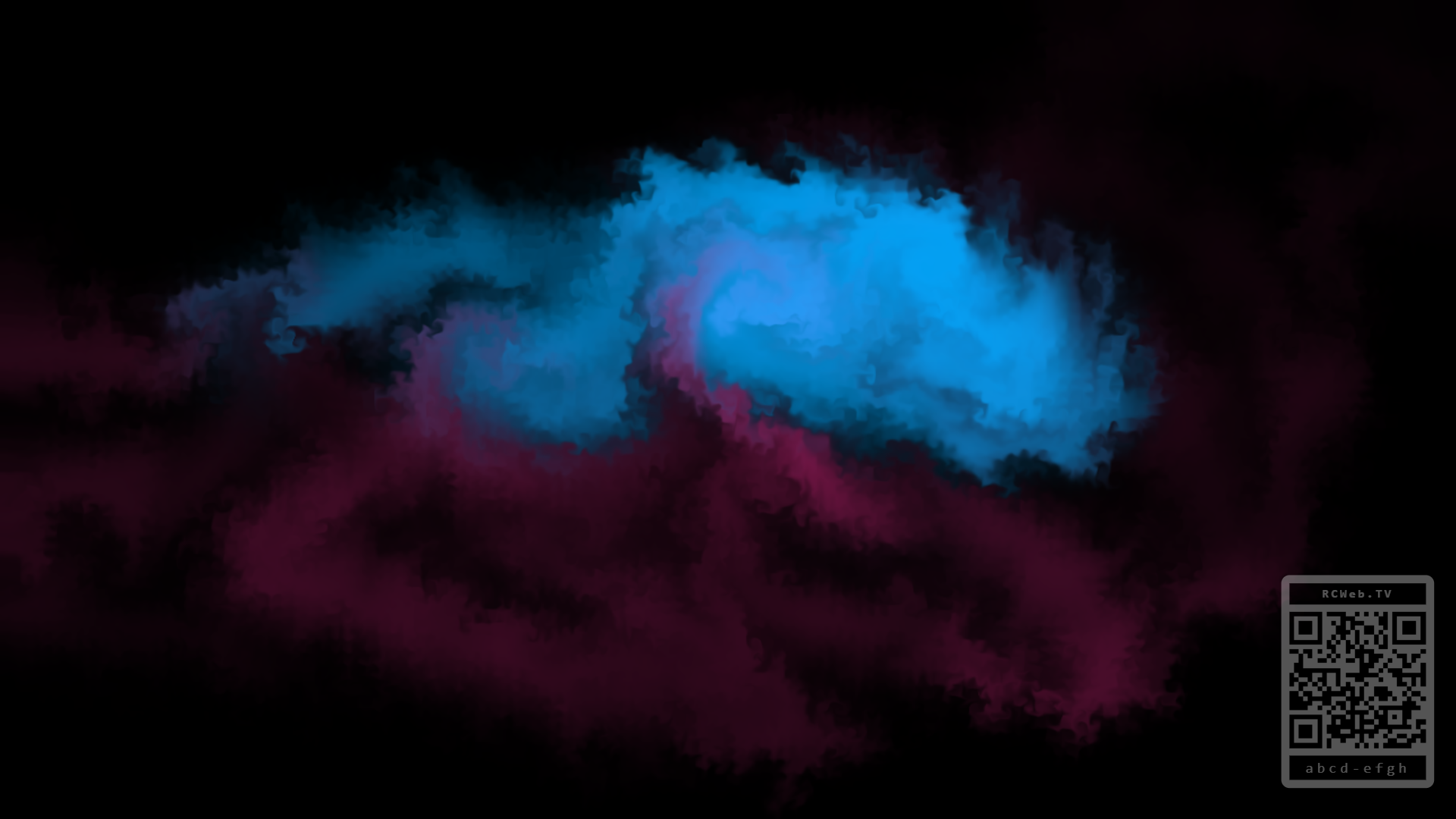
Screenshot
Features
- Flowing colour: Create curls, drifting trails and soft paint-on-water blooms.
- Momentum: Finger velocity is transferred into the display, so fast strokes keep drifting and slow strokes bloom gently.
- Multi-User Color Trails: Every controller has its own color, letting several people create distinct swirls on the same screen.
- Shared Display Flow: The display shows a QR code to open the controller for the current room.
- Ambient Mode: When the display starts, and again after 30 seconds without controller input, it adds slow automatic swirls so the screen never feels empty.
- OLED-Friendly Presentation: The base display is true black, with saturated dye colors rendered on top.
How to use it
- Open
/fluid-sim/on the main display. - Scan the QR code from one or more phones to open
/fluid-sim-c/in the same room. - Pick a color on each controller and drag on the touch pad.
- Use slow gestures for calm ink-like blooms, or faster gestures for energetic streaks and curls.
The centered information box appears on startup and returns after 30 seconds of inactivity. It fades when a real controller stroke is received. The QR code remains in the bottom-right corner and becomes less prominent after the first user stroke.