PDF Pointer Display
The PDF Pointer Display app (app/pdf-pointer) shows a PDF on a TV, projector, monitor, kiosk browser, or shared screen. It is controlled from the matching PDF Pointer Control app (app/pdf-pointer-c) in the same RCWeb room.
Features
- Show a local PDF on a shared screen.
- Move a large pointer and scroll from your phone.
- Fullscreen viewing and optional QR invitation.
Overview
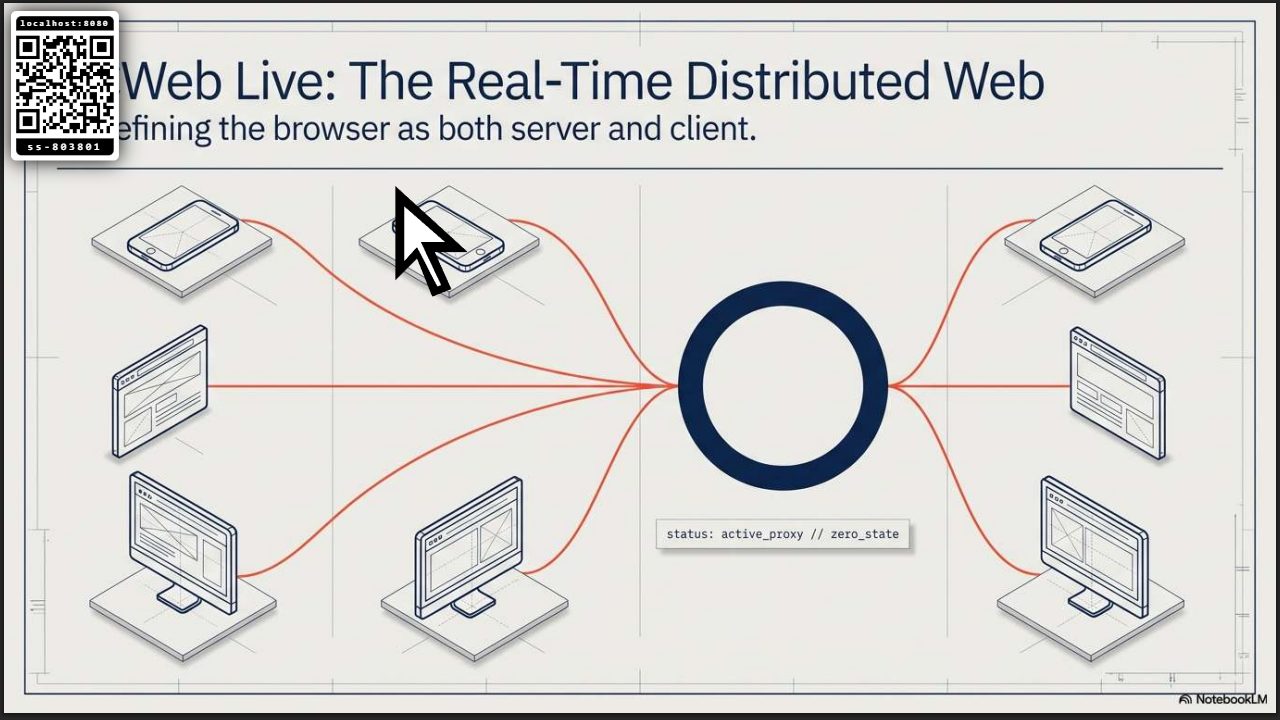
This app turns the display browser into a remote controlled PDF screen. A controller selects a local PDF file, the display opens it from the sharing phone, and a large mouse-style pointer can be moved over the document from the controller touch pad.
PDF Pointer is useful for talks, lessons, meetings, score sheets, menus, instructions, and other PDF documents that need to be shown on a shared screen while someone points at details from a phone.
How to use
- Open
/pdf-pointer/on the display browser. - Scan the QR code with a phone, or manually open
/pdf-pointer-c/?r=<room>on another browser. - Press Select PDF in the control app and choose a local PDF file.
- Keep the control app open while the display loads the PDF.
- Use Scroll Up and Scroll Down in the control app to move through the document.
- Drag on the touch pad to move the pointer around the display.
- Press Fullscreen on the display when the screen is ready.
Display features
- Shows a QR code that opens the matching
pdf-pointer-ccontroller in the same room. - Receives a local PDF selected from the controller browser.
- Loads the PDF in the browser's built-in PDF viewer.
- Provides a large white mouse pointer with a thick black outline for visibility.
- Keeps the pointer visible over the PDF without blocking the document itself.
- Supports remote vertical scrolling from the control app.
- Can show or hide the bottom-right QR code panel from the control app.
- Includes a fullscreen button on the waiting screen.
Browser behavior
PDF rendering depends on the display browser's built-in PDF support. Most modern desktop browsers can show PDFs directly. Some TV, kiosk, or older browsers may have limited PDF support; in those cases the display may not be able to render the selected document.
Related app
Use this app with PDF Pointer Control (app/pdf-pointer-c).
Screenshots
Keep the document available
Keep the phone tab that selected the PDF open while presenting. Closing or refreshing it can interrupt loading or prevent the display from reading more of the document.