RCWeb Maze Control
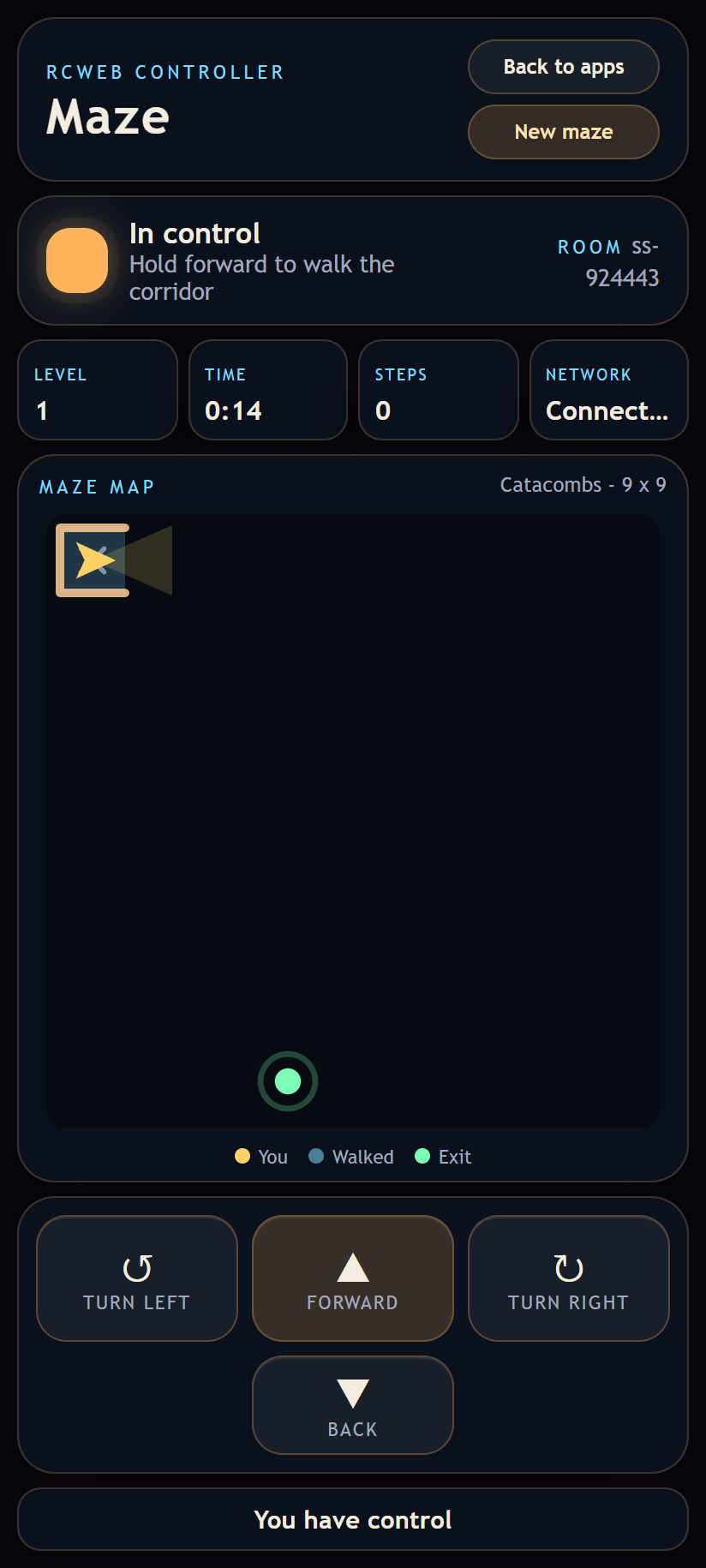
maze-c is the smartphone controller and live map for the RCWeb maze display. Open it by scanning the QR code on the maze display, or visit /maze-c/?r=<room> with the same room.
Features
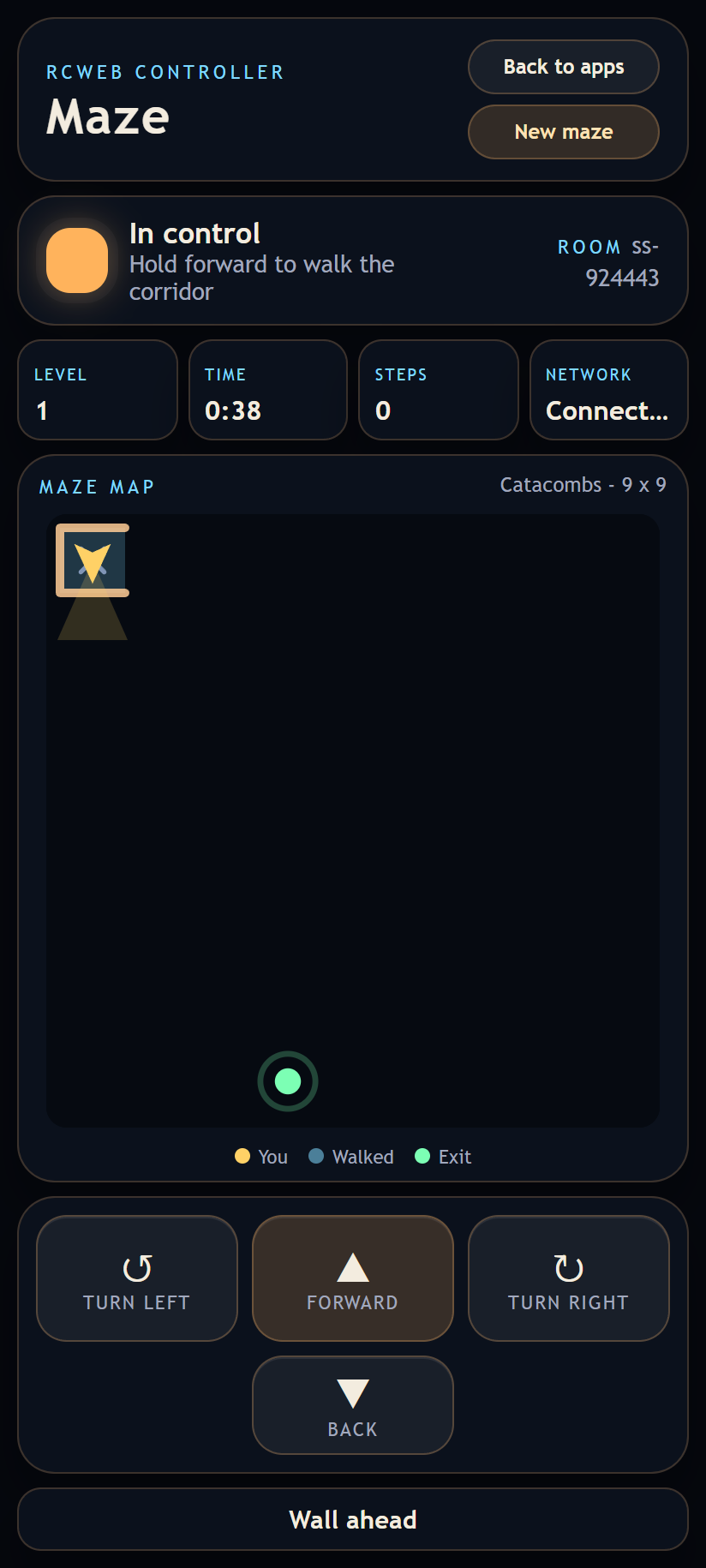
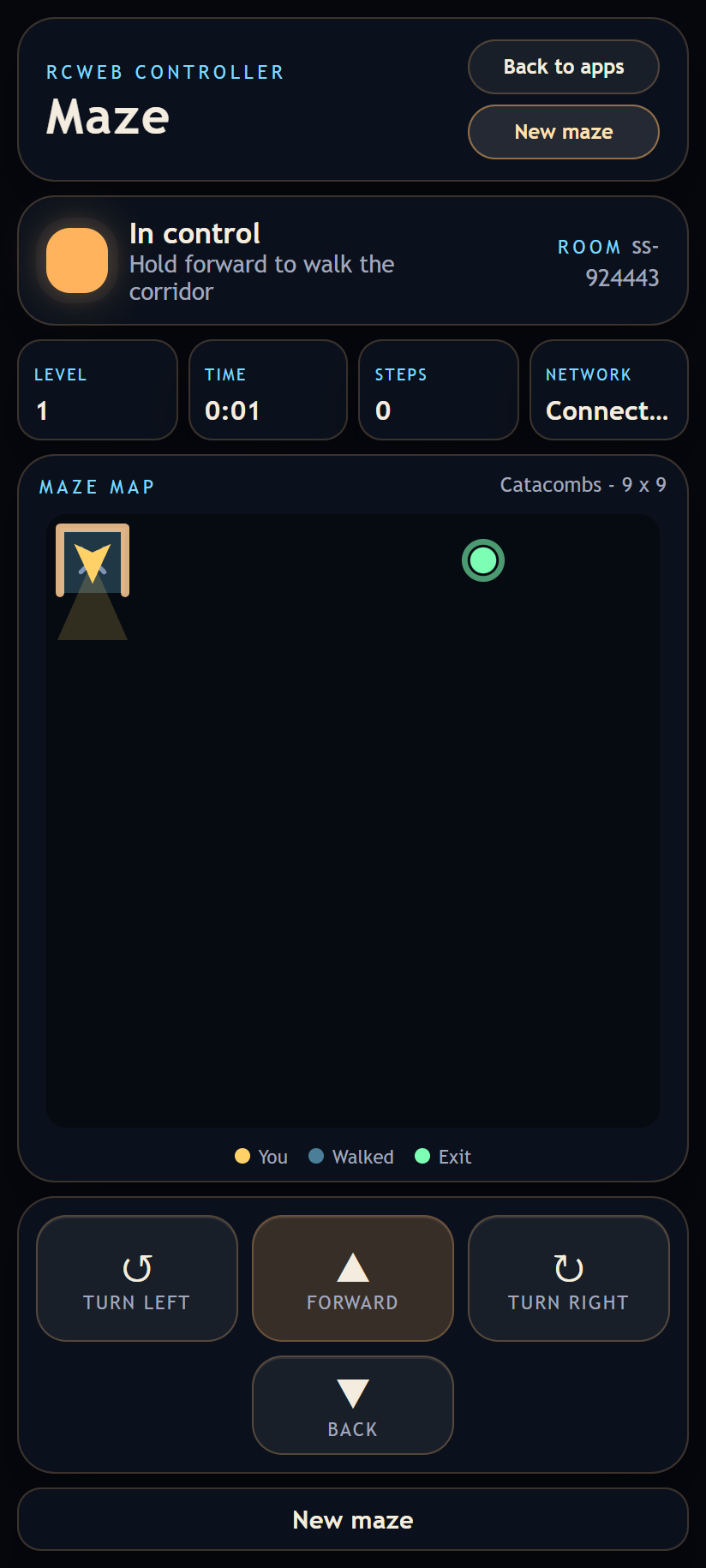
- Draws a 2D top-down map that fills in as the player explores. Only squares that have been walked are revealed, along with their walls, so corridors and side openings appear one square at a time. The starting square, the player arrow with its vision cone, and the pulsing exit are always drawn; everything not yet visited stays dark.
- Sends hold-to-act movement:
Forward,Back,Turn left,Turn right. - Shows the current level, level time, step count, and network status.
New mazeasks the display to abandon the current labyrinth and generate a fresh level 1.
Controls
- Hold
Forwardto keep walking down the corridor. The player stops centred on the next square when the button is released. - Hold a turn button to keep rotating in 90 degree steps.
- Turning while walking is allowed, so corners can be taken without stopping.
- A desktop keyboard can drive the same actions with
W/SandA/D, as an alternative to touch. - Controls release when the phone is hidden or loses focus; if the connection drops, wait for control ownership to recover.
Control ownership
The maze is a single-player walk, so only one phone drives at a time.
- The first phone in the room takes the controls and shows
In control. - Extra phones show
Watchingand still receive the map and live position, so a group can follow the run together. - If the owning phone leaves the room or stops checking in for seven seconds, the longest-waiting watcher takes over.
- Refreshing in the same browser can reclaim your place and controls.
Screenshots