Viewer Controls
Choose what appears on an RCWeb viewer from another phone or computer. Send a solid colour, image, video, web page or custom content to the screens in your room.
Features
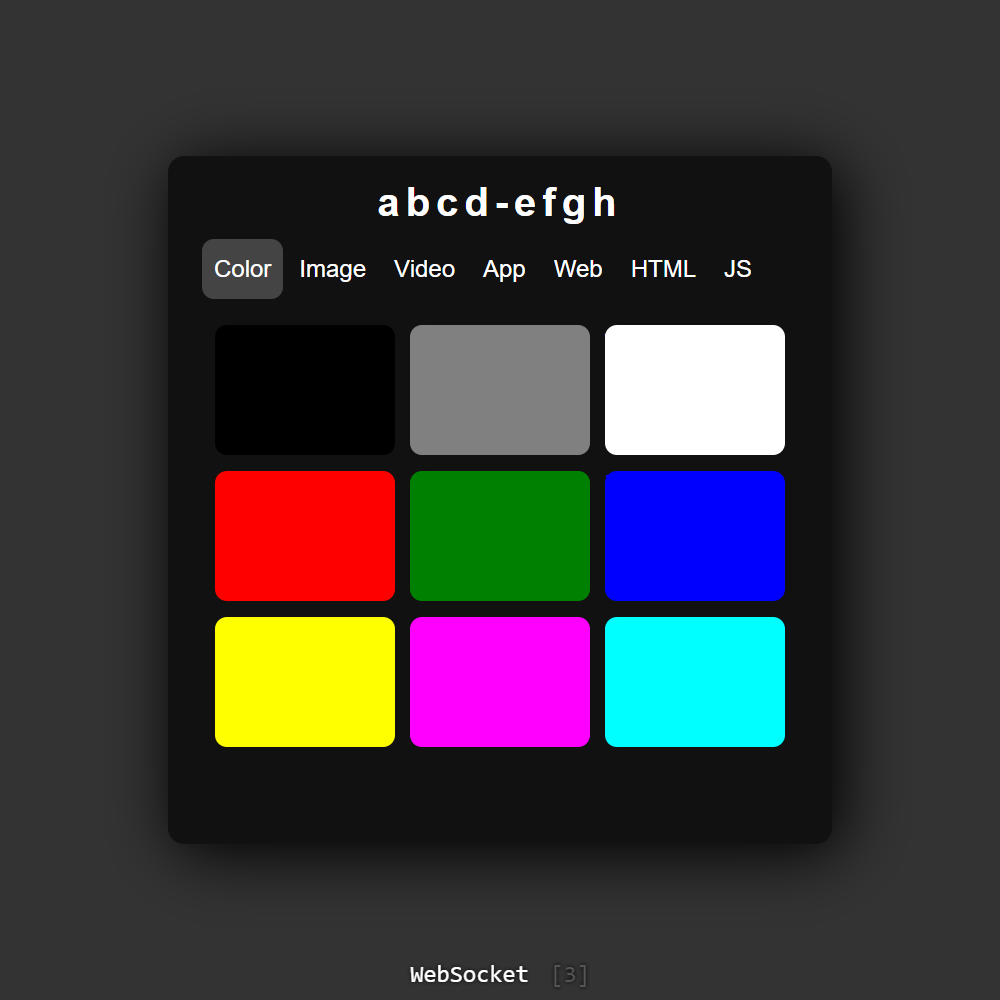
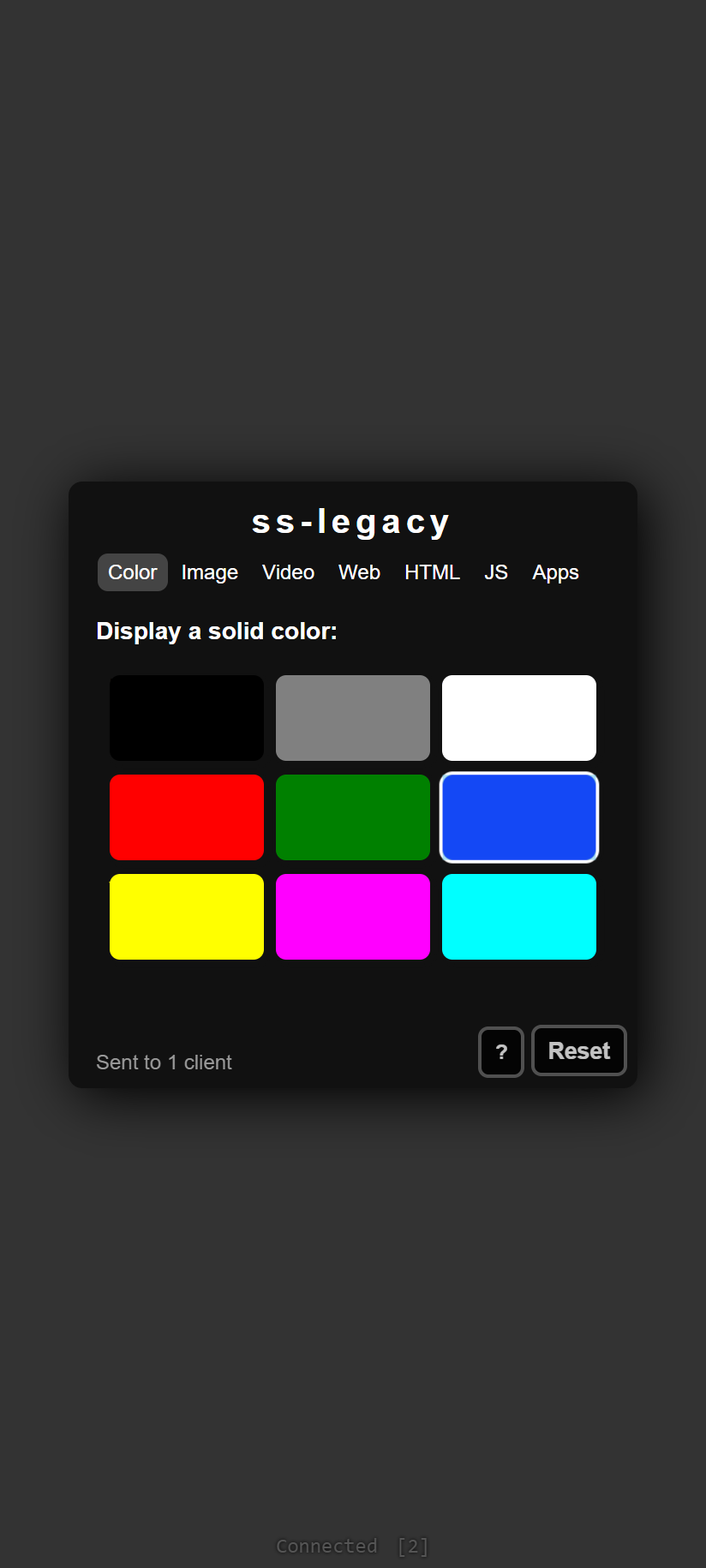
- Color: fill the viewer with a solid colour.
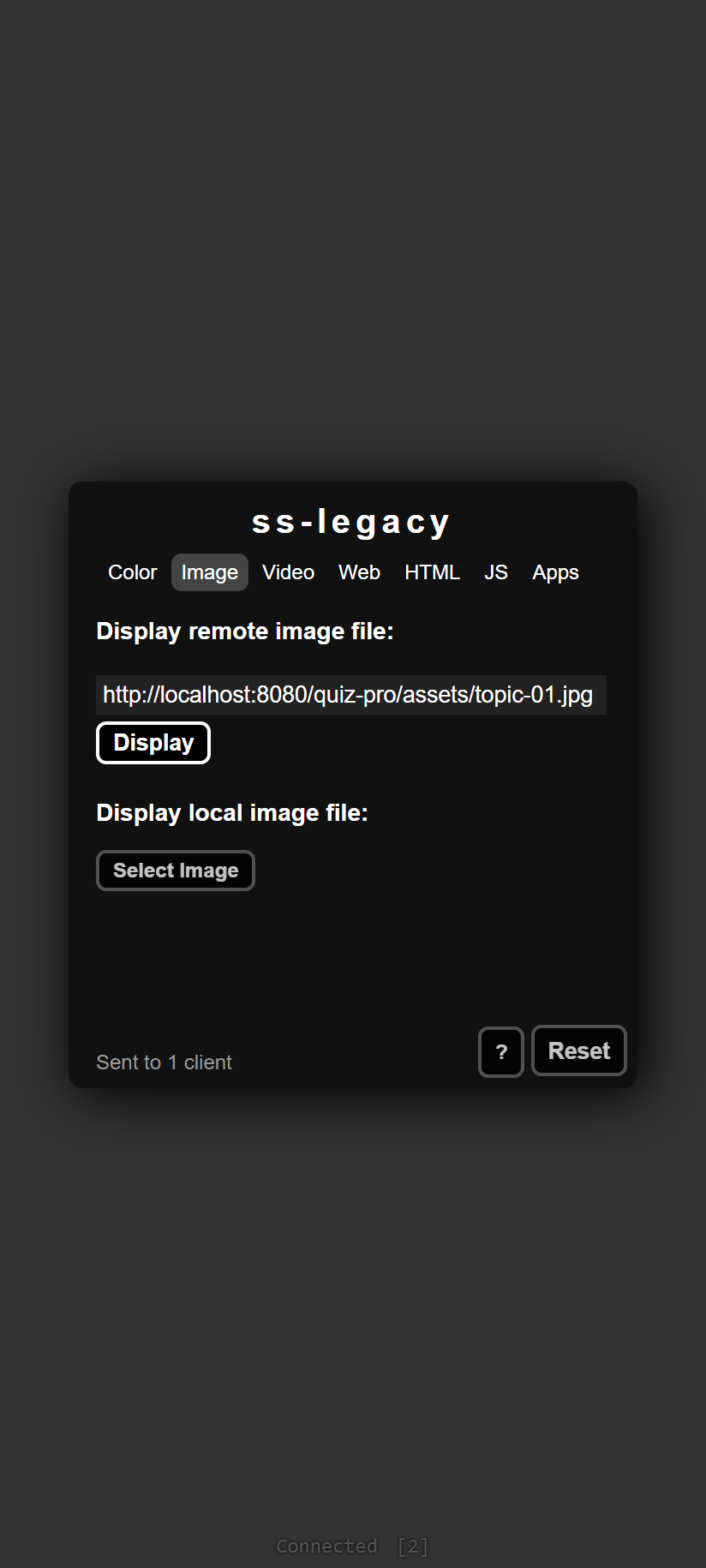
- Image: display an image from a link or a file on your device.
- Video: play a video link or local MP4 file.
- Web: embed a website or navigate the viewer to it.
- HTML and JS: display custom HTML or run JavaScript on the viewer.
- Apps: launch an RCWeb app on the room's viewers.
Get connected
Open the RCWeb viewer on the main display, then open Viewer Controls on your phone or computer in the same room. Check the room shown at the top before sending content. Keep the viewer open while you use the controls.
Show an image or video
- Choose the Image or Video tab.
- Paste a media link and select Display or Play, or choose Select Image / Select Video to use a local file.
- Watch the main display for the result and check the controller's feedback if it fails.
Keep this controller tab open while a shared local file is being used. Closing it can interrupt loading or playback. Video may need Start muted or a tap on the viewer before playback is allowed.
Websites and custom content
In Web, use Embed to show a site inside the viewer. Some websites block embedding. Redirect navigates the viewer away; remote control can be lost when the destination is not an RCWeb app.
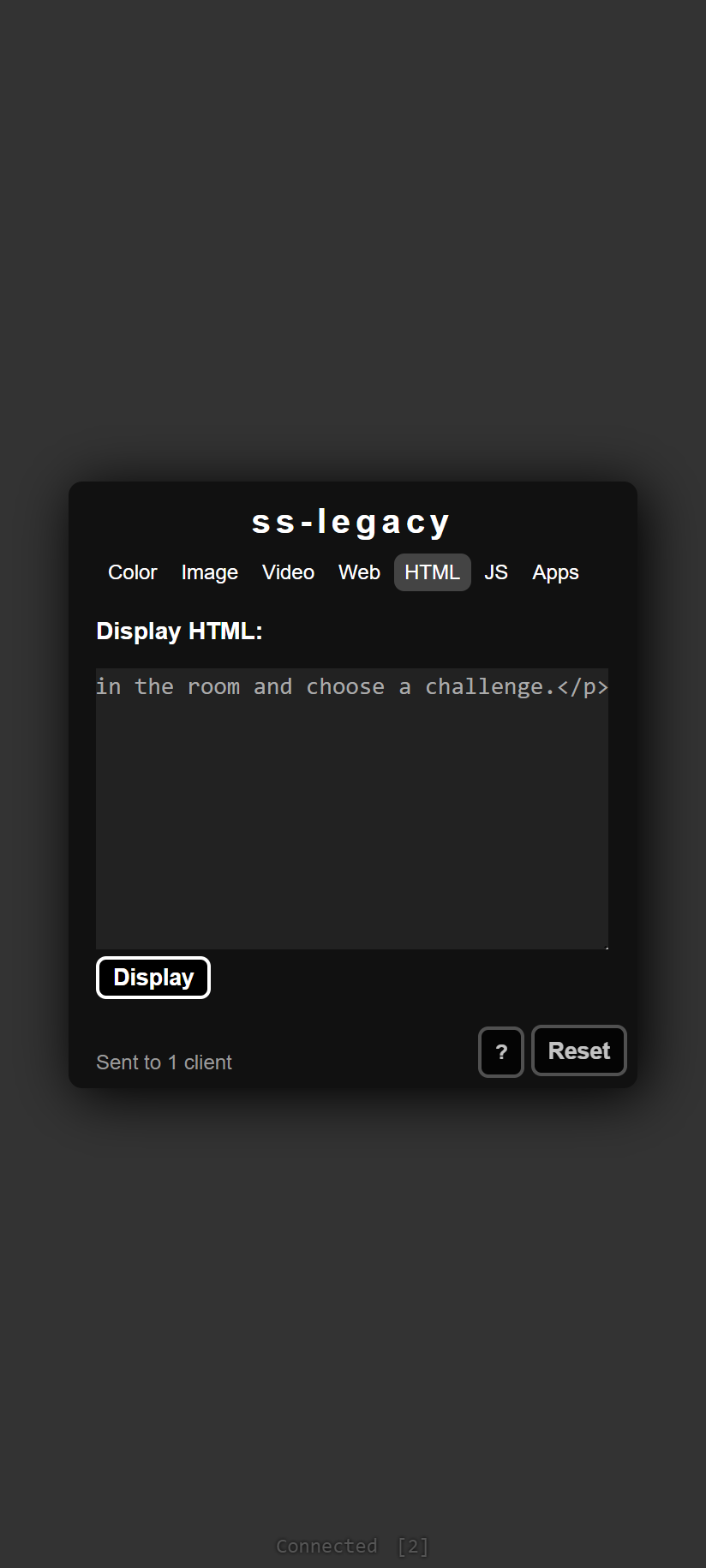
The HTML tab displays the content you enter. The JS tab runs the code you enter on the viewer when you select Run. These are advanced controls that change the shared screen.
Launch an app
Choose an app in Apps to send it to the viewer. Games with phone controls may then move your controller into the matching control screen in the same room.
Screenshots