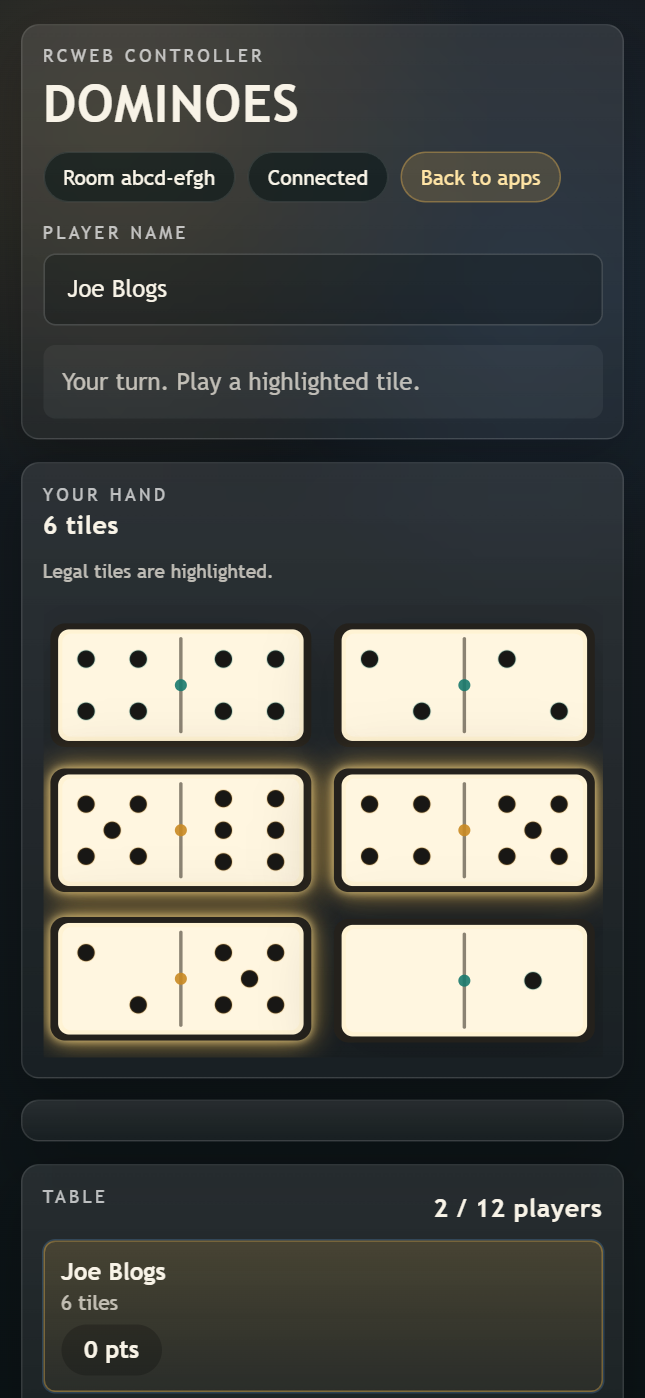
Dominoes Controller

Keep your domino hand private on your phone while Dominoes runs on the shared screen. Match the open ends, draw when stuck and try to empty your hand first.
Features
- A private hand with playable tiles highlighted.
- Left/right choices when a tile fits both ends.
- Start, Draw and Pass controls.
- Turn and score feedback while the room plays to 100 points.
Join and play
- Scan the main Dominoes display's QR code and enter your player name.
- Once at least two players have joined, tap Start.
- On your turn, tap a highlighted tile. Choose an end if prompted.
- If you cannot play, use Draw while tiles remain in the boneyard. Pass is available only when no legal move remains and the boneyard is empty.
Each player starts with seven tiles. The required opening tile is chosen by the game. A round ends when someone empties their hand or the table becomes blocked; the shared display explains the result and deals the next round.
Screenshots