Block Clock
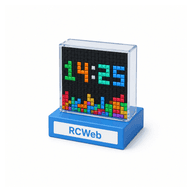
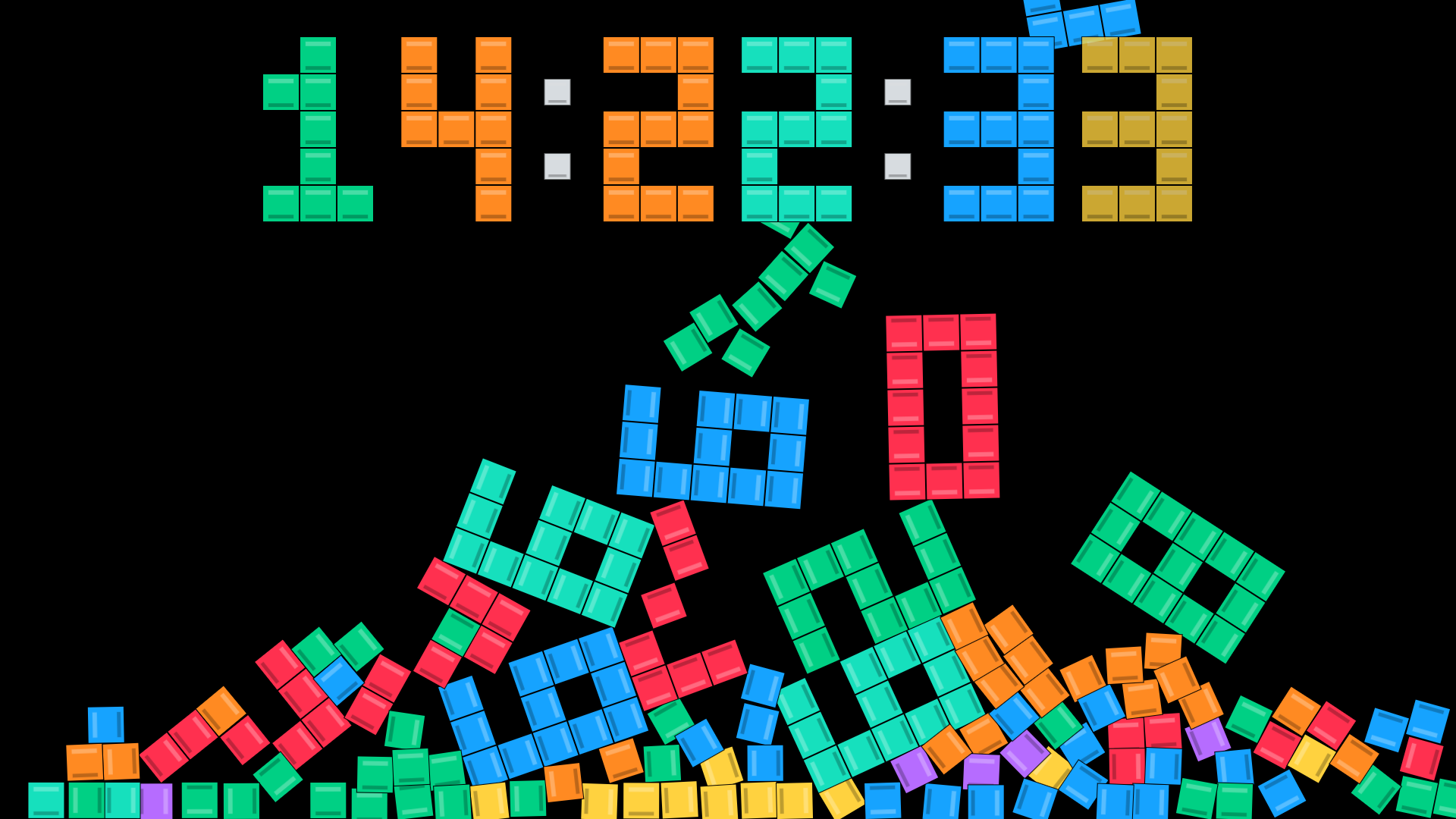
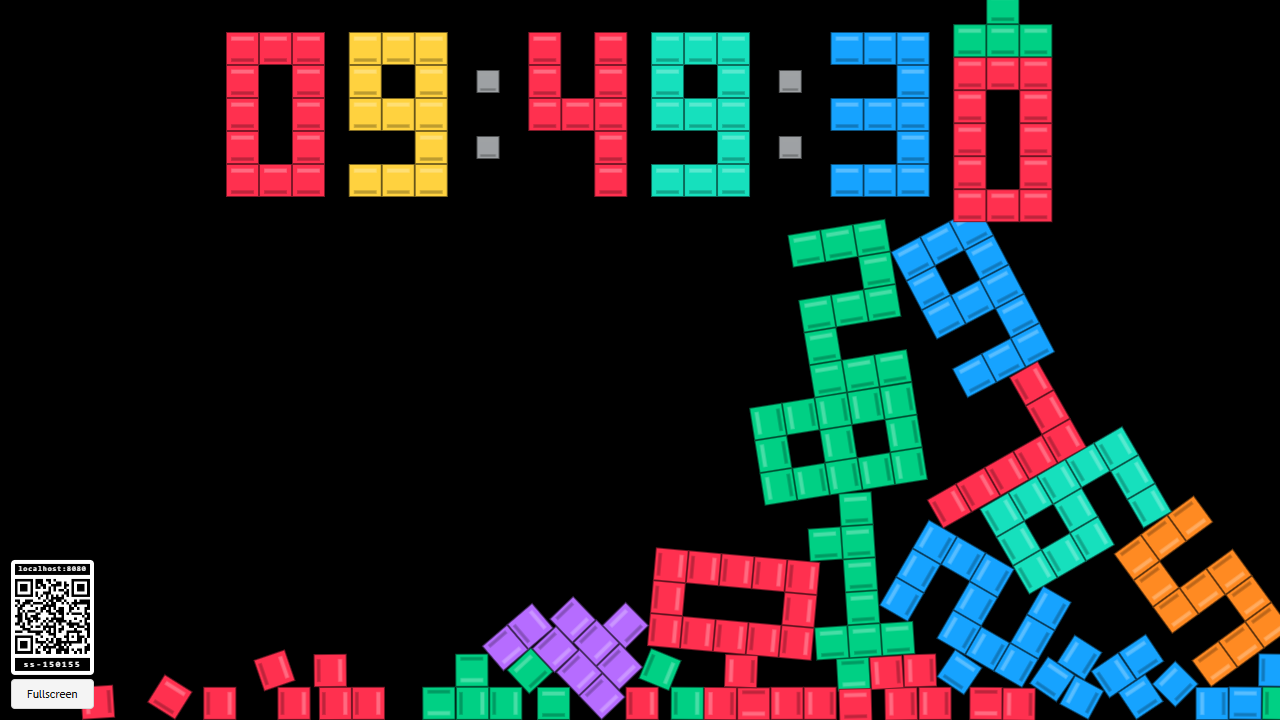
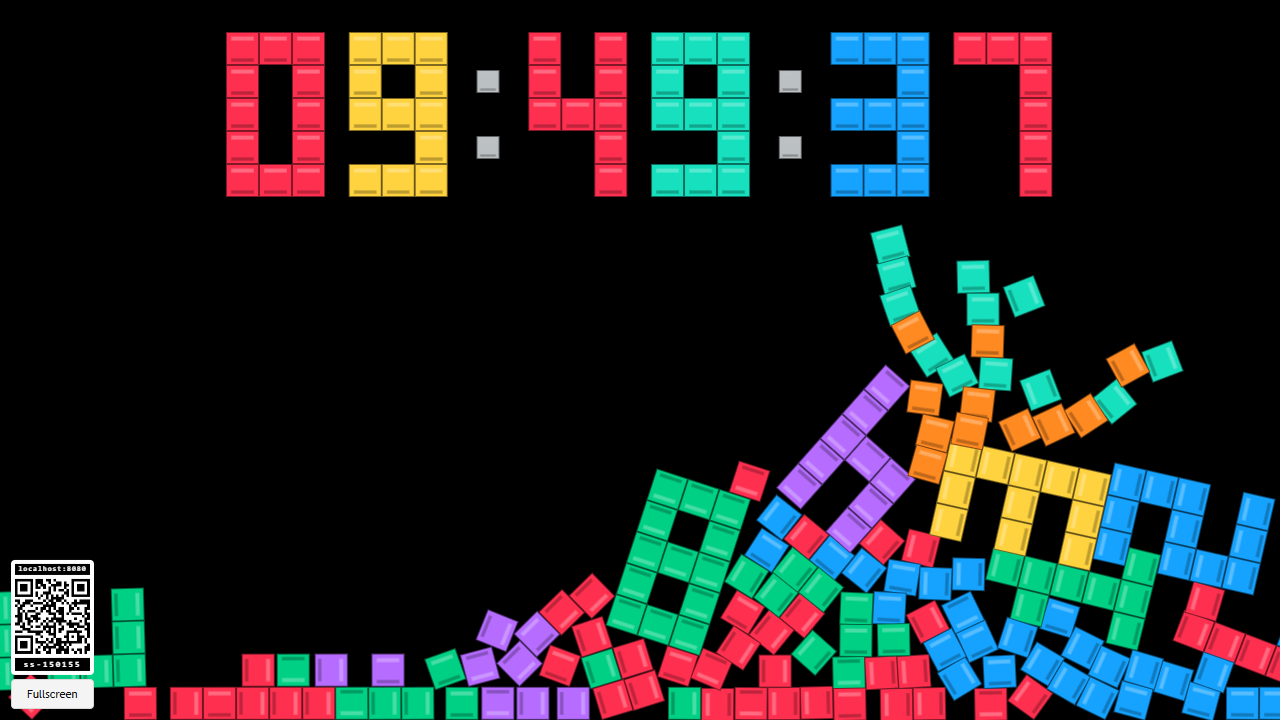
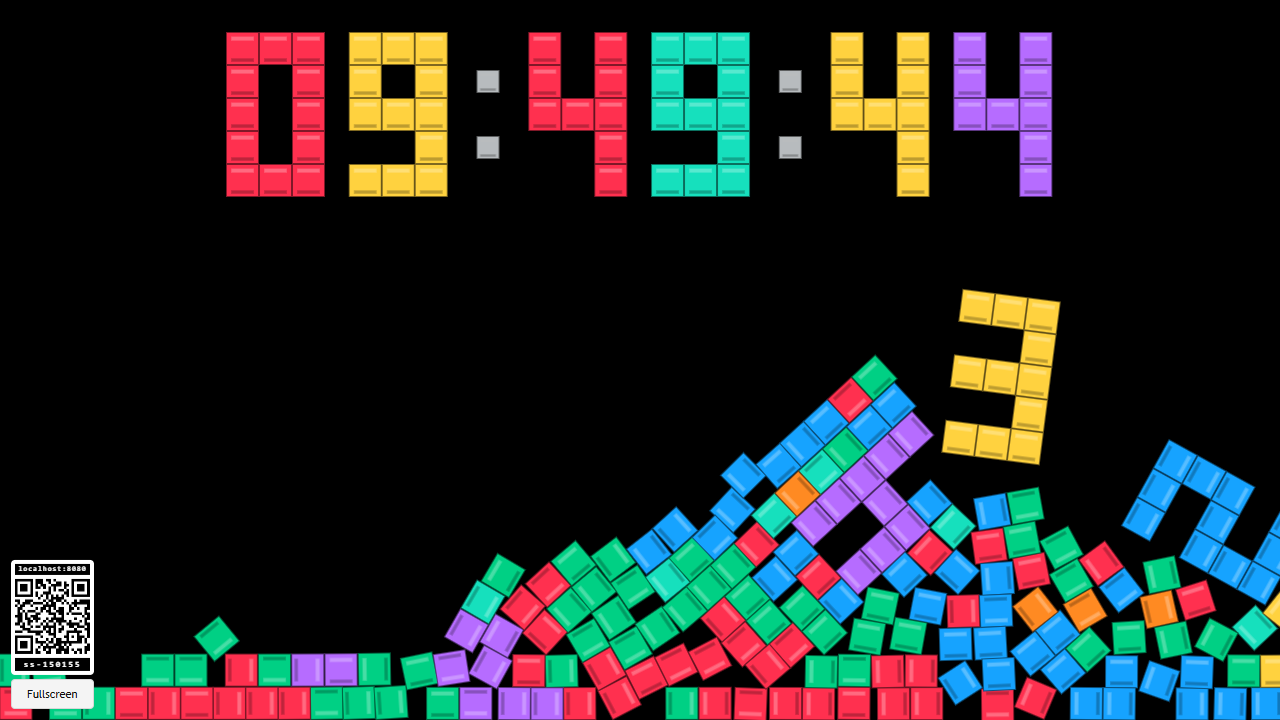
Watch time turn into a pile of colourful blocks. Block Clock shows the display device's local time, with old digits tumbling down as the seconds tick by.
Features
- A 24-hour clock showing hours, minutes and seconds.
- Falling, bouncing digits built from bright block shapes.
- Occasional explosions that scatter an overgrown pile.
- A Fullscreen button and a room QR code.
How to use it
- Open Block Clock on your TV, monitor or other display.
- Select Fullscreen if supported by the browser.
- Leave it running and watch the digits fall.
There is no separate game controller or setup to complete. Scanning the QR code opens the room's normal RCWeb controls so you can choose another app.
What you will see
The clock stays at the top of the screen. When a digit changes, the old digit drops as a connected shape and the new one appears in its place. The colons stay fixed.
When the pile becomes too tall, a falling digit explodes into smaller blocks and scatters the pile. This happens automatically; there is no score or win condition.
The time comes from the device showing the clock. If it is wrong, check that device's clock and time-zone settings.
Screenshots