Doom
Play the original shareware episode of Doom on an RCWeb shared display. Open /doom/?r=<room> and scan the on-screen QR code to join the same room with the companion doom-c touch controller.
Features
- The original shareware Episode 1 campaign.
- Phone stick, strafe and action controls, or a local keyboard.
- In-game menus, weapons, music and sound effects.
About the game
Doom is id Software's landmark 1993 first-person shooter. This app contains the original shareware campaign, Episode 1: Knee-Deep in the Dead. Its nine maps take the player through the demon-infested UAC facilities on Phobos, including one secret level.
The player explores mazes, collects weapons, ammunition, health, armour, and coloured keys, fights monsters, and finds the exit to each level. Explore on the main screen while using either its keyboard or a connected phone to control the action.
Player setup
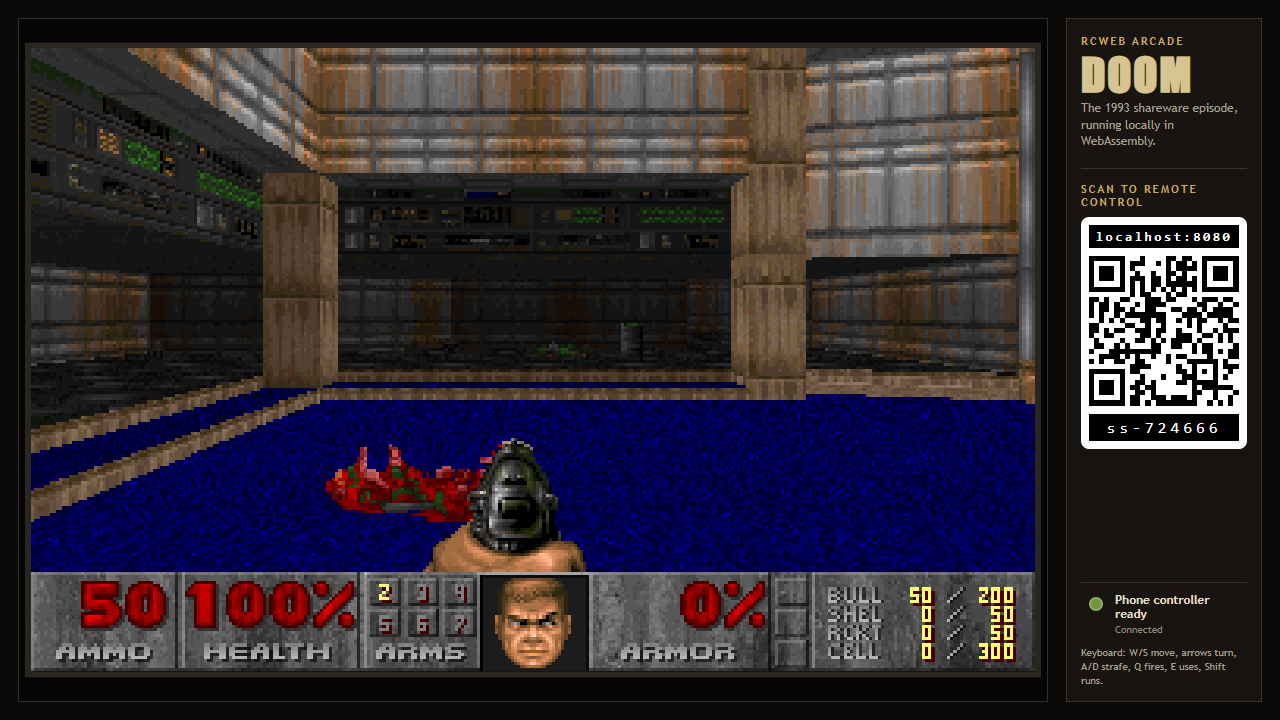
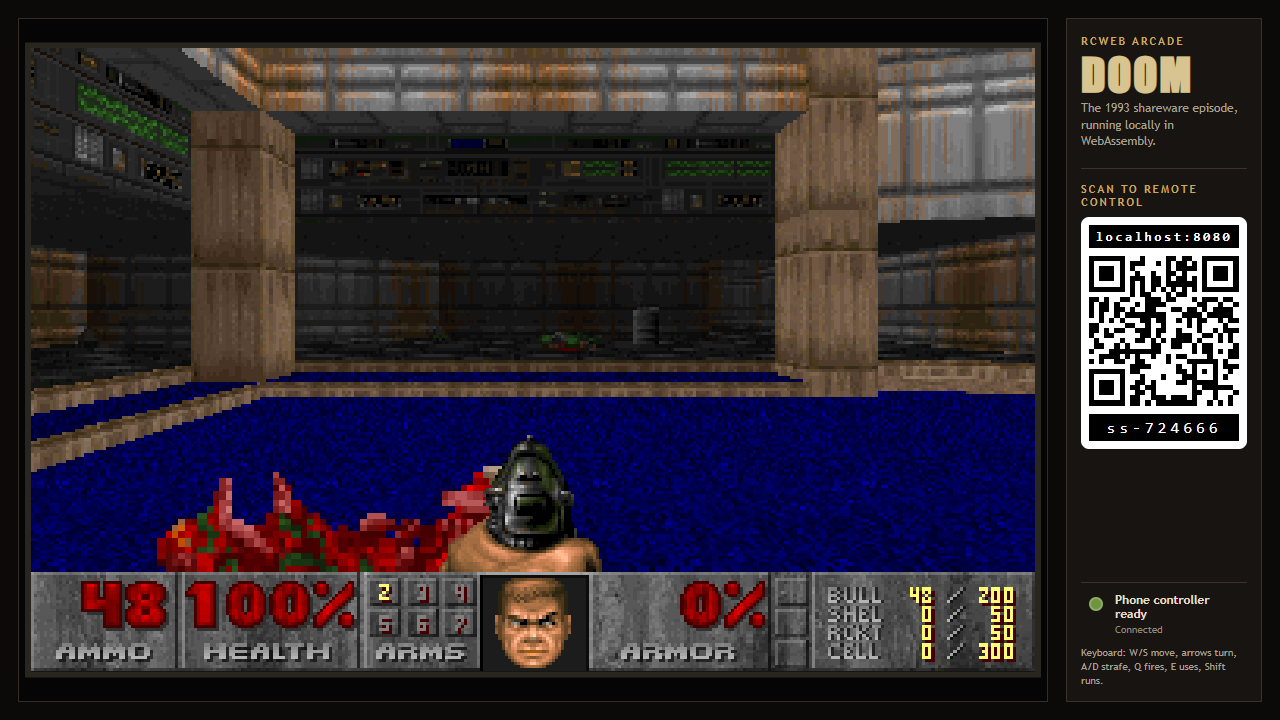
- The viewer shows the game canvas, controller connection status, and the standard RCWeb QR panel.
- When a viewer window is square, portrait, or otherwise no wider than a 4:3 aspect ratio, the inline QR panel is replaced by a
Show QR codebutton that opens the same controller link in a modal. Wider layouts keep the QR code visible in the right-hand panel. - Scanning the QR code opens
/doom-c/with the current room details, so the phone connects to the correct display. - Doom is single-player. The first connected phone owns the controls; after it disconnects, another controller can take over immediately when RCWeb reports its departure or after a short connection timeout.
- A refreshed controller can reconnect and reclaim control.
Controls
- Drag the phone stick vertically to move forward or backward and horizontally to turn. Diagonal drags hold both directions so Doom can move and turn simultaneously.
- Drag the separate Strafe slider left or right for sideways movement. It can be held together with movement, turning, firing, using, or running.
- Hold
Fire,Use, orRun; tapWeaponto cycle weapon slots 1-7. - The movement stick switches to single-step menu navigation while a Doom menu is open. Use
Menuto open or close it, thenSelectorFireto confirm the highlighted choice. - A local keyboard uses this browser-safe mapping: W/S move, A/D strafe, left/right arrows turn, Q fires, E uses, Shift runs, Escape opens the menu, and Enter confirms.
Audio
Sound effects and music play on the main display. If the viewer displays Enable sound, press it once on the display to satisfy browser autoplay rules. The Episode 1 music is included with the app.
Screenshots