Graffiti Control
Use your phone as a spray can for the shared Graffiti wall.
Features
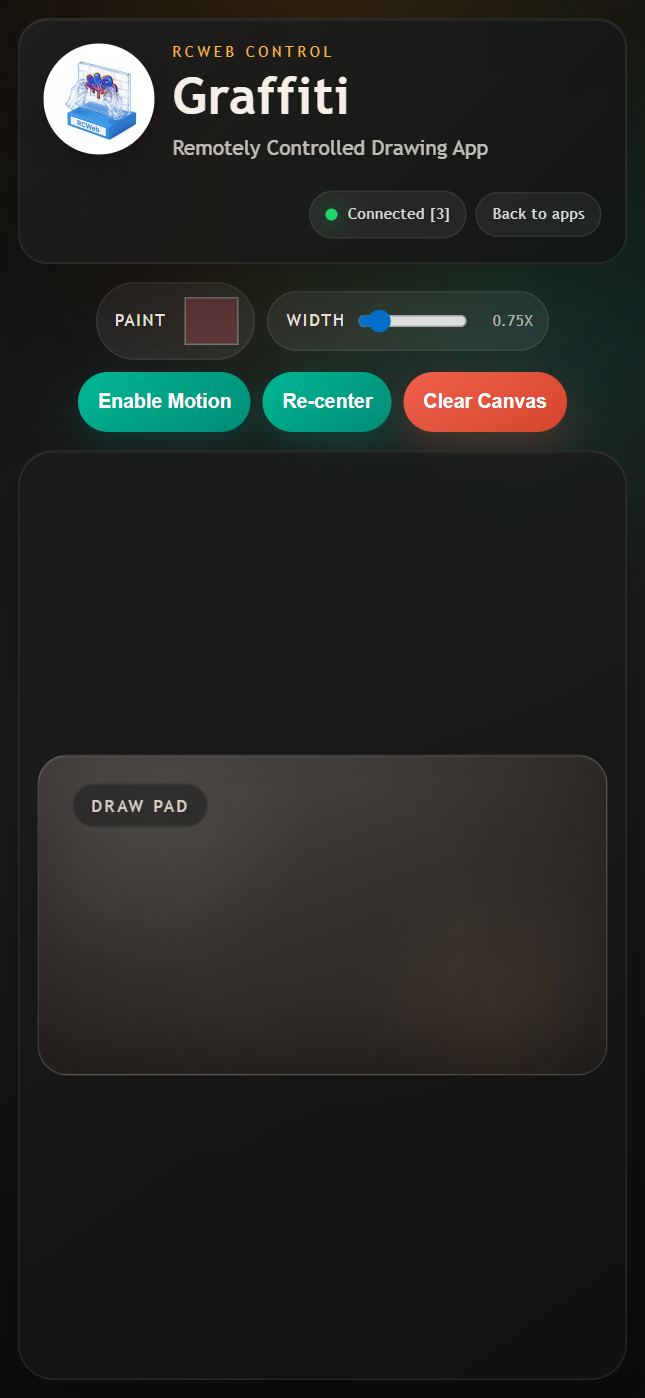
- Touch or mouse drawing with adjustable paint colour and spray width.
- Motion aiming on supported phones, with a crosshair on the display.
- A shared wall that several people can paint together.
How to paint
Scan the QR code on the Graffiti display. Choose Paint and Width, then drag on the Draw Pad.
If Enable Motion is available, tap it and allow motion access. Hold the phone comfortably, use Re-center, then tilt to aim. Touch and hold the pad to spray at the crosshair. Turn motion off to return to drag drawing.
Clear Canvas clears everyone's painting. Use Back to apps to return to the room's app menu.
Screenshots