Room Info
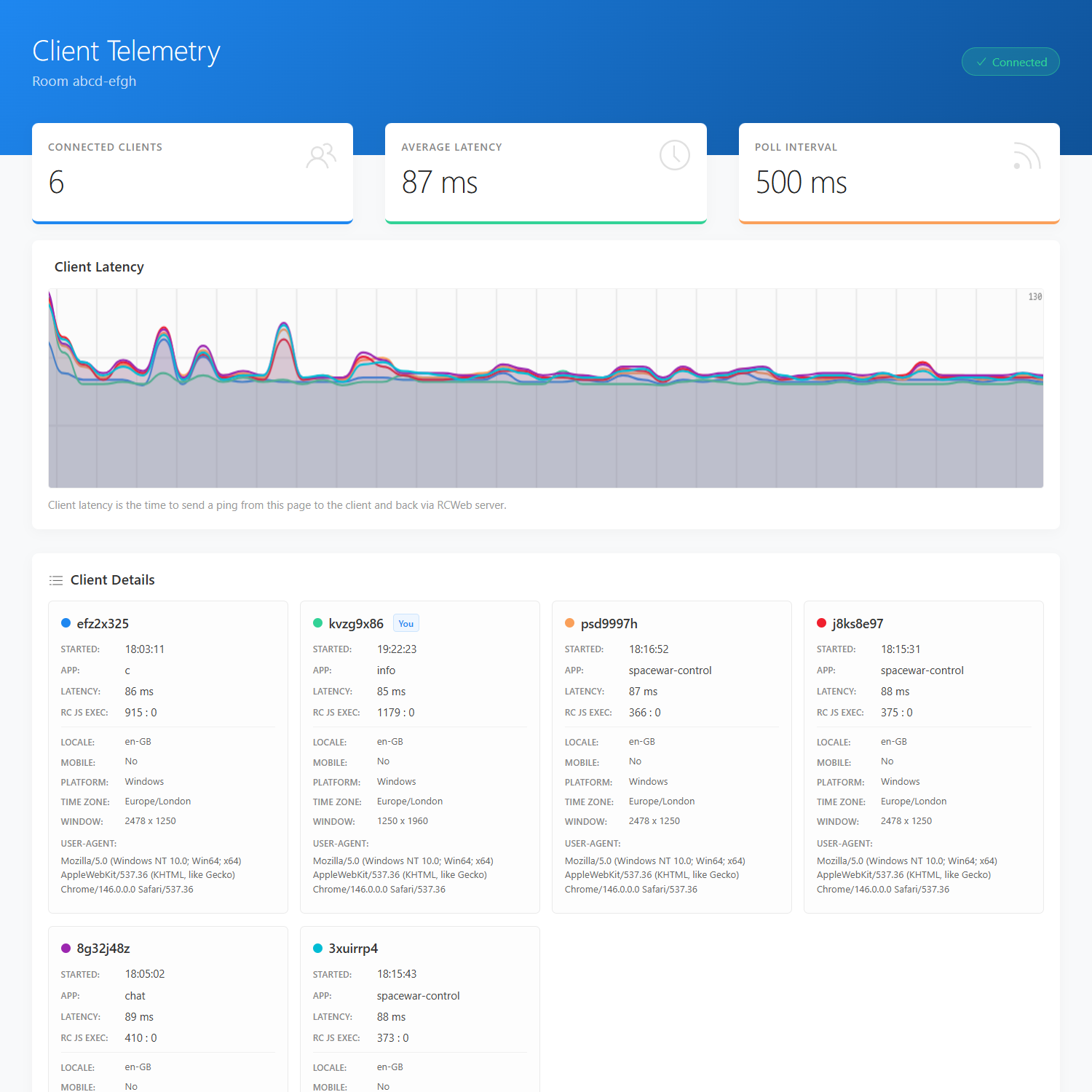
See which devices are connected to your RCWeb room and how quickly they respond. Room Info shows device details and live response-time charts to help investigate a slow or missing connection.
Features
- A card for each responding device in the room.
- Browser, screen and device information where available.
- Live latency charts and connection feedback.
How to use
Open Room Info in the room you want to inspect, or follow a room-information link in an app. Keep it open while other devices join or leave.
Compare response-time trends to identify devices that are slow to reply. These measurements include the trip through RCWeb and time spent in the browsers; they are not a precise one-way network measurement. Devices that stop responding disappear from this dashboard after a short timeout.
Screenshots