Battleship Controller

Your phone is your private bridge in Battleship. Hide your fleet, choose a rival and call your shots while the room follows the battle on one shared ocean chart.
Features
- Private fleet placement with Rotate, Shuffle and Ready controls.
- Rival tabs, shot history and a separate Fire confirmation.
- A live aiming crosshair on the shared screen.
- Your own waters and hit feedback, with vibration on supported phones.
- AI captains for solo play or to fill out a larger battle.
Join the fleet
- Keep Battleship open on the shared display.
- Scan its QR code with your phone to join the same room.
- Enter your captain name. There are up to six fleet places in total.
- In the lobby, use Add AI captain or Remove AI as needed, then tap Start battle. A solo human captain receives an AI opponent automatically.
Hide your ships
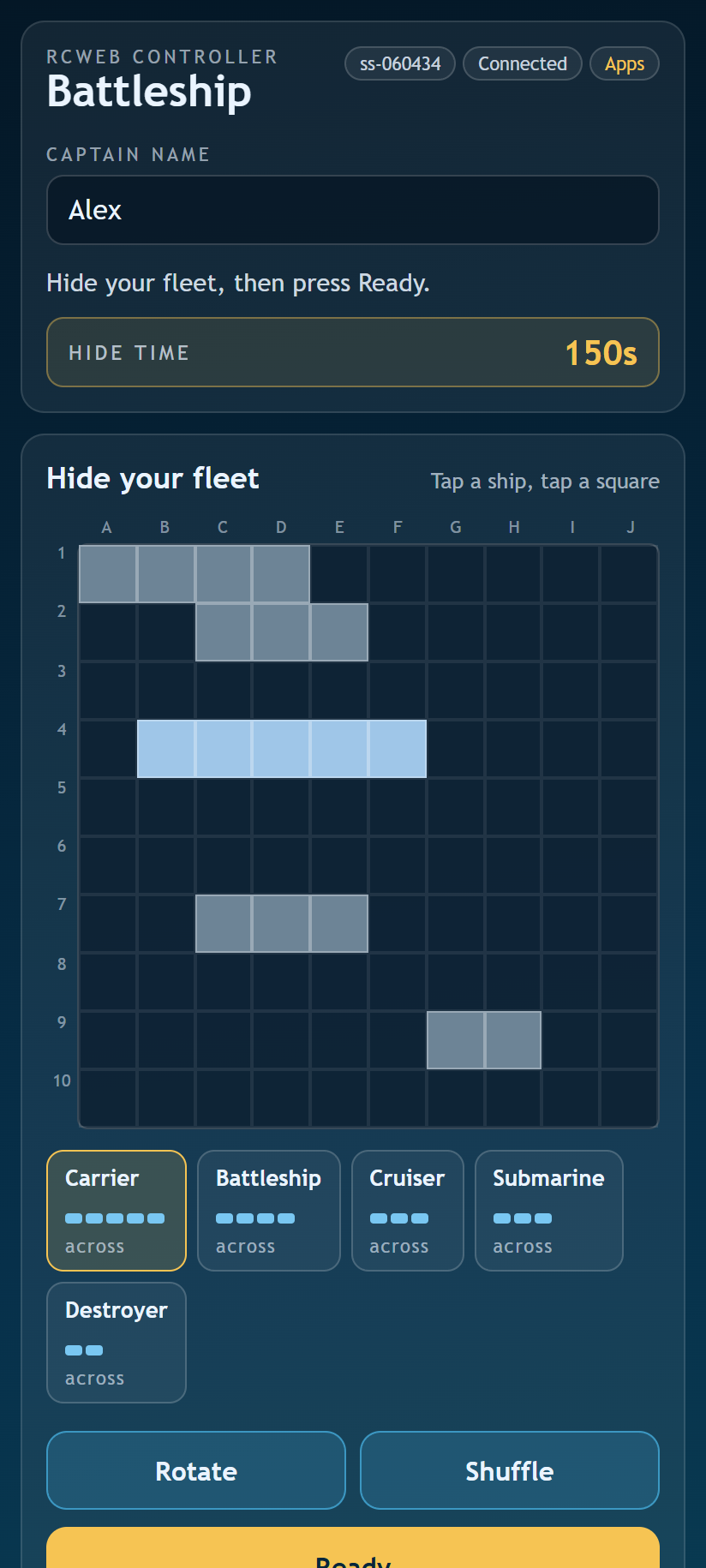
You begin with a shuffled fleet. Tap a ship and then a square to move it, use Rotate to change its direction, or Shuffle to try another layout. Keep every ship inside your sector without overlapping. Tap Ready when you are satisfied.
A two-captain duel has five ships on each 10 × 10 sector. With three to six captains, each 8 × 8 sector has four ships. Your phone shows the fleet for the current battle.
Take your turn
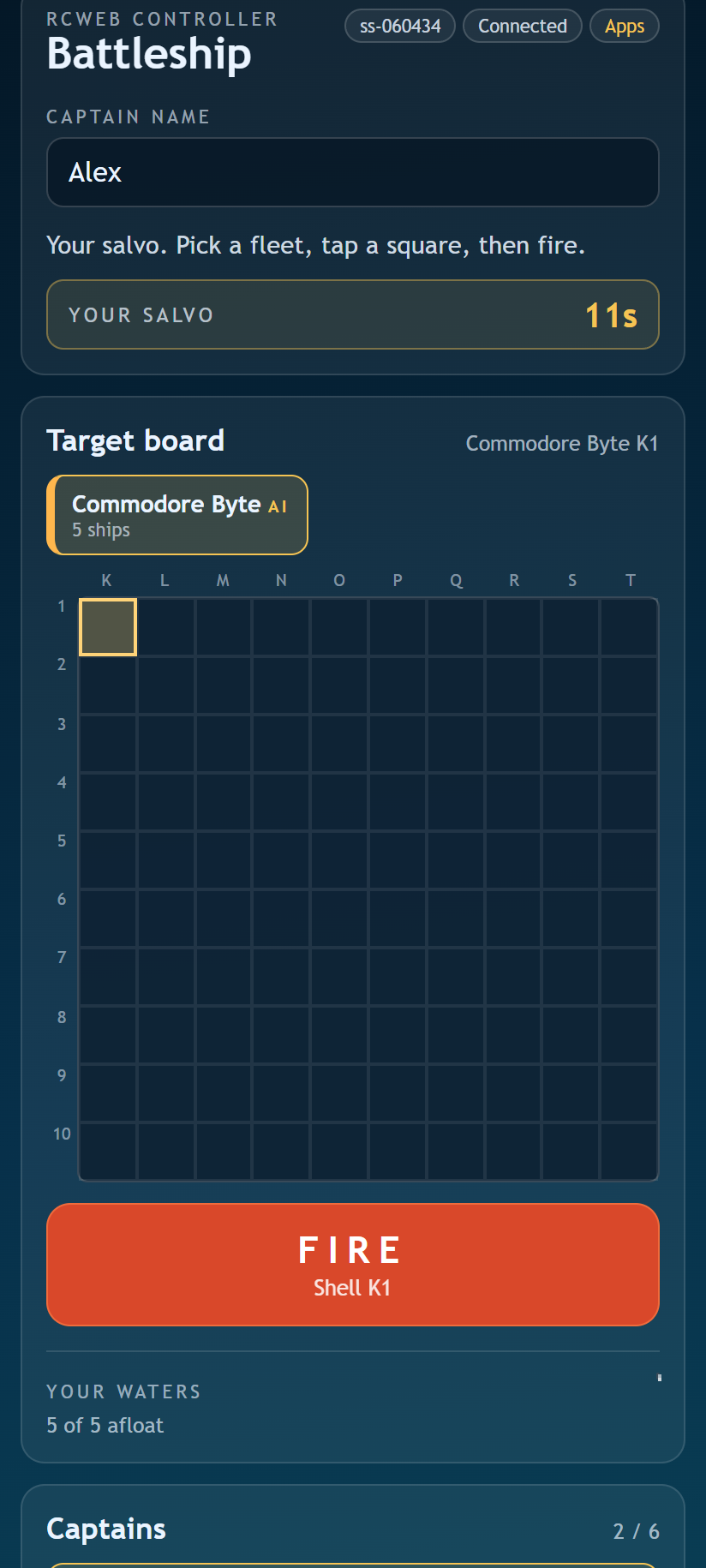
Choose a rival from the tabs, tap an untried square and press Fire. Selecting a square only aims; firing confirms the shot. Coordinates match the shared chart.
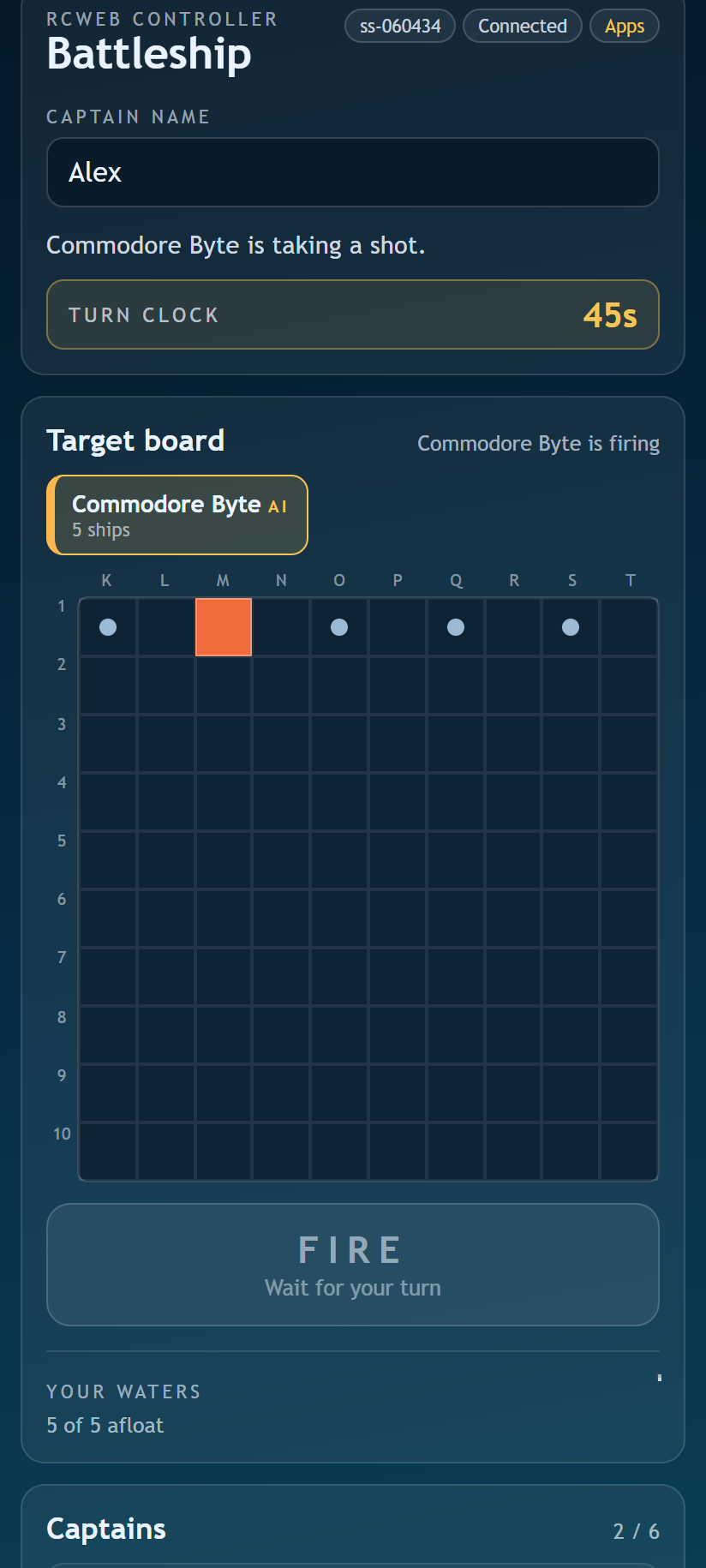
A hit earns another shot. A miss passes play to the next captain. Sink every rival ship to be the last fleet afloat. Watch the turn timer: if it expires, a shot is chosen for you.
Returning and playing again
A refresh or brief reconnect normally returns you to your fleet while the main game remains open. Use New battle after the result to begin another battle. Back to apps returns this phone to the room's app list.
Screenshots